


BigCommerce, with your marketplaces in step.
Import your catalog and category tree, publish product changes, pull orders every five minutes and send shipments with tracking back to your store.

What syncs, and when.
Exactly what the BigCommerce connection does today.
- Connect
- Paste a BigCommerce API account token
- Products
- Import, publish and update products
- Categories
- Import your category tree
- Stock
- Sent to your store when it changes
- Orders
- Every five minutes, once auto-sync is on
- Shipments
- Shipments with tracking sent back
- Discounts
- Your existing discounts imported
Running BigCommerce in SalesChannelHub.
Catalog
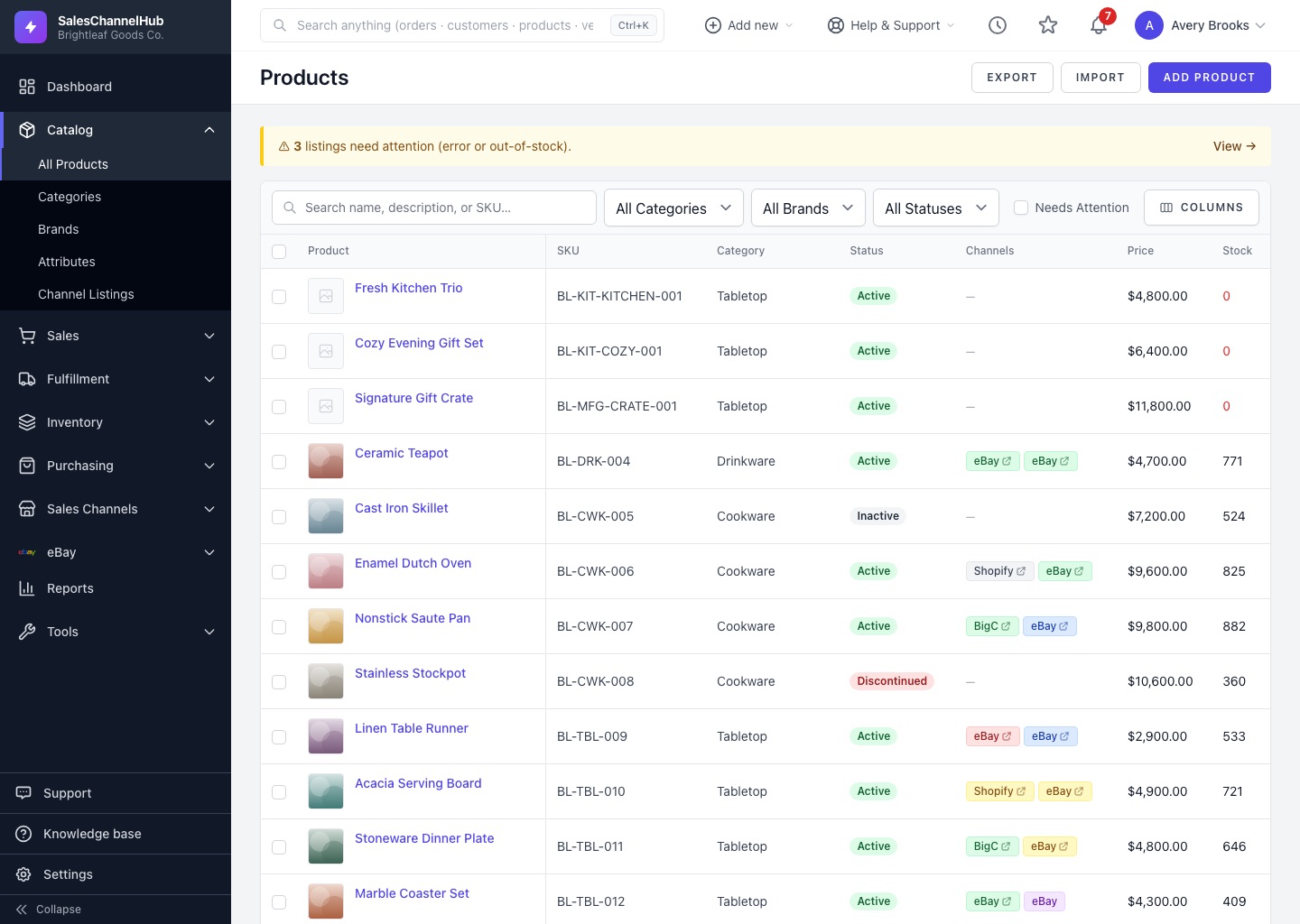
Your catalog and categories, brought across.
Import products and your category tree from BigCommerce, then publish changes back from the same record your marketplaces use.
- Category tree imported as it is
- Existing discounts imported
- Product changes published back
Orders and shipping
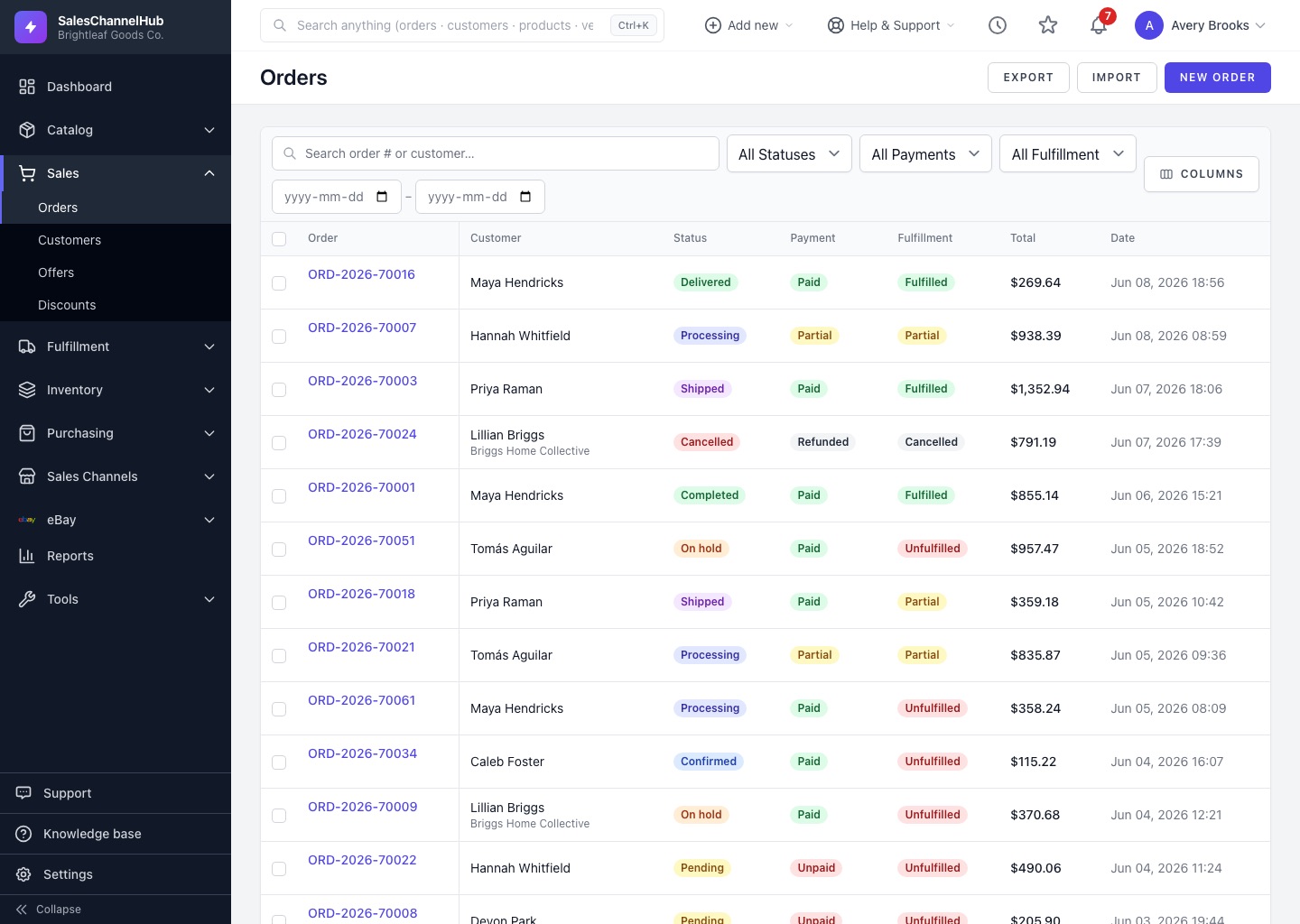
Orders in, tracking out.
BigCommerce orders come in every five minutes with everything else, and each shipment goes back to your store with its tracking number.
- One queue with your marketplaces
- Split and partial shipments
- Labels from UPS, FedEx, USPS and DHL
Set up in an afternoon.
Three steps, and the help centre walks through each one.
-
01
Connect
Create an API account in BigCommerce and paste its token into Integrations.
-
02
Bring your catalog
Import your BigCommerce products and category tree.
-
03
Turn on the sync
Switch on order sync and choose which listings it keeps in step. From then on, one count and one queue.
BigCommerce questions.
Something else? Ask the team or search the help centre.
How do I connect BigCommerce?
Create an API account in your BigCommerce control panel and paste its token into Integrations in SalesChannelHub.
How often do BigCommerce orders come in?
Every five minutes, once you switch on auto-sync.
Do my categories come across?
Yes. Import your BigCommerce category tree as it is.
Does tracking go back to BigCommerce?
Yes. Each shipment is sent back to your store with its tracking number.
Connect the rest.
Every connection reads the same stock count and feeds the same order queue.
Sell everywhere. Manage once.
- 14-day free trial, no card
- Flat monthly price, no per-order fees
- Import your catalog in an afternoon