What the built-in AI helps with
The built-in AI drafts product copy, customer messages and summaries from data you already have, right where you work.
SalesChannelHub has a writing assistant on the screens you already use. Instead of an empty field, you click a button and it drafts text from the record in front of you. Every draft lands in an editable field for you to check before anything is saved or sent.
Where does AI show up?
- Product copy. On a product's General and SEO tabs: Write with AI for the description and summary, Generate bullets for selling points, and Suggest for material composition, plus the SEO title and meta description.
- eBay listings. On the create-listing page, draft a title, subtitle, item description, condition note and item specifics.
- Customer messages. An order or return has a Draft message button; eBay buyer threads have Draft reply; a price offer can draft a counter.
- Record summaries. The Notes and Activity tabs on most records carry a Summarize button.
Does AI send or publish anything on its own?
No. AI only fills a field. You read, edit and then save, send or publish exactly as you would by hand.
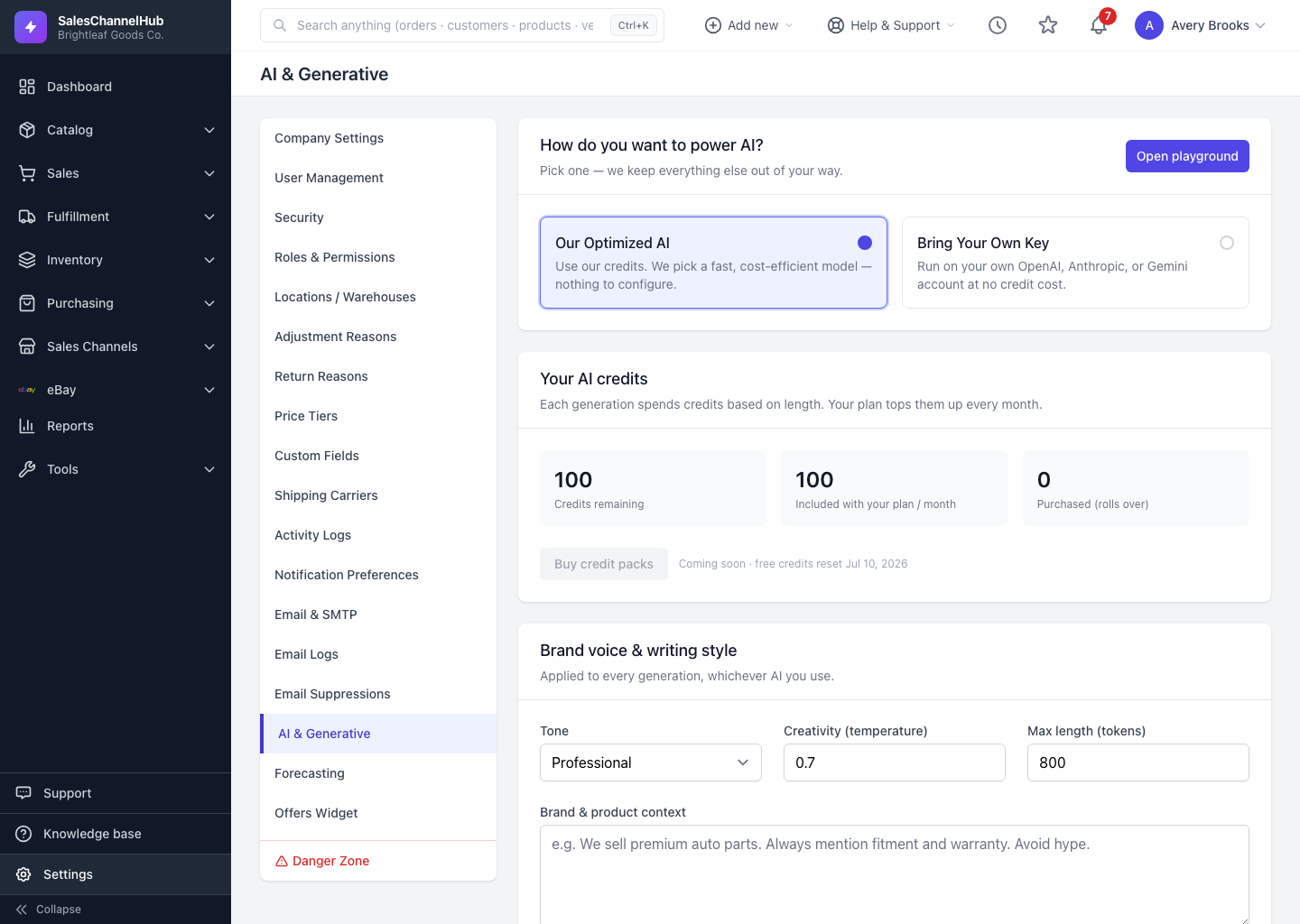
Tip. Settings for all of this live in one place: Settings → AI & Generative. Start there to shape how every draft reads.
Was this article helpful?