Set a default profile
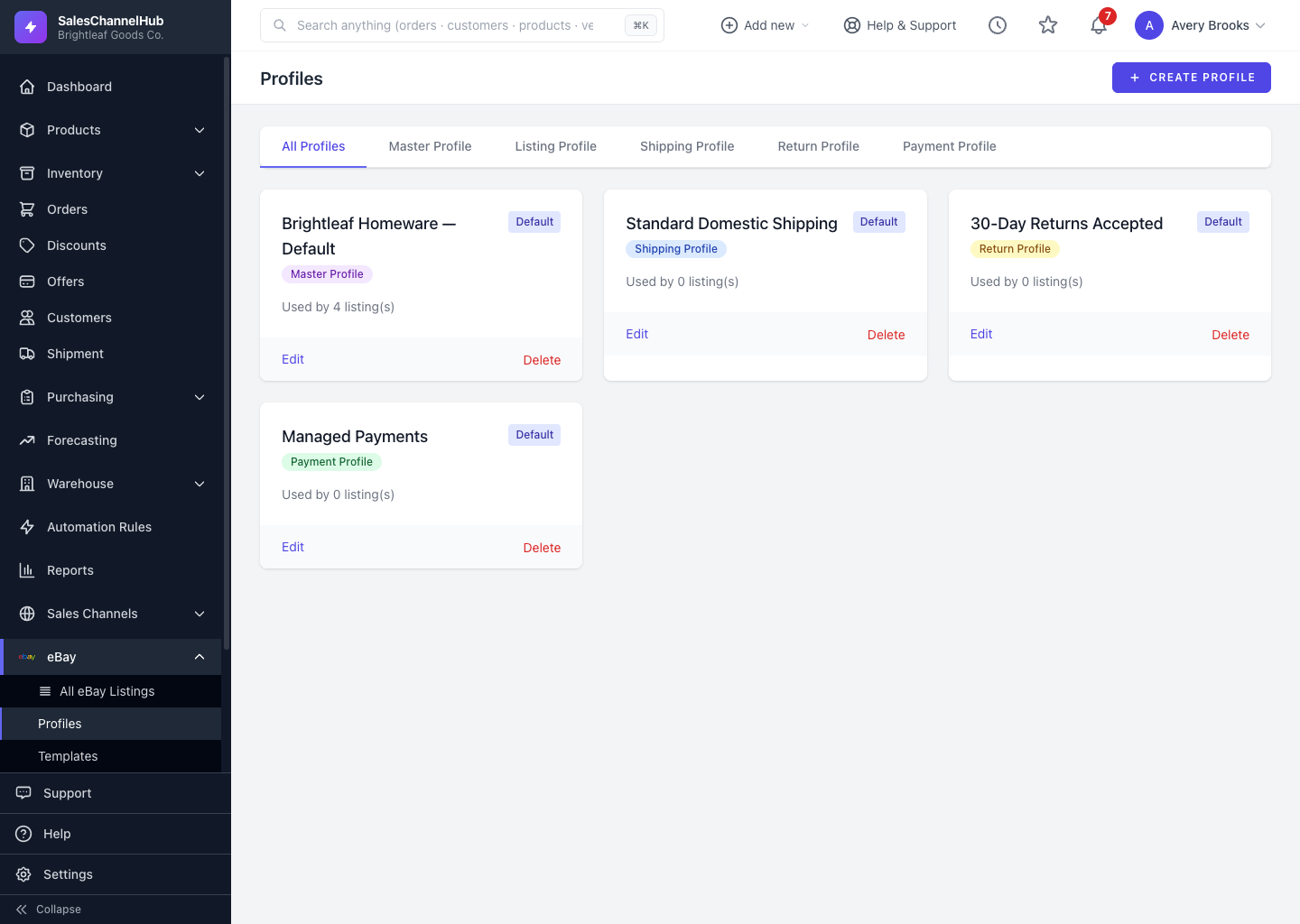
On a profile card, click Set Default so SalesChannelHub applies it automatically when you build a new listing.
The default profile of each type is the one SalesChannelHub reaches for when you build a listing, so sensible defaults speed up every new item.
How do I set a default?
- Open eBay → Profiles.
- Find the profile card and click Set Default.
- The card shows a Default badge, and the previous default for that type is unset.
Tip. You can also tick Set as default profile for this type while creating or editing a profile. Same result, one fewer step.
Was this article helpful?