Why use adjustment reasons
An adjustment reason is a short label that turns a raw count change into something you can audit for shrinkage, damage and corrections.
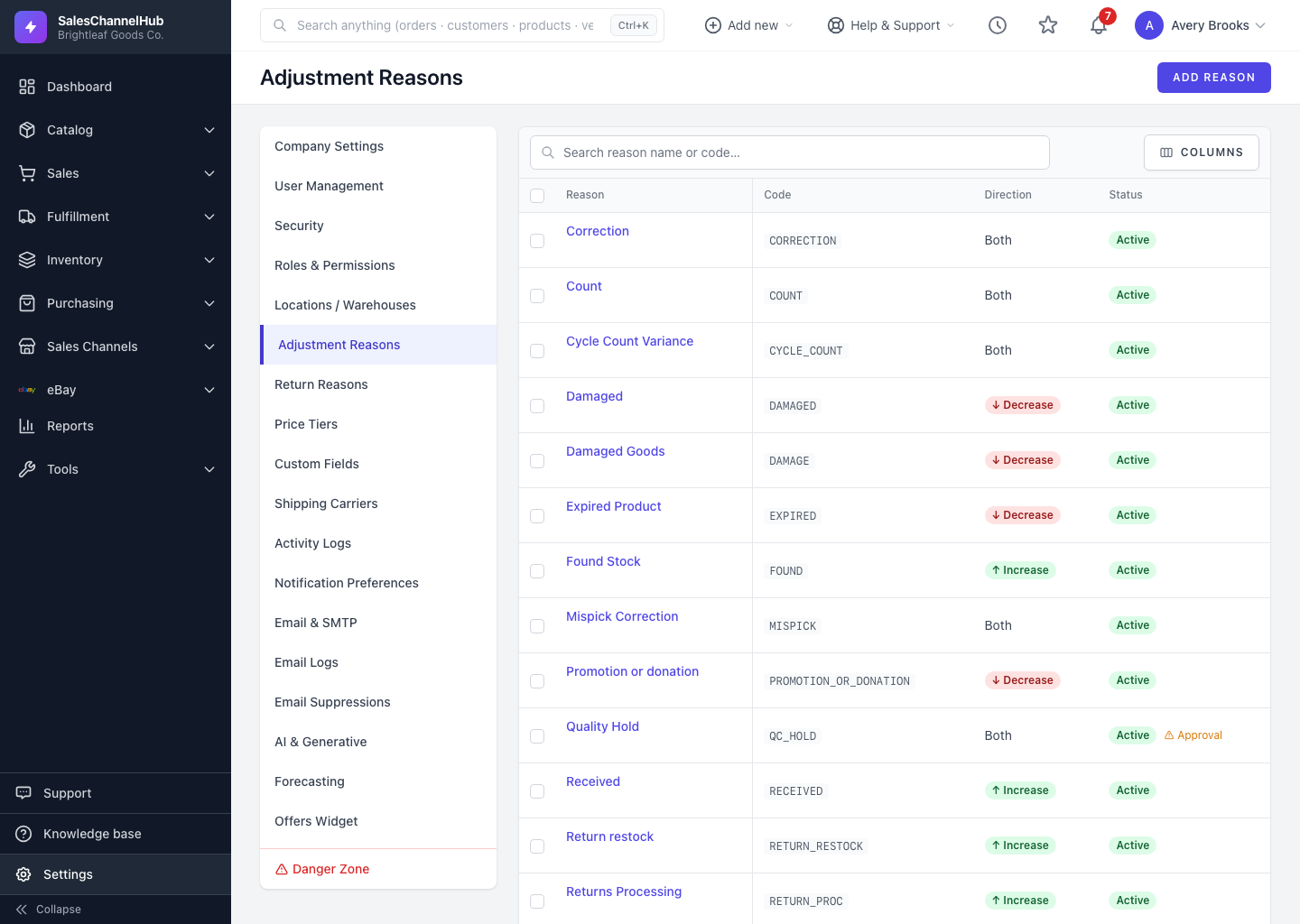
An adjustment reason is a short label you attach to a stock change, such as Damaged, Cycle Count or Found Stock. It turns a raw number change into something you can audit later.
What do reasons give you?
- A clear trail: each recorded change can show what it was for.
- A direction control. A reason can apply to increases only, decreases only, or both.
- An optional Requires Approval flag for changes that should be reviewed.
Where do reasons show up?
- In the Reason dropdown on the adjustment form.
- In your records, so you can trace shrinkage and corrections back to a cause.
Tip. Reason is optional on each adjustment, but choosing one consistently makes your shrinkage and damage reporting far more useful.
Was this article helpful?