Channel sync statuses explained
On a discount's Channels tab, each store's copy shows Pending, Synced, Error or Unsupported.
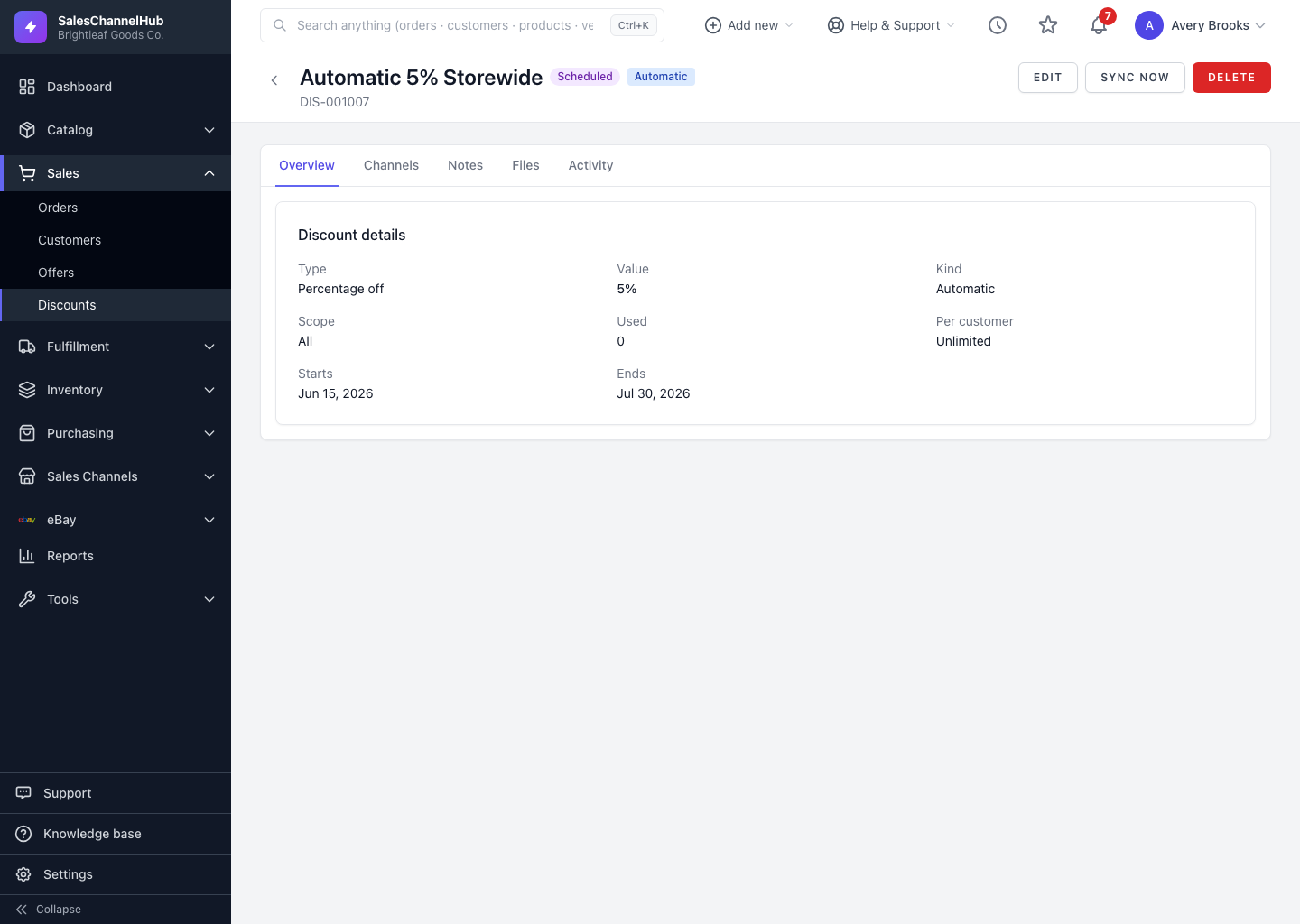
A discount can live on several stores at once, and each store's copy carries its own sync status. You'll find them on the Channels tab of a discount.
What does each sync status mean?
- Pending — the push is queued or in progress; the store hasn't confirmed yet.
- Synced — the store accepted the discount. The External ID column shows the store's own reference.
- Error — the push failed. The Detail column gives a short reason.
- Unsupported — the store can't represent this discount as configured, for example a type it doesn't offer.
The Last synced column tells you when each link was last updated.
Tip. If a link sits on Pending for a long time, the channel may need reconnecting. Check its connection in Integrations, then click Sync now.
Was this article helpful?