Build a bundle or kit
On the Bundle tab, click Add Component to combine SKUs you already stock into one sellable bundle.
A bundle sells as one item but is assembled from SKUs you already stock, for example a gift set of three candles. Its available quantity is worked out from the limiting required component.
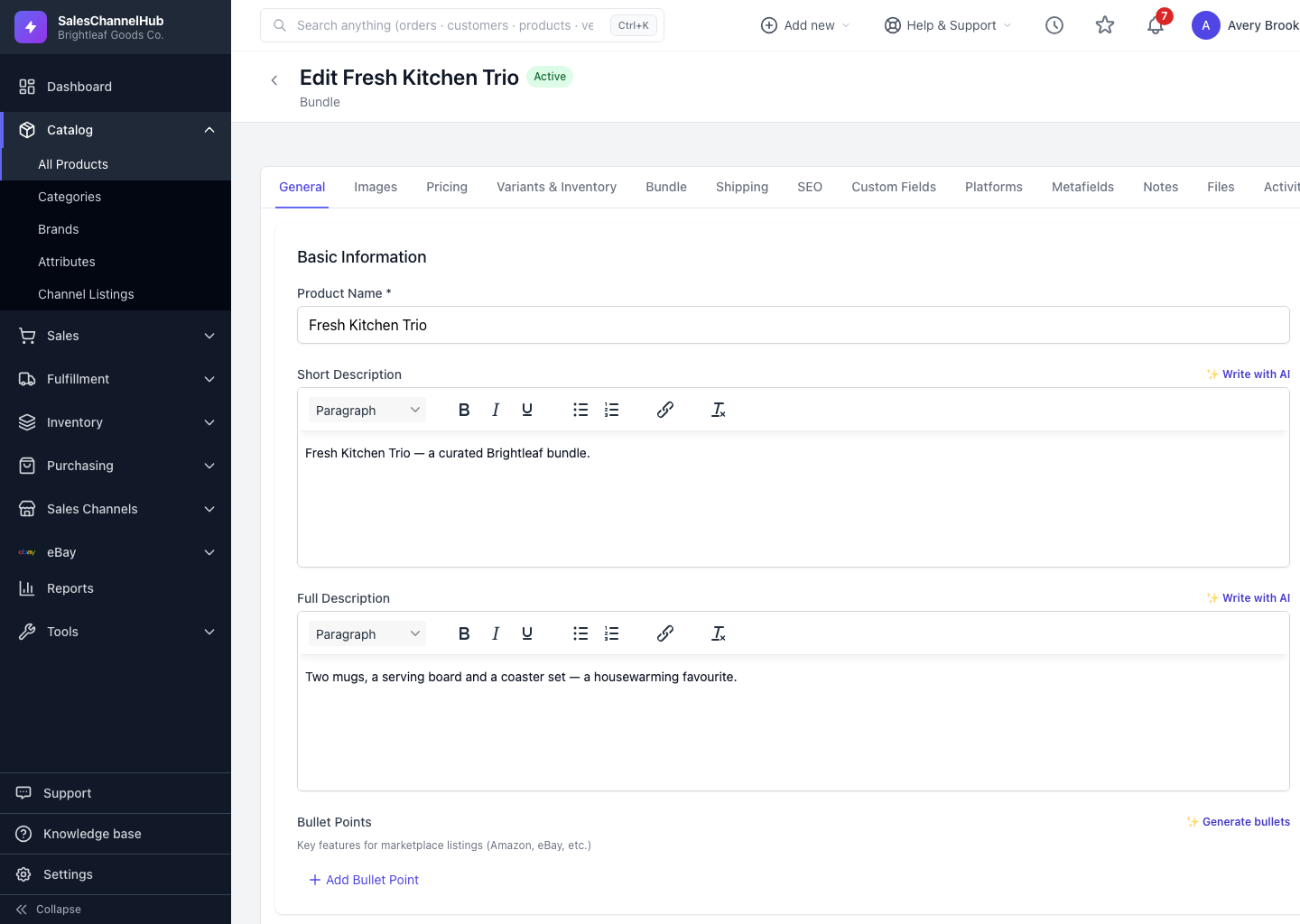
How do I build a bundle?
- Open the product and click the Bundle tab.
- Click Add Component, search for a SKU and select it.
- Set the Qty per bundle for that component.
- Tick Optional for any component that doesn't limit how many bundles you can assemble.
- Repeat for each component. The header shows how many bundles are Available to assemble.
Tip. Adding the first component converts a simple product into a bundle. Bundles allocate and ship the individual component SKUs from inventory.
Common questions
How is a bundle's available quantity calculated?
From the limiting required component. The bundle can be assembled as many times as its scarcest required SKU allows. Components you mark Optional don't cap the count.
Does a bundle hold its own stock?
No. A bundle has no stock of its own; it draws down the component SKUs when it sells, and those are what ship.
Where's the Bundle tab on a simple product?
It's there. The Bundle tab shows on simple and bundle products. Adding the first component converts the simple product into a bundle.