Run your first sync after connecting
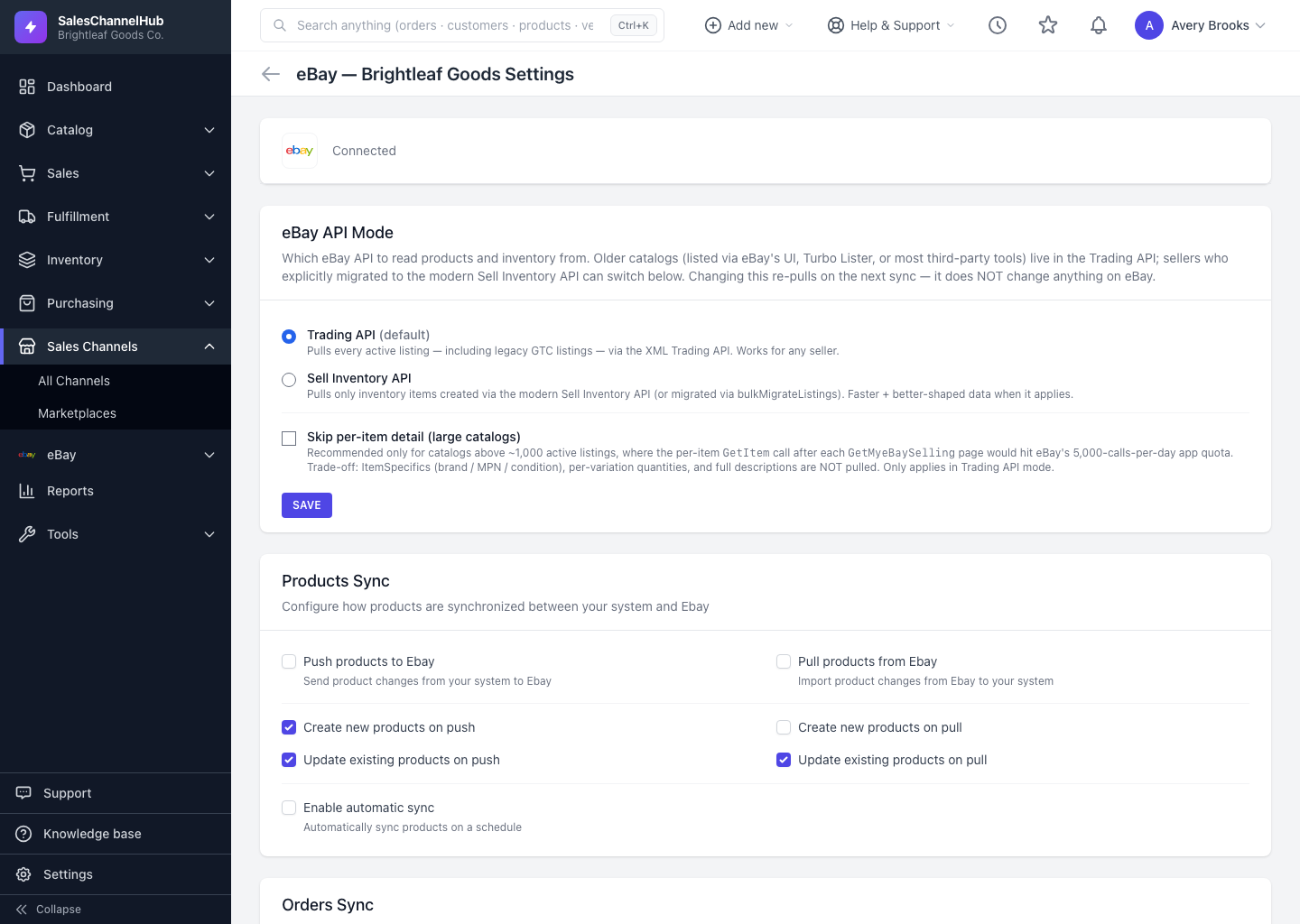
Right after connecting, set what syncs on the Settings page, then run one entity at a time and check the Logs before pushing.
Right after you connect a channel, nothing is imported yet. You decide what syncs and in which direction. Running one entity at a time first avoids surprises like duplicate products or unexpected stock changes.
How do I run a clean first sync?
- On the connection's Settings page, review the Products Sync, Orders Sync, Customers Sync and Inventory Sync sections. Decide what to push and pull before running anything.
- Click Save Settings if you changed anything.
- Scroll to Manual Sync. Start with one pull, such as Sync Customers or Sync Orders, so you can check the results before pushing.
- Open Logs to watch the run finish, then check a few imported records look right.
- Once you're happy, run the remaining entities or use Sync All.
Tip. Syncs run in the background and don't block you. The Logs page refreshes itself while a sync is still running.
Common questions
Does connecting a channel import everything automatically?
No. Connecting only establishes the link. Nothing imports until you set what to sync on the Settings page and run a sync.
Which should I sync first?
Start with a pull you can verify, such as Sync Orders or Sync Customers. Check the results in Logs, then push inventory and turn on product sync.
Was this article helpful?