Read the vendor detail page
The vendor detail page shows a supplier's totals, recent purchase orders, contact, terms and notes in one view.
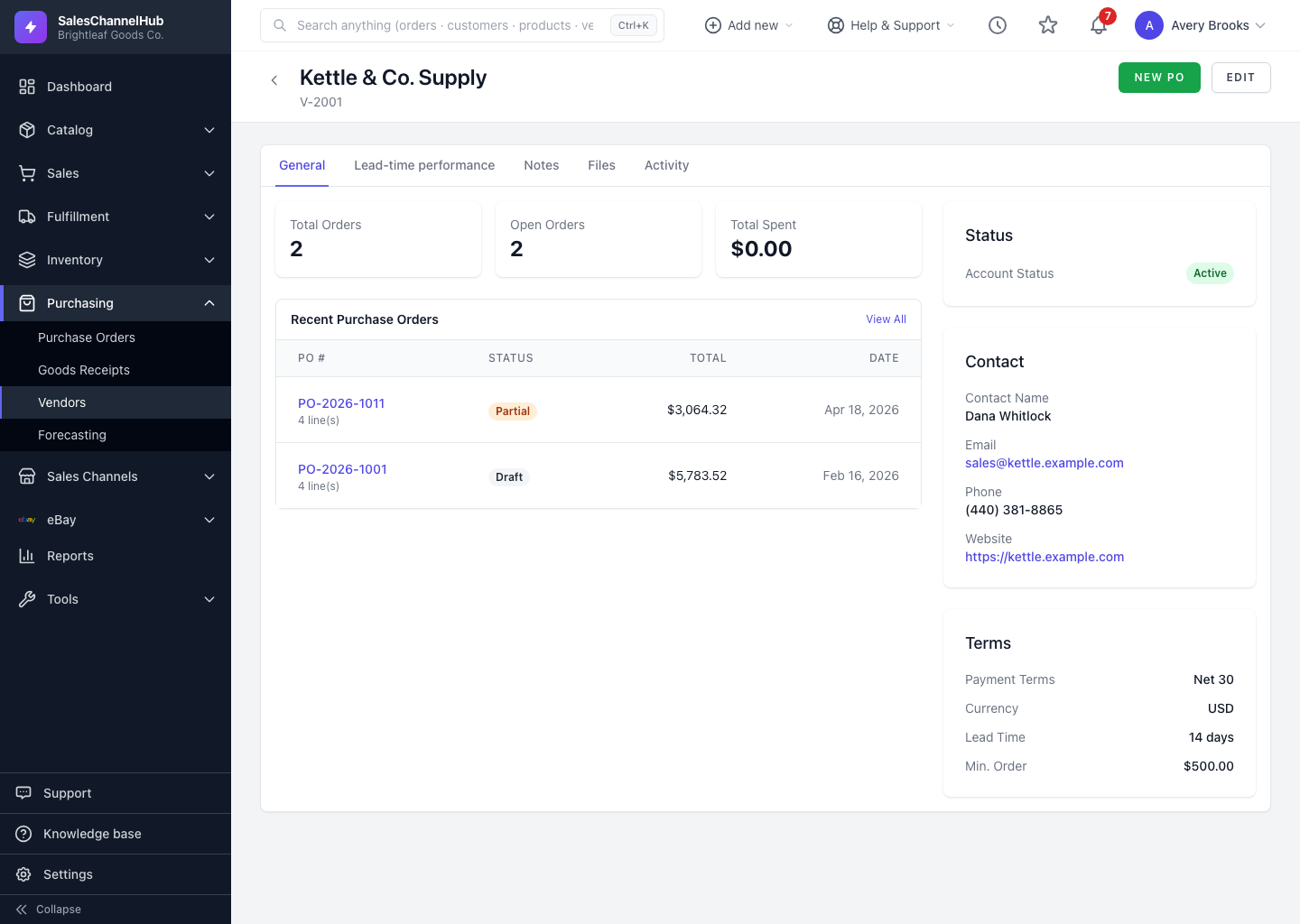
The vendor detail page is the single view of a supplier: how much you've bought, what's open, and all their reference details.
What's on the page?
- Three stat cards: Total Orders, Open Orders and Total Spent.
- A Recent Purchase Orders table with each PO's number, status and total. Click a PO to open it.
- A sidebar with Status, Contact, Address, Terms (payment terms, currency, lead time, minimum order) and any Notes.
- Two tabs at the top: General and Lead-time performance.
What can I do from here?
- Click New PO to start a purchase order with this vendor already selected.
- Click Edit to change the vendor's details.
Tip. Starting a PO from New PO here pre-fills the vendor, which saves a step over the global New PO button.
Was this article helpful?