Bulk add listings to a campaign
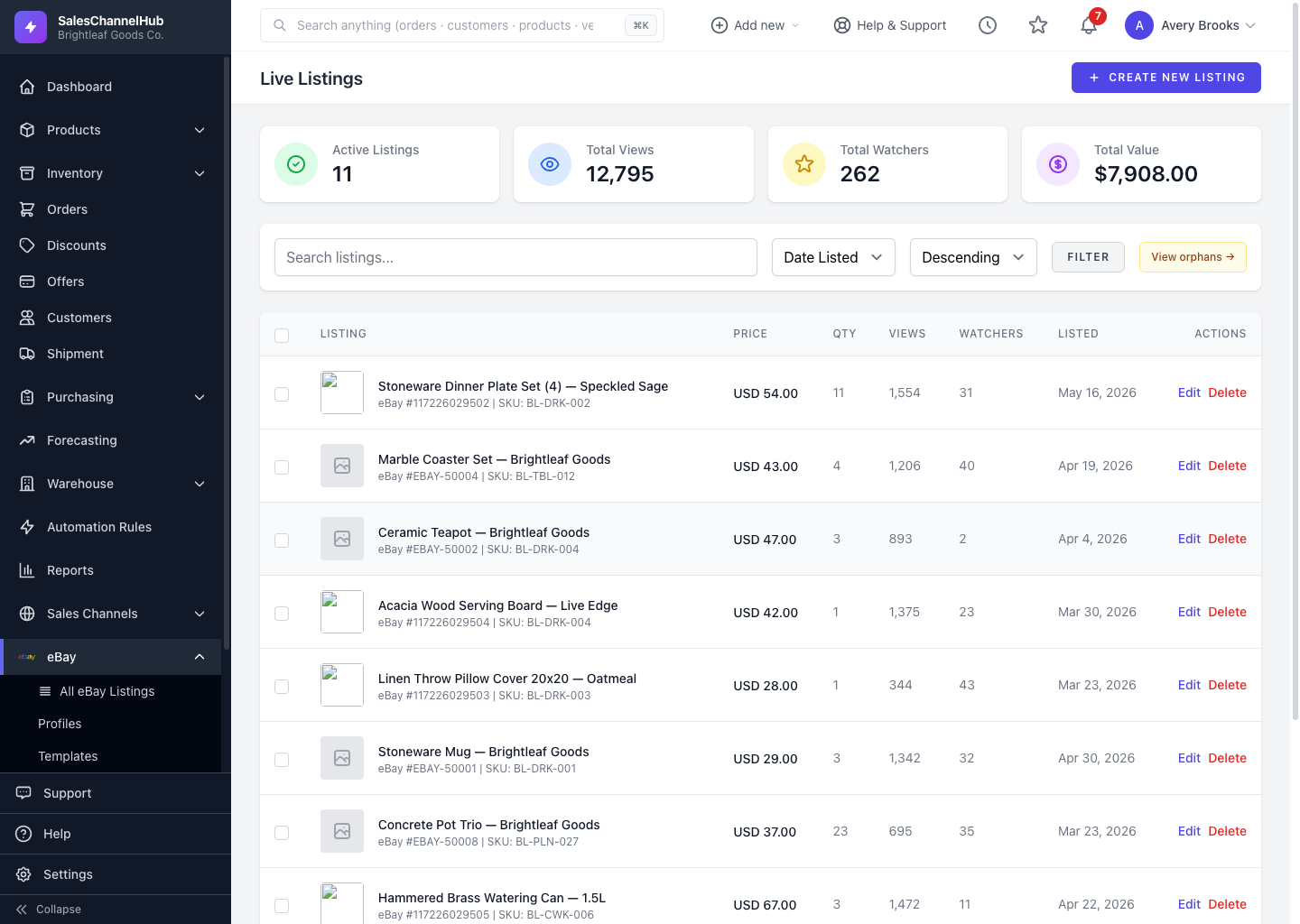
Tick live listings, choose Add to Campaign from the bulk menu, pick a Cost Per Sale campaign, and queue them in one action.
Promote several items at once by adding them to an existing Cost Per Sale campaign, instead of opening each campaign and adding listings one by one.
How do I promote listings in bulk?
- On Live Listings, tick the listings to promote.
- Choose Add to Campaign from the bulk menu and click Apply.
- Pick a campaign and, if you like, override its bid percentage.
- Click Apply to queue them.
What do I need first?
- At least one Cost Per Sale campaign that's already synced to eBay.
- Auctions, multi-variant listings and items already in the campaign are skipped.
Tip. If you see a message about the Marketing scope, reconnect your eBay account. Older connections may not include Promoted Listings permission.
Was this article helpful?