Work the dashboard action queue
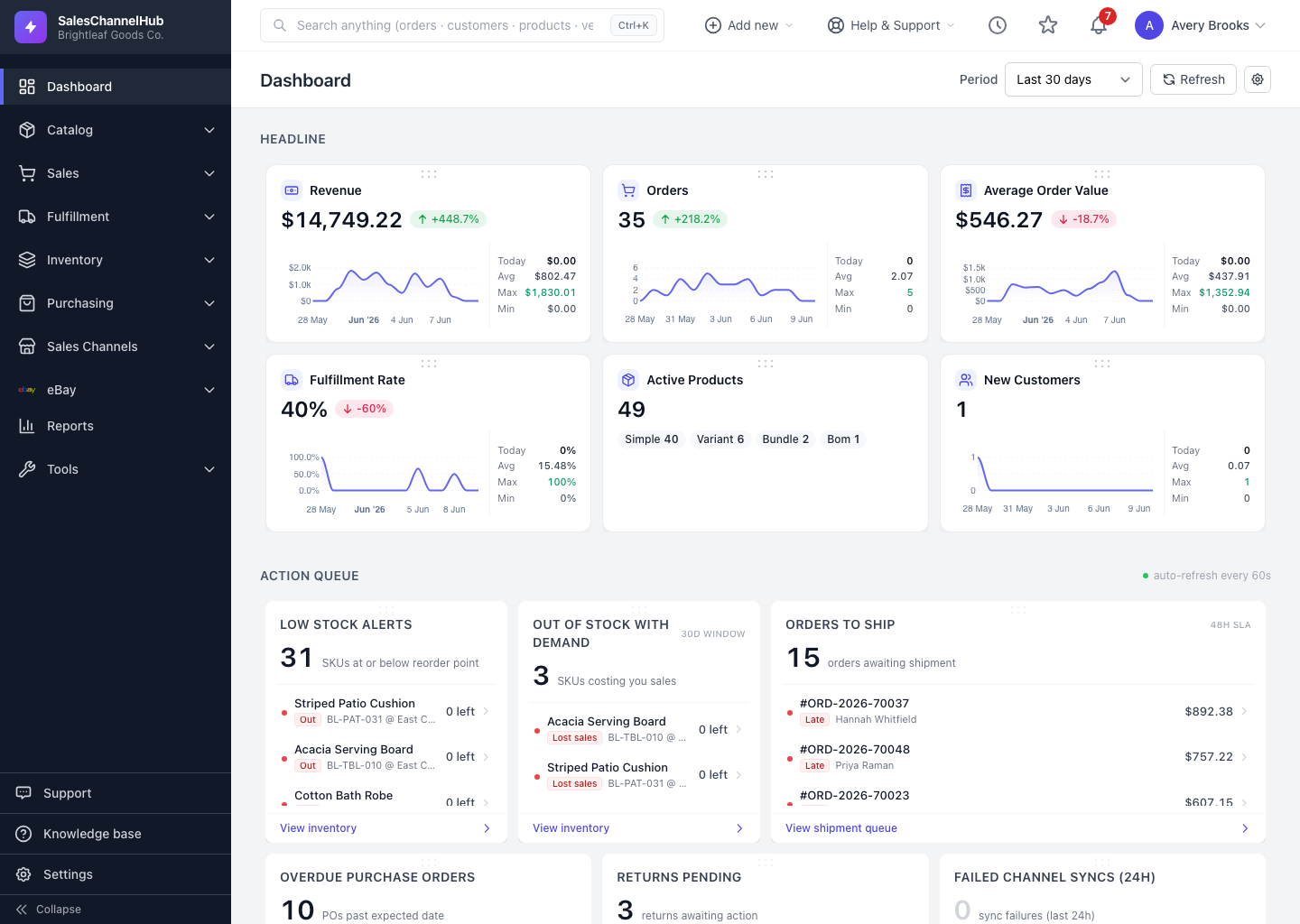
The Action Queue is your to-do list: each widget counts work that needs attention and lists the items to act on.
The Action Queue is the business's to-do list. Each widget shows a count of items that need attention and lists the most pressing ones beneath it.
How do I work the queue?
- Scan the count on each widget, such as orders to ship or sync failures.
- Click any listed item to open that record and act on it.
- Use View all at the bottom of a widget to open its full filtered list.
- A widget showing All clear with a green check has nothing outstanding.
Tip. Action-queue widgets can refresh themselves. Turn on Auto-refresh action queues in dashboard settings, and a pulsing dot with an "auto-refresh every Ns" note appears while it's active.
Was this article helpful?