Activate, deactivate or discontinue a product
Use the Status dropdown in a product's header to control whether it's sellable. Here's what each status means.
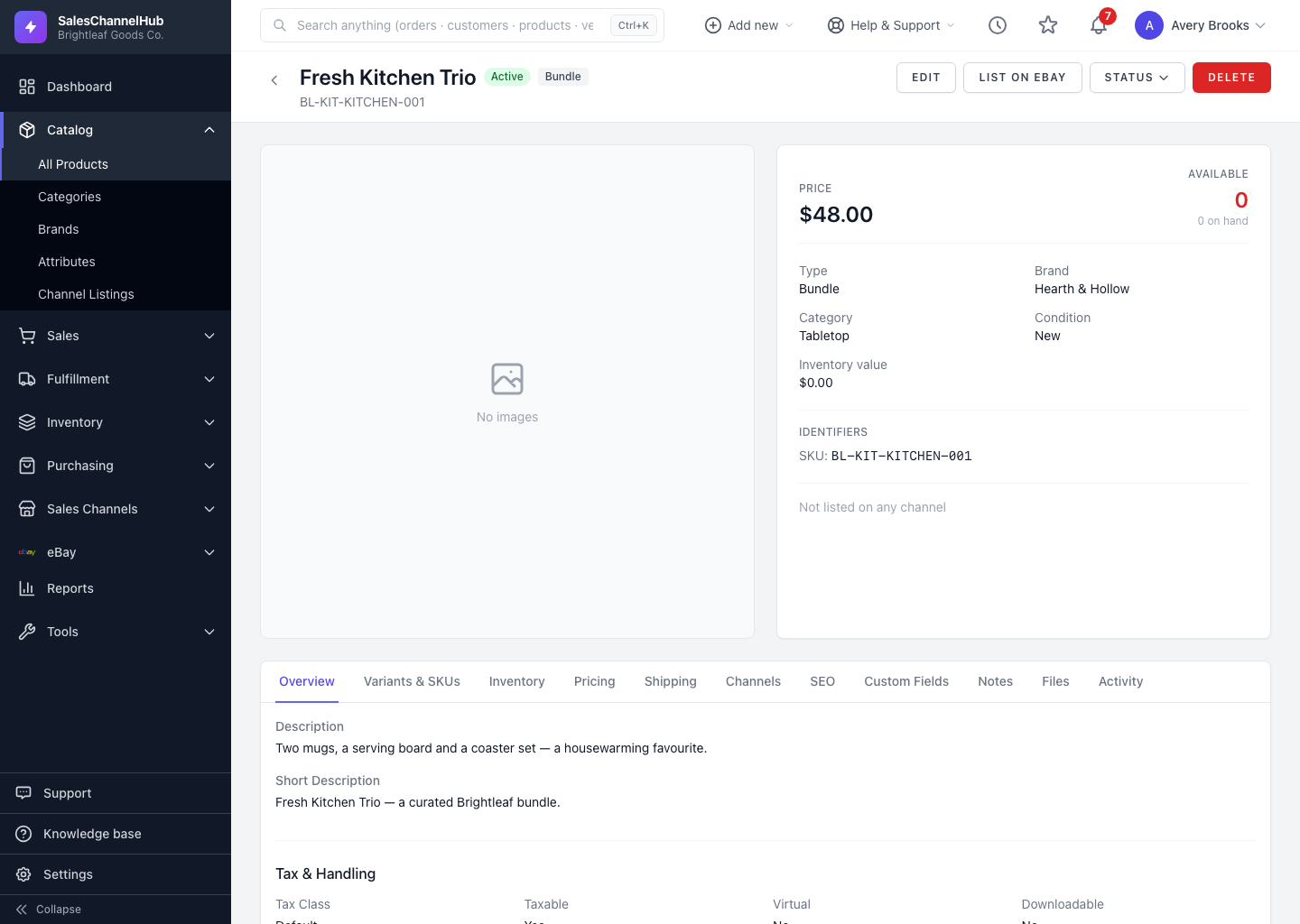
A product's status controls whether it's available to sell and how it appears in your catalog. Change it for one product from the Status dropdown in its header.
What does each status mean?
- Active is live and sellable.
- Draft is a work in progress, not yet ready to sell.
- Inactive is temporarily hidden but kept in the catalog.
- Discontinued is no longer sold, kept for history.
How do I change a product's status?
- Open the product and click the Status dropdown in the header.
- Choose Set Active, Set Inactive or Discontinue.
- To set Draft, open Edit, change Status on the General tab and click Update Product.
Tip. Discontinuing keeps a product's history intact, which is safer than deleting when you have past orders against it.
Was this article helpful?