Regenerate recovery codes or disable 2FA
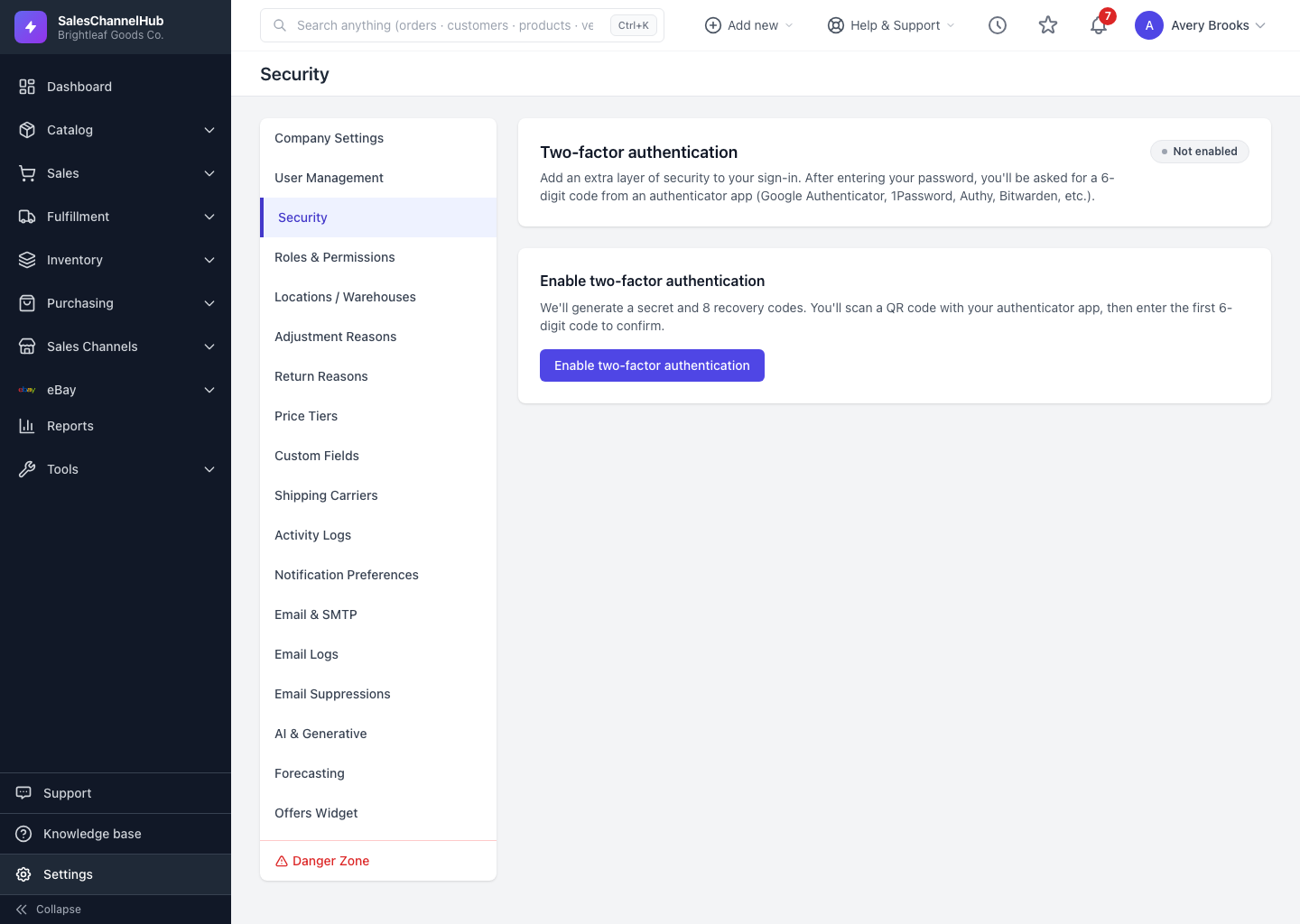
On Settings → Security, regenerate your two-factor recovery codes or turn 2FA off. Both actions require your current password.
Once two-factor authentication is on, the Security page lets you refresh your backup codes or switch it off entirely. Both actions ask for your current password.
How do I refresh codes or turn 2FA off?
- Go to Settings → Security (2FA must already be enabled).
- To get fresh codes, enter your Current password and click Regenerate recovery codes. This invalidates the old set.
- To turn 2FA off, enter your password under Disable two-factor authentication and click the red button.
Tip. Regenerate codes if you've used several or think they may have leaked, and store the new set straight away. Disabling 2FA leaves your account on password-only sign-in, which is less secure.
Common questions
Do my old recovery codes still work after I regenerate?
No. Regenerating invalidates the previous set immediately. Save the new codes straight away.
Can I disable 2FA without my password?
No. Both regenerating codes and disabling 2FA require your current password, so a stolen session can't switch protection off.
Was this article helpful?