Create a build
Click New Build, choose the parent (assembly) SKU, the build location and the quantity to produce, then save it as a draft.
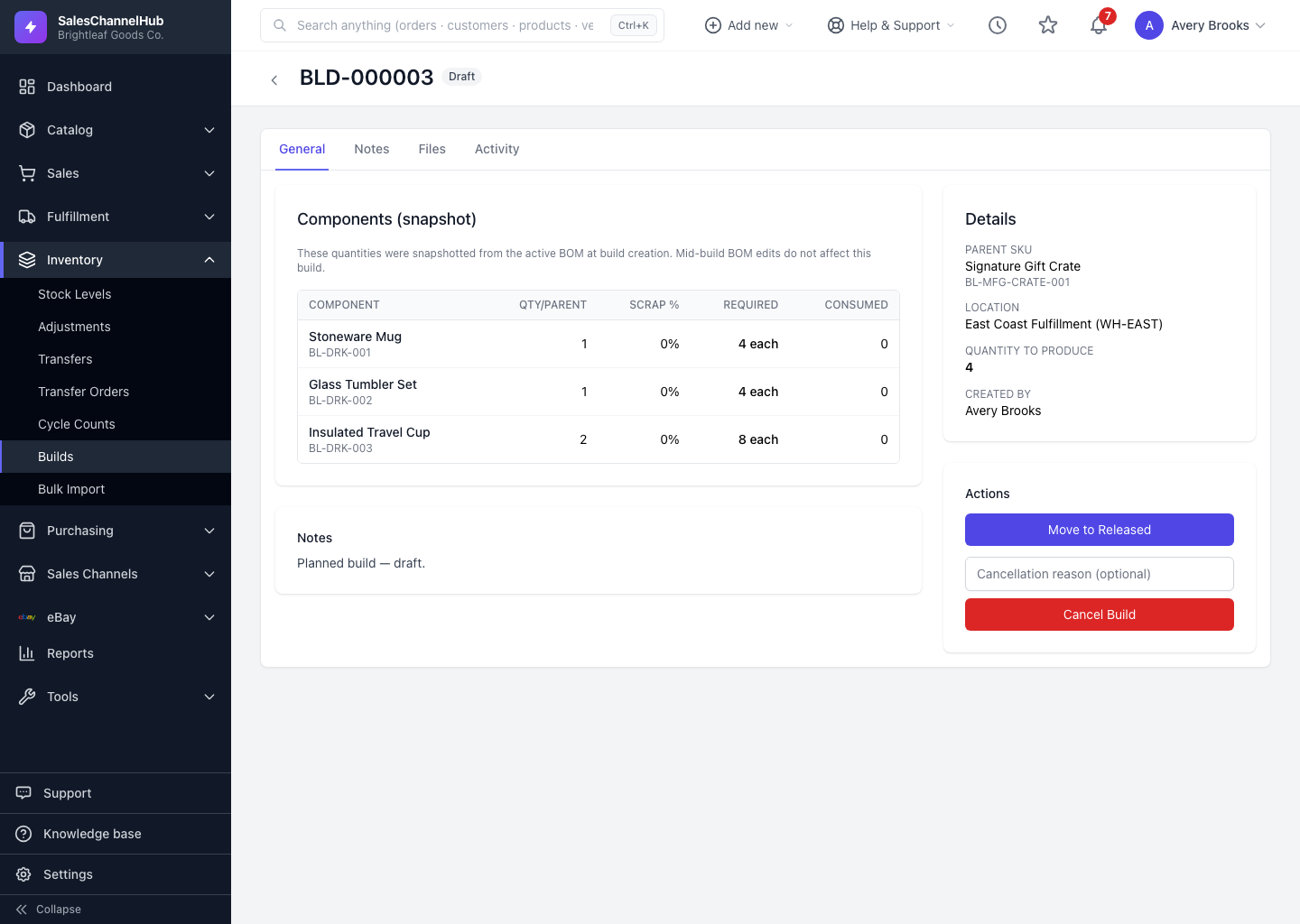
A build starts as a draft. You pick the finished item to assemble, where it's being built and how many, and the system snapshots the components from the product's bill of materials.
How do I create a build?
- On the Builds screen, click New Build.
- Choose the Parent (assembly) SKU. Only BOM products appear here.
- Choose the Location where the build happens.
- Enter the Quantity to produce.
- Add Notes if useful, then click Create Draft Build.
Tip. Component quantities are snapshotted at creation. If you later edit the product's bill of materials, builds already in flight keep the components they started with.
Common questions
Why doesn't my product show in the Parent SKU list?
Only bill-of-materials (BOM) products with components appear. Convert the product to BOM type and add its components first, then it becomes selectable.
Which location does a build consume from?
The location you choose on the build. Components are consumed from there, and the finished parent stock is added back at the same location.