Sync buyer messages
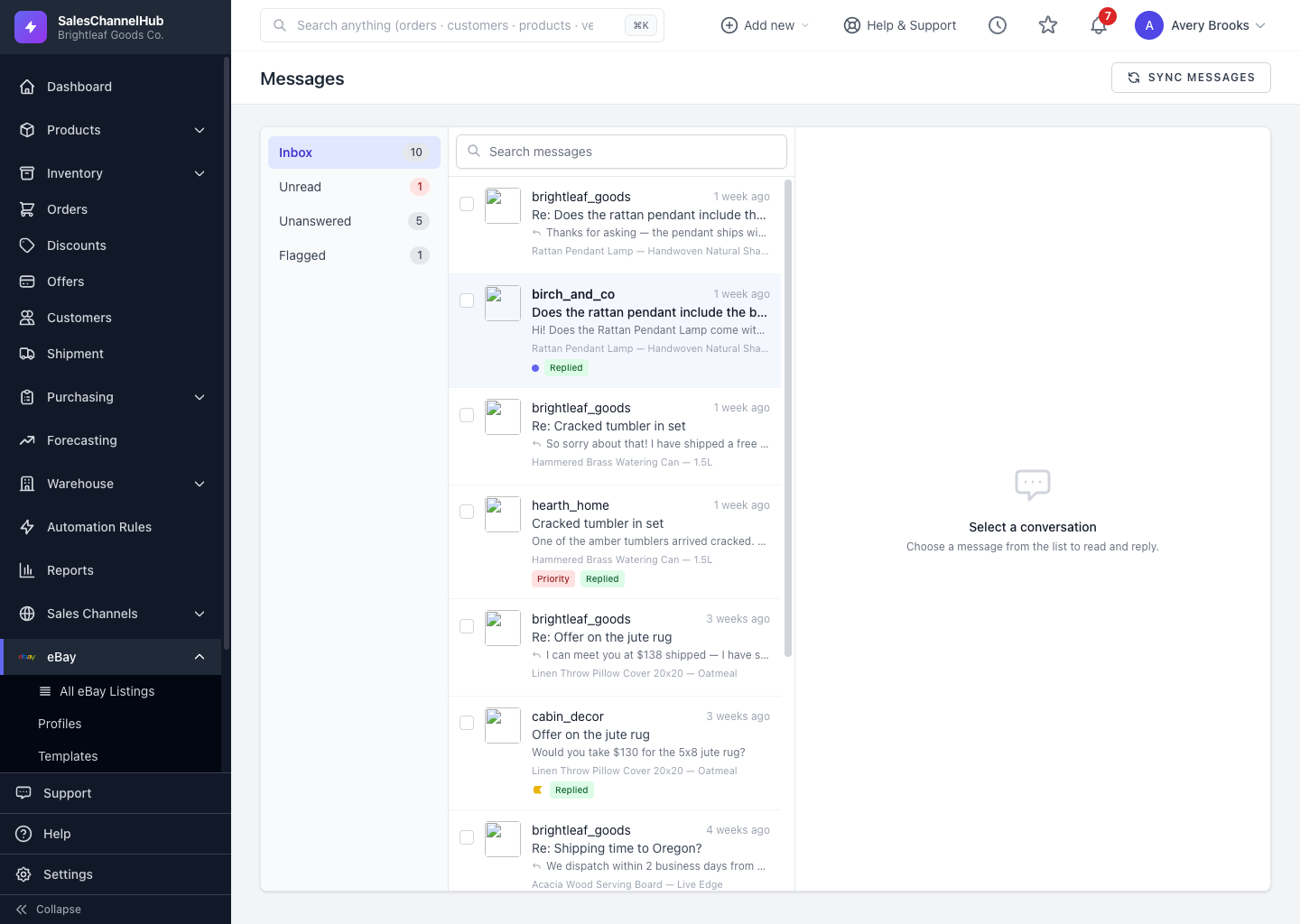
Messages sync from eBay on a schedule, but click Sync Messages on the inbox to pull the latest ones on demand.
Messages sync from eBay automatically on a schedule, but you can pull the latest ones yourself whenever you want to be sure you're current, for example right after a buyer says they've sent a question.
How do I sync messages?
- Go to eBay → Messages.
- Click Sync Messages at the top right.
- New messages appear in the inbox shortly after.
Tip. A manual sync reaches back about 30 days, further than the routine one, so it's the right tool for backfilling recent history the first time you open the inbox.
Was this article helpful?