Add or remove campaign listings
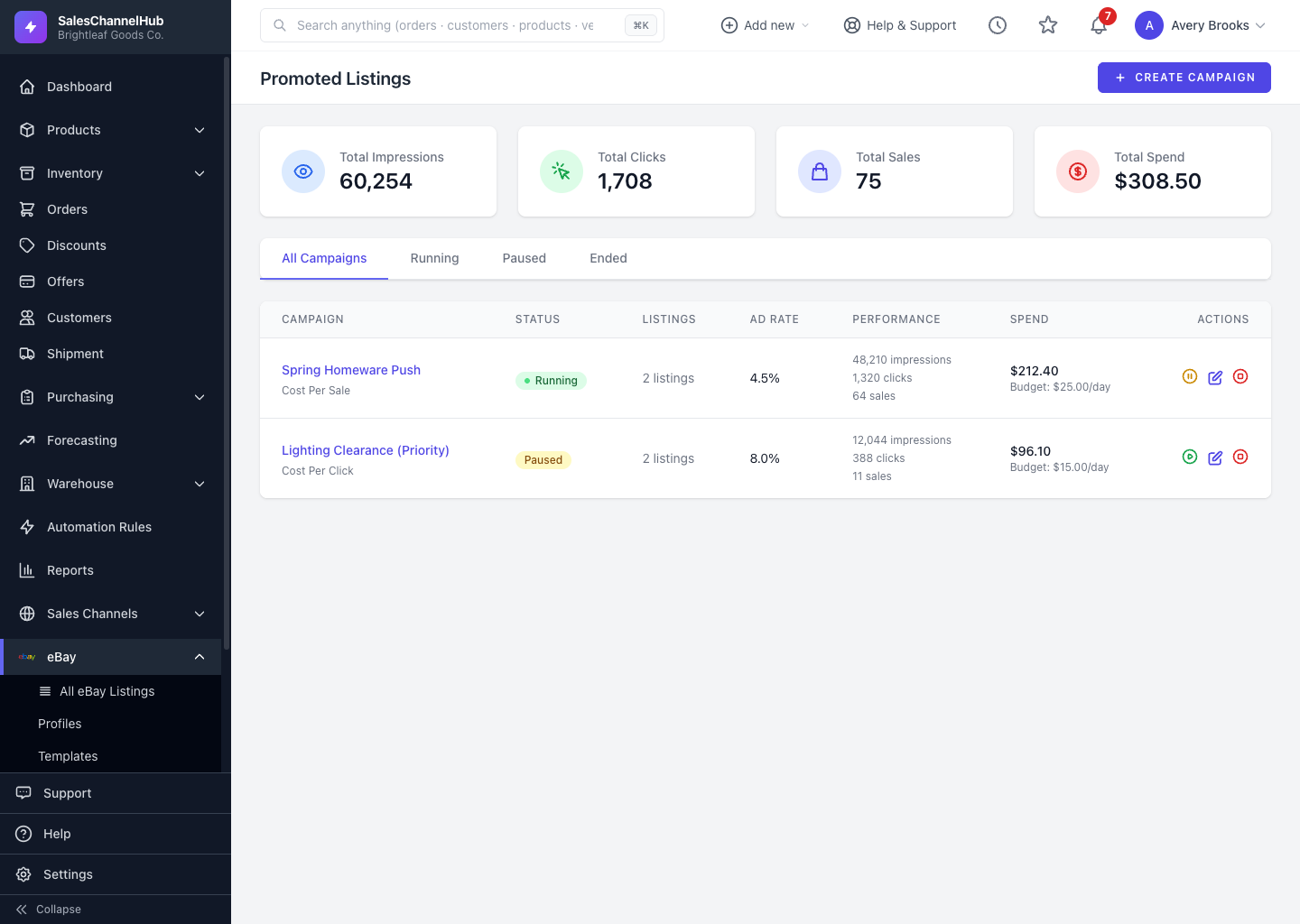
Open a campaign to add live listings (with an optional bid override) or remove items that no longer need promoting.
You can change which items a campaign promotes at any time: add fresh stock you want to push, or drop items that no longer need the boost.
How do I change a campaign's listings?
- Open the campaign from Promoted Listings.
- To add items, use the add-listings option, pick from your live listings (and optionally set a bid override), then confirm.
- To drop an item, remove it from the campaign's listing table.
Tip. Only live listings can be added. To promote several from the listings table at once, see Bulk add listings to a campaign.
Was this article helpful?