


An RMA's status shows exactly where a return stands. Knowing the sequence helps you find returns waiting on you for approval, receiving or resolution.
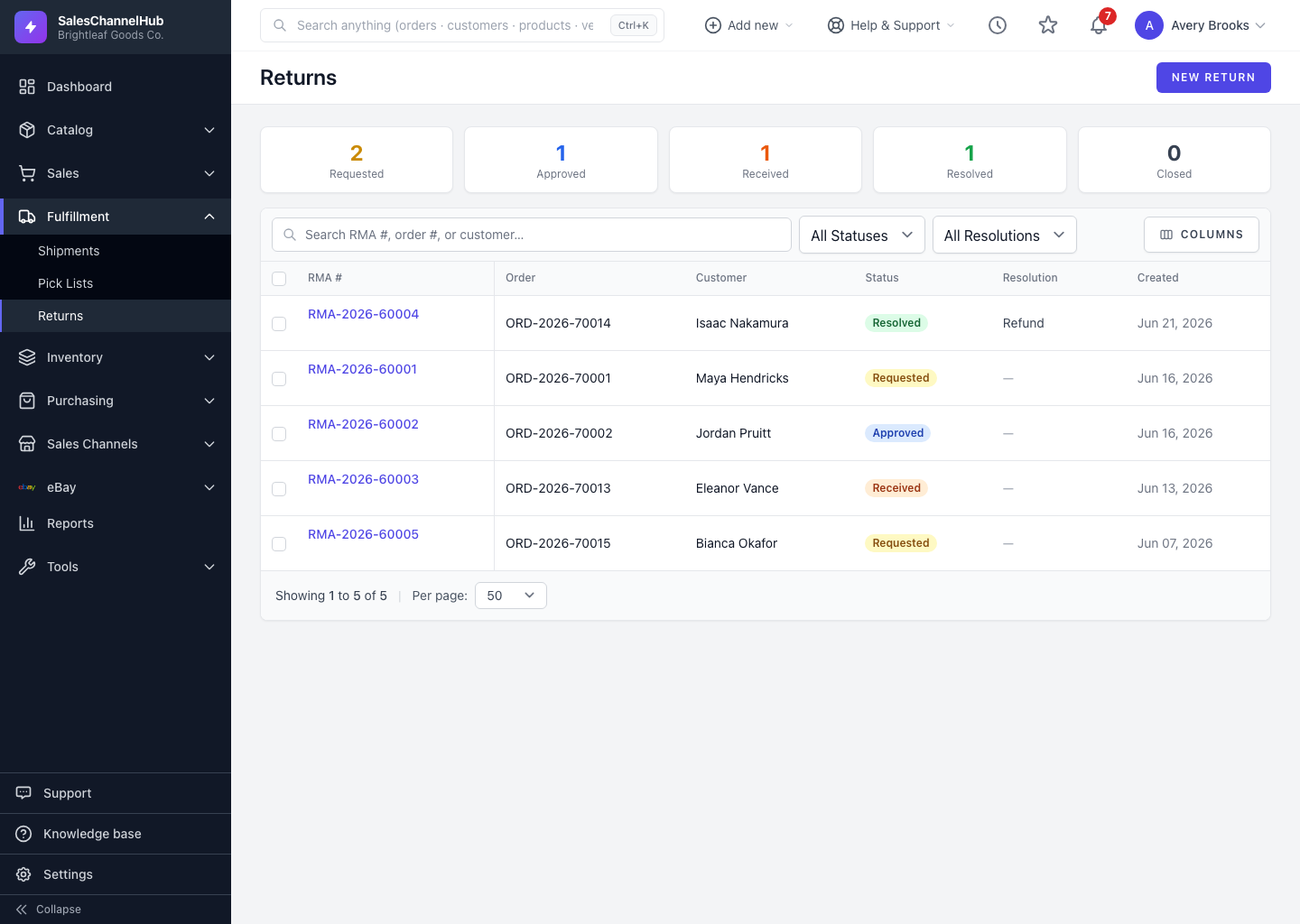
What does each status mean?
- Requested — submitted, awaiting your decision.
- Approved / Rejected — accepted or declined.
- Label Sent — a return label has been issued to the customer.
- In Transit — the goods are on their way back.
- Received — the items have arrived.
- Inspecting — being checked, held because of a shortage, or held because the return's reason requires inspection.
- Resolved — a resolution has been applied.
- Closed — finished and filed.
Tip. A simple return can skip from Received straight to Resolved without an inspection step, which suits no-questions-asked refunds. A return whose reason requires inspection can't.
Was this article helpful?