


A free-shipping discount removes the shipping charge at checkout. There's no percent or amount to enter, so it's a quick coupon to set up.
How do I set up free shipping?
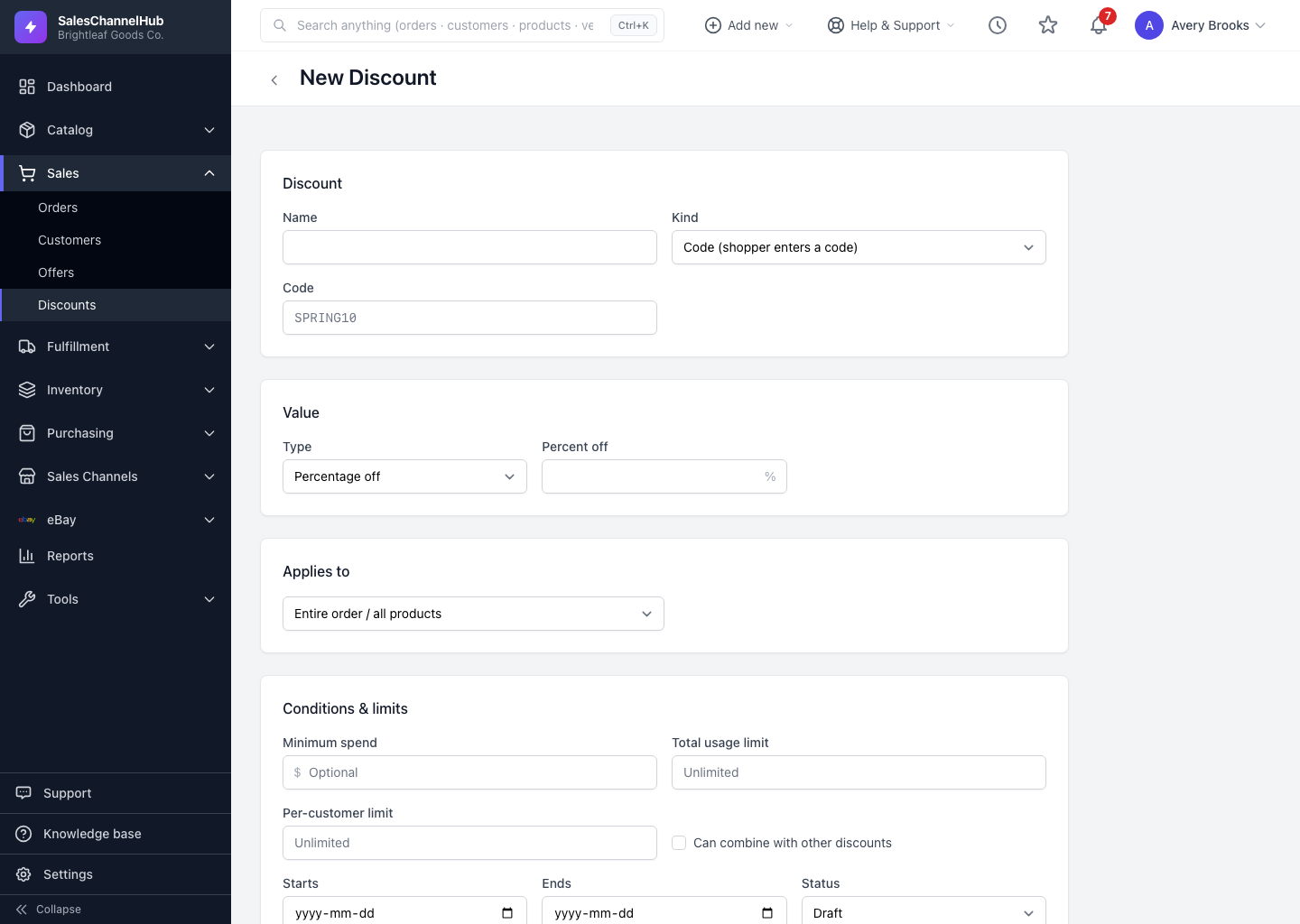
- On a new discount, set Type to Free shipping under Value.
- Decide whether it's a Code shoppers enter or an Automatic discount applied at checkout.
- Add a Minimum spend under conditions if free shipping should only unlock above a certain order value, for example over $75.
- Set the schedule, pick your channels, and save.
Tip. A minimum-spend threshold for free shipping nudges shoppers to add one more item to qualify.
Was this article helpful?