Create a price tier
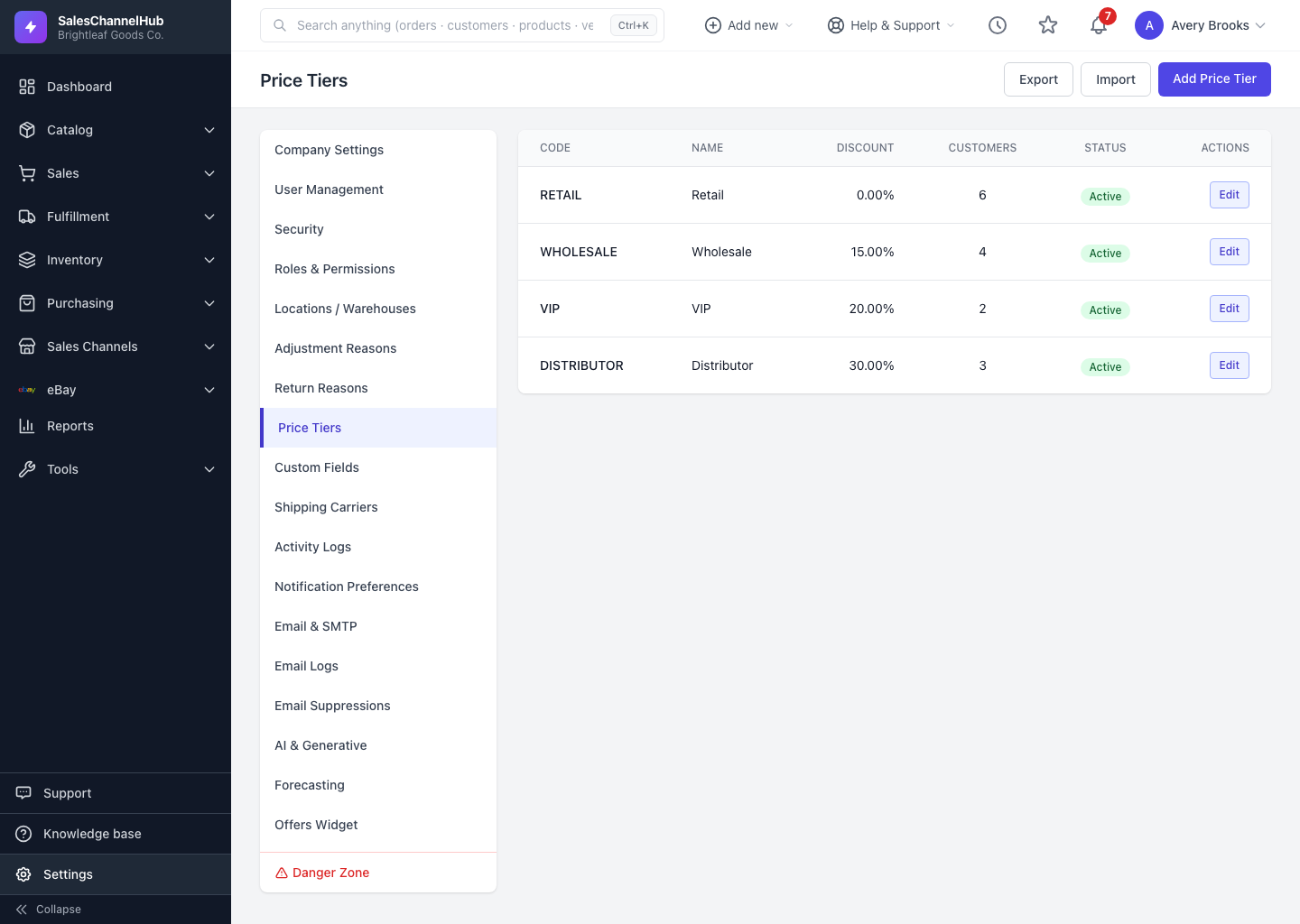
Go to Settings → Price Tiers, click Add Price Tier, then enter a code, name and percentage discount.
To set up a reusable discount group, such as a 15% wholesale tier or a 30% distributor tier, go to Settings → Price Tiers and add one. Once it exists you can attach it to many customers at once.
How do I create one?
- Go to Settings → Price Tiers and click Add Price Tier.
- Enter a Code (a short uppercase identifier) and a Name.
- Set the Discount Percent — the percentage off base price, between 0 and 100.
- Optionally set a Sort Order and a Description noting who the tier is for.
- Leave Active ticked so the tier can be assigned, then click Create Price Tier.
What makes a good code?
Use codes that spell out the discount, like WHOLESALE15 or DIST30, so the tier's effect is obvious on the customer record and in exports.
Tip. A 0% tier is valid. Use one to group customers who pay list price but still need a named segment for reporting.
Was this article helpful?