Publish a listing to eBay
Open a draft and click Publish to eBay, or tick drafts on Live Listings and choose Publish from the bulk menu.
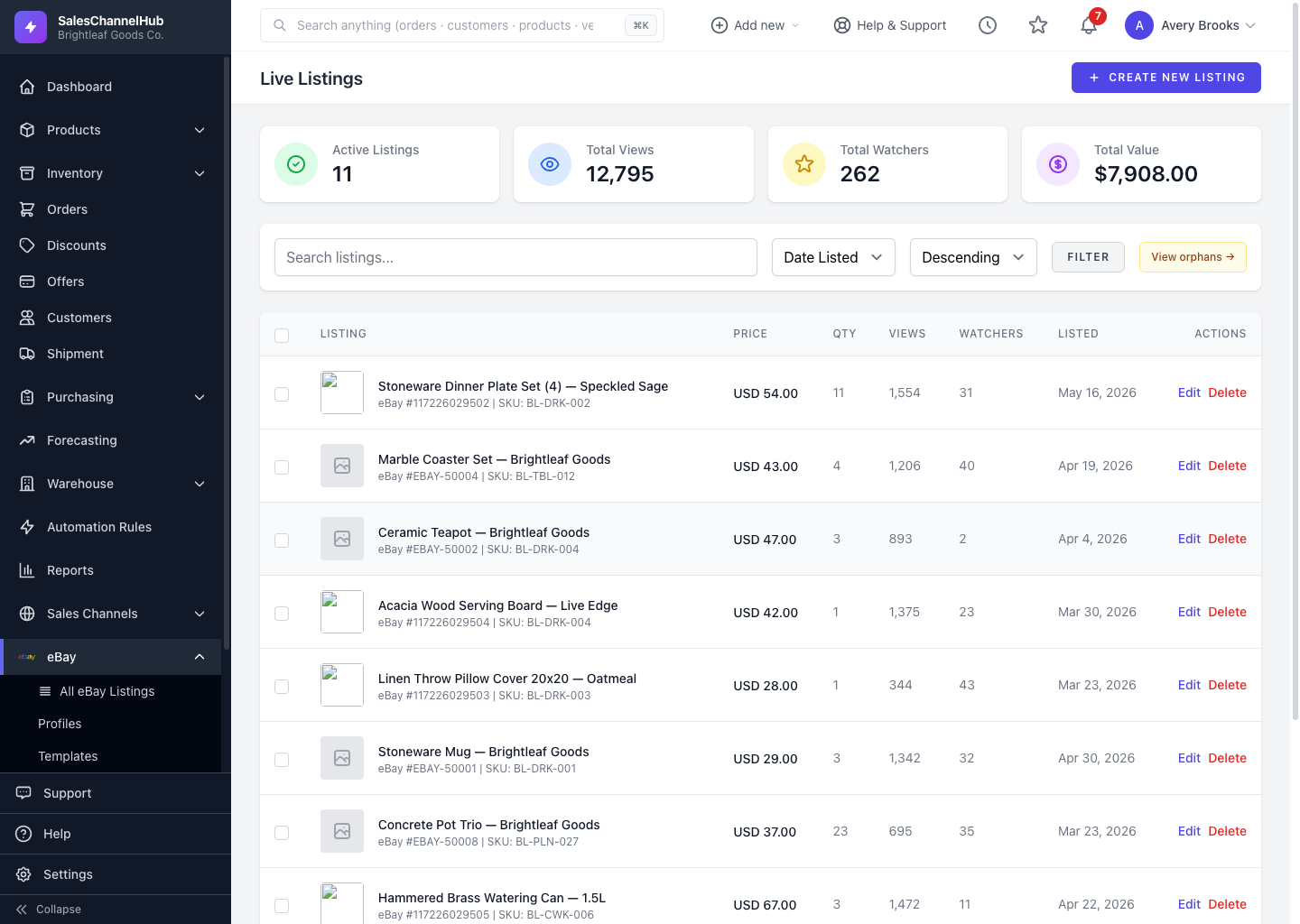
Publishing sends a draft to eBay and turns it into a live, buyable item. Publish one listing from its page, or several at once from the listings table.
How do I publish a listing?
- Open a draft and click Publish to eBay.
- Or, on Live Listings, tick one or more drafts, choose Publish from the bulk action menu and click Apply.
What if it doesn't publish?
The listing keeps a red error panel explaining what eBay rejected, with hints. Fix the flagged fields, then click Retry publish.
Tip. Bulk publishing runs in the background. Refresh the page after a moment to see items move to live status.
Common questions
Why is my listing stuck as a draft after publishing?
eBay rejected it. Open the listing and read the error panel, fix the named fields, then click Retry publish. Event History (filtered to Error) shows the exact response eBay sent.
Can I publish many drafts at once?
Yes. Tick the drafts on Live Listings, choose Publish from the bulk menu and click Apply. The publish runs in the background, so refresh after a moment.