Shipping: common questions
Quick answers to the questions sellers ask most about shipping: missing rates, disabled buttons, voids, holds and validation.
Quick answers to the things people ask most about shipping. For step-by-step guides, see the articles above.
Tip. A button or menu you read about here that you can't see is almost always your role hiding it. Ask an owner or admin to adjust your role under Settings → Roles & Permissions.
Common questions
Browse Rates returns nothing. Why?
Your ship-from location is missing an address or postal code, or the ship-to is invalid. Fix both addresses, then click ⇅ Refresh to re-shop.
One carrier never shows any rates. What's wrong?
It's likely inactive or its credentials failed. Open Settings → Shipping Carriers, confirm the carrier is Active, and run Test Connection.
Create + Print Label is greyed out. Why?
No Service is selected. Shop rates and pick a service to activate the button.
I can't buy a label on a paid order. Why?
A Hold Until date is set, which blocks the purchase until that date passes.
An order won't label at all. What do I check?
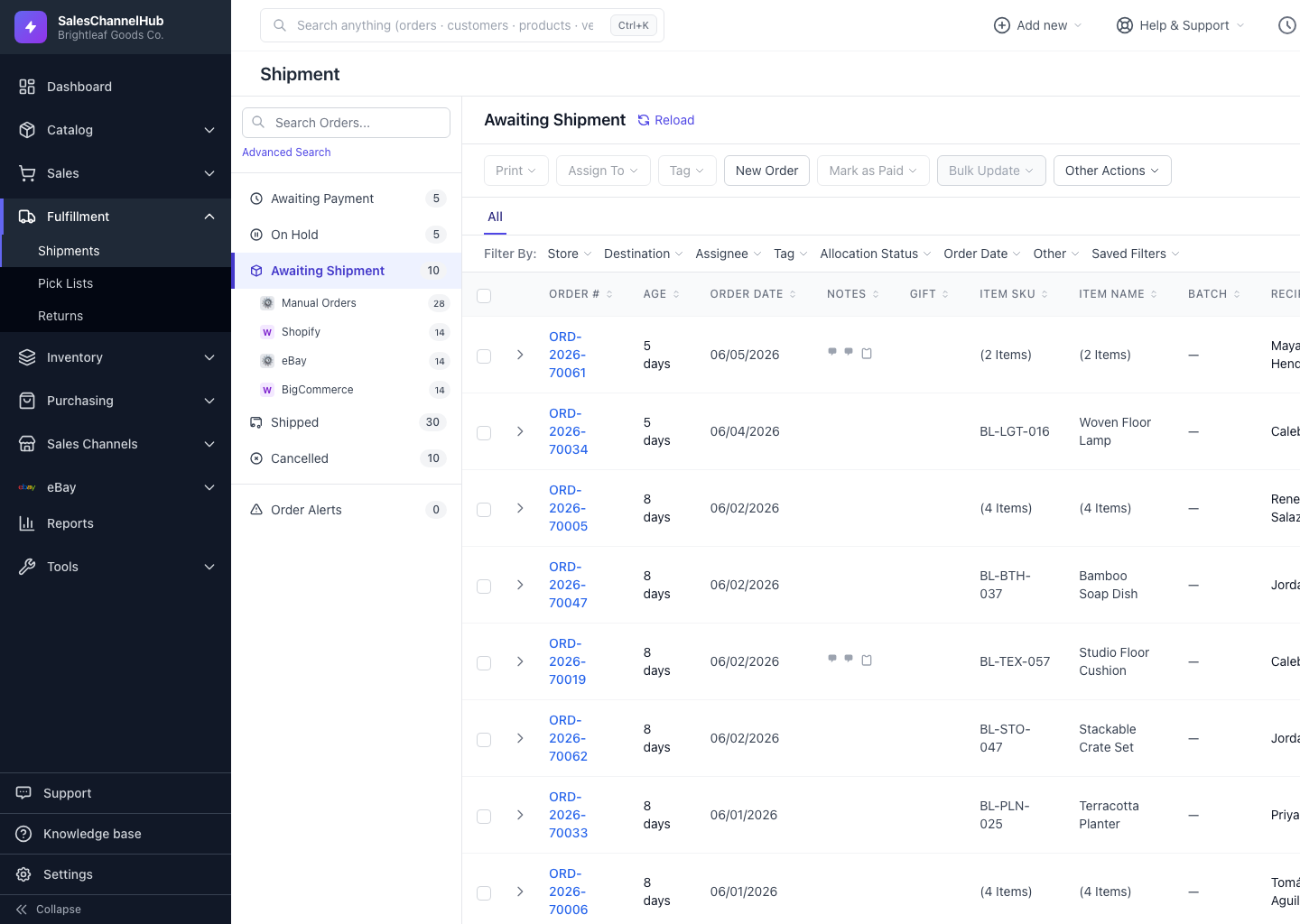
It's still in Awaiting Payment. Use Mark as Paid first to unlock labelling.
My void was rejected. Why?
The carrier has already accepted the parcel into its network, so the label stays active and can't be voided.
An address won't validate. Is that a problem?
No. Validation is US-focused, so for some countries it's simply unavailable, which is expected. You can still buy the label.
Two orders won't combine. Why?
Their ship-to address, currency or ship-from don't all match. The three must be identical to combine.