Builds overview
A build assembles a finished item from a bill of materials, consuming the component SKUs and producing stock of the parent SKU.
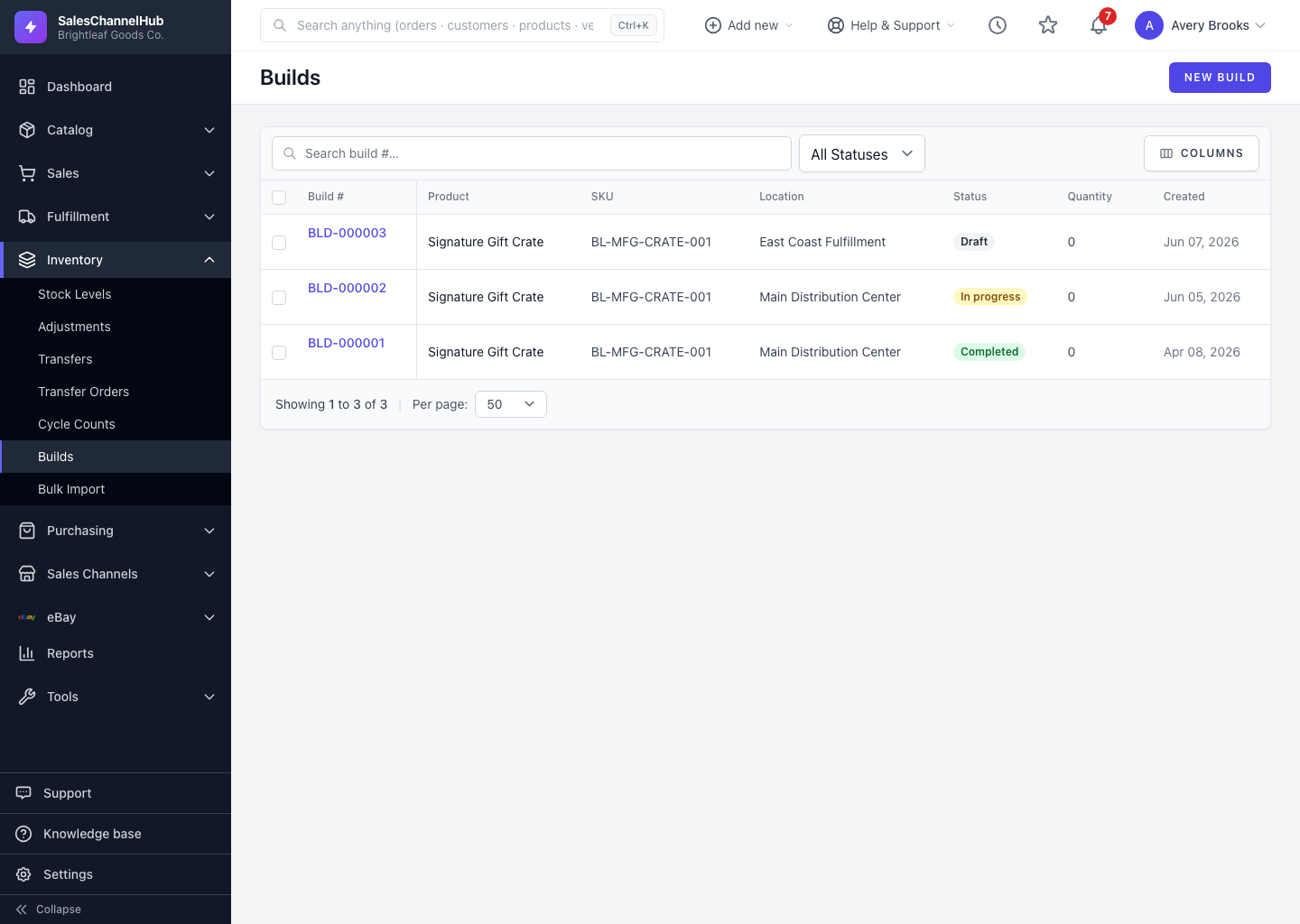
A build (or work order) turns component parts into a finished assembly. When you build a kit, the system consumes the component SKUs and produces stock of the parent SKU, all from the product's bill of materials. Find builds under Inventory → Builds.
How does a build work?
- You choose a parent assembly SKU, a location and a quantity to produce.
- The system snapshots the component list from the active bill of materials.
- On completion, components are consumed and the finished item is added to stock.
What are the statuses?
Draft, Released, In Progress, Completed and Cancelled.
Tip. Builds are only available for products set up as a bill-of-materials (BOM) type with components. If a product isn't BOM, convert it first.
Was this article helpful?