Edit a brand
Open a brand from the list to update its name, logo, website or country of origin across the General, SEO and Custom Fields tabs.
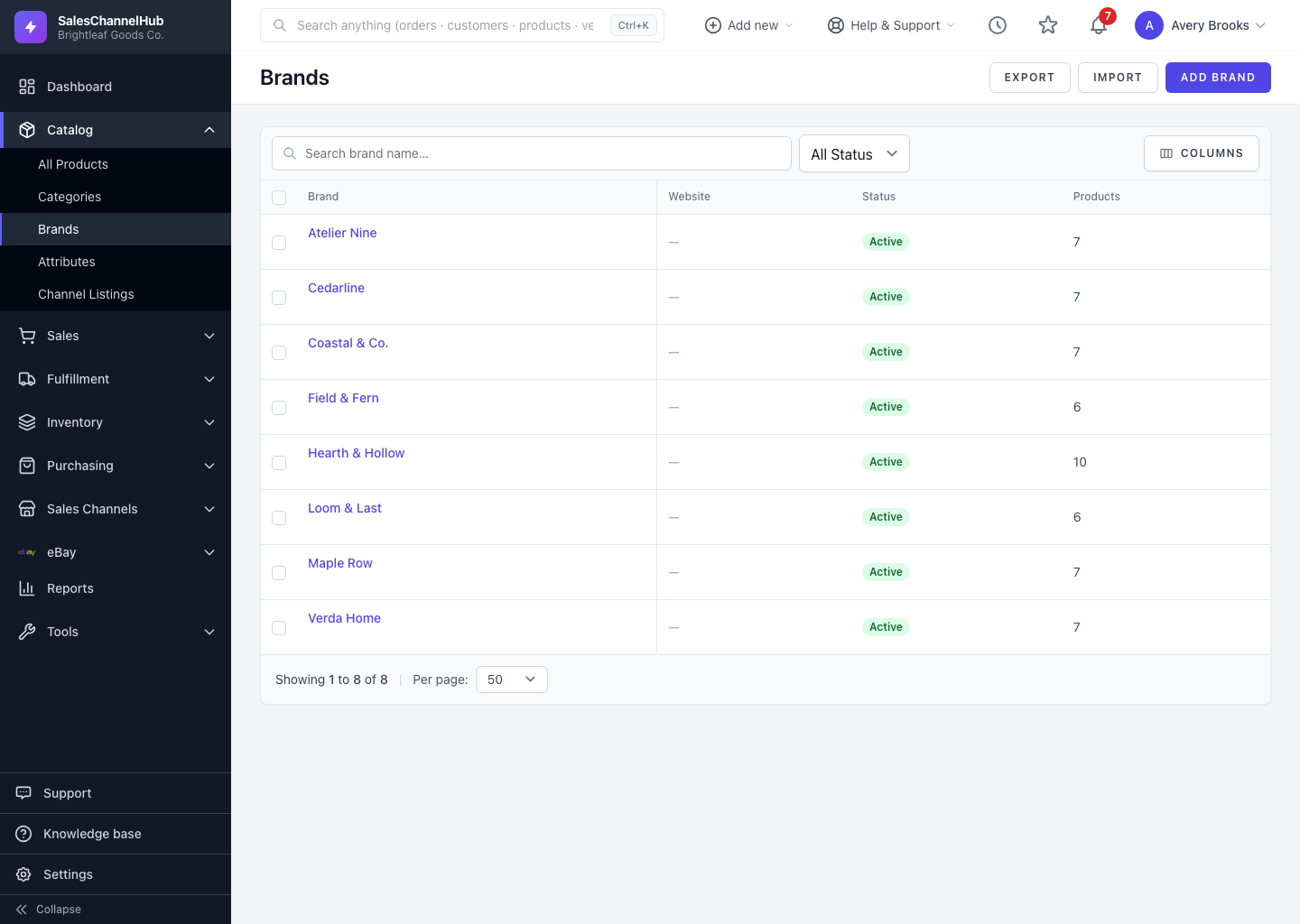
To change a brand, click its name on the Brands list (or hover and click Edit). You can update any detail, including replacing the logo or correcting the country of origin.
How do I edit a brand?
- Open the brand from the Brands list.
- On the General tab, update the name, description, website, country of origin or active status.
- To replace the logo, choose a new file. The current logo shows below the upload so you can confirm before saving.
- Use the SEO and Custom Fields tabs for those details, then click Update Brand.
Where do I check a brand's slug or product count?
The Audit section on the General tab shows the brand's slug, product count and creation date.
Tip. Changing a brand's name keeps its existing slug, so inbound links to the brand page stay intact.
Was this article helpful?