Create an eBay listing
On Live Listings click Create New Listing, pick a master product, fill in title, category, price and shipping, then publish or save as a draft.
To list an item, turn one of your master products into an eBay listing. On Live Listings, click Create New Listing. You can publish it live or save it as a draft to finish later.
How do I create a listing?
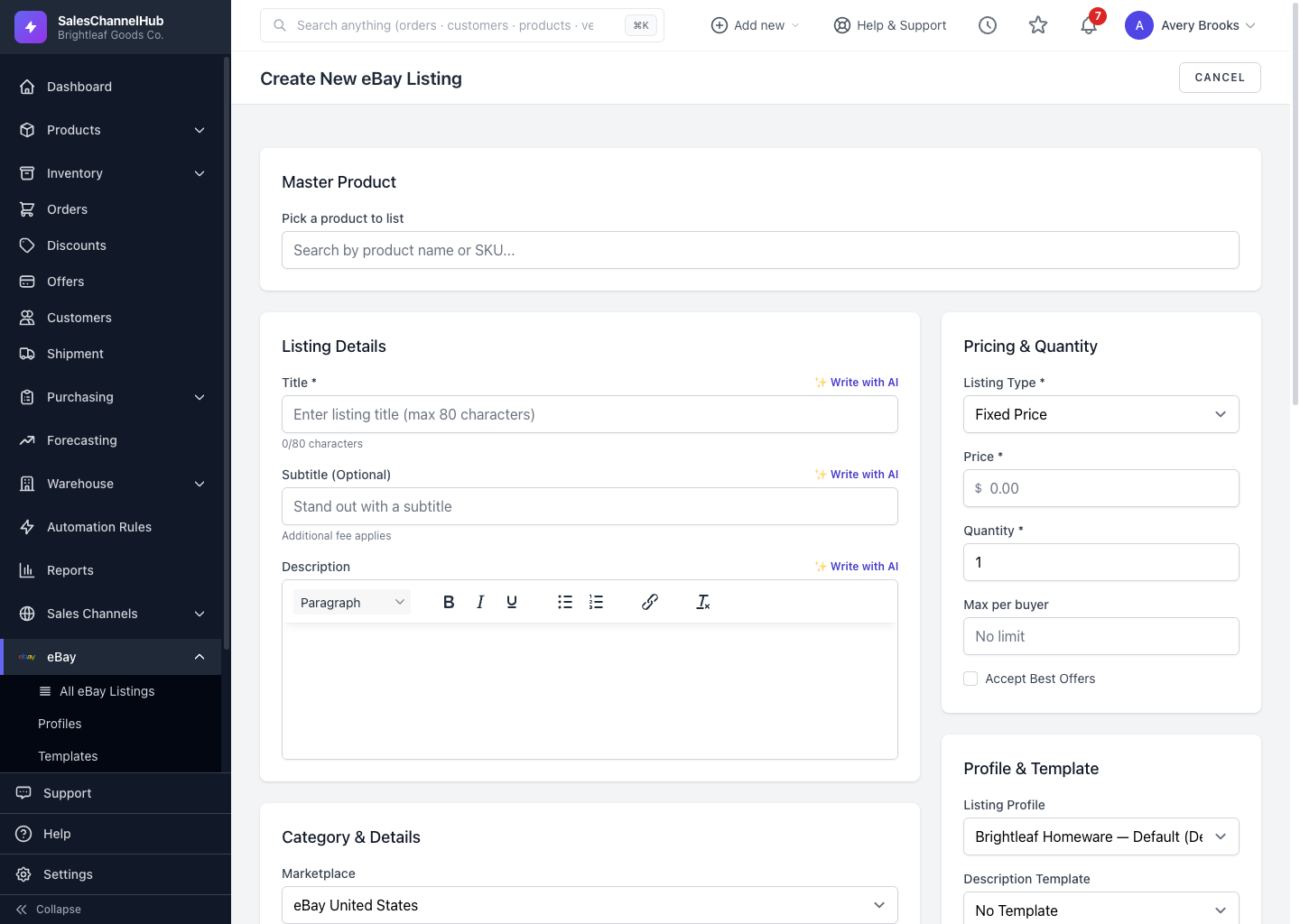
- Under Master Product, search for and pick the product to list. Its title, photos, price and stock pre-fill the form.
- Set the Title (max 80 characters) and an optional Subtitle and Description.
- Choose the Marketplace and Category, then complete the Item Specifics eBay asks for.
- Set Condition, the Listing Type, Price and Quantity under Pricing & Quantity.
- Pick a Listing Profile and Description Template, and set shipping under Business policy or Build manually.
- Click List to eBay now to publish, or Save as draft / schedule to keep it as a draft.
Where do the photos and details come from?
From the master product. Its images seed the Images block (up to 12, 12MB each), and the brand, GTIN, UPC and EAN flow through as item specifics. Anything you change on the listing applies only to that listing.
Tip. Use the Write with AI buttons beside the title and description, and Generate with AI for item specifics, to draft text from the product's details.
Common questions
What's the difference between List to eBay now and Save as draft?
List to eBay now publishes the listing immediately. Save as draft / schedule keeps it in SalesChannelHub without sending it to eBay, so you can finish it later or set a go-live time. Drafts appear in your listings until you publish them.
Can I sell auction-style instead of a fixed price?
Yes. Set the Listing Type to auction under Pricing & Quantity. The price field becomes the starting bid, and you can add a reserve, a Buy It Now price and a duration of 1, 3, 5, 7 or 10 days.
How long can the title be?
Up to 80 characters, eBay's limit. The optional subtitle allows 55 characters and carries an extra eBay fee.
Do I have to set shipping every time?
No. Leave shipping on Business policy with "Account default" and eBay picks your defaults, or sync your business policies in Settings and choose one by name. Build manually is there when you want per-listing rates.