Bulk change product status
Tick products on the list, then use the bulk-actions bar to Activate, Deactivate or Discontinue them all at once.
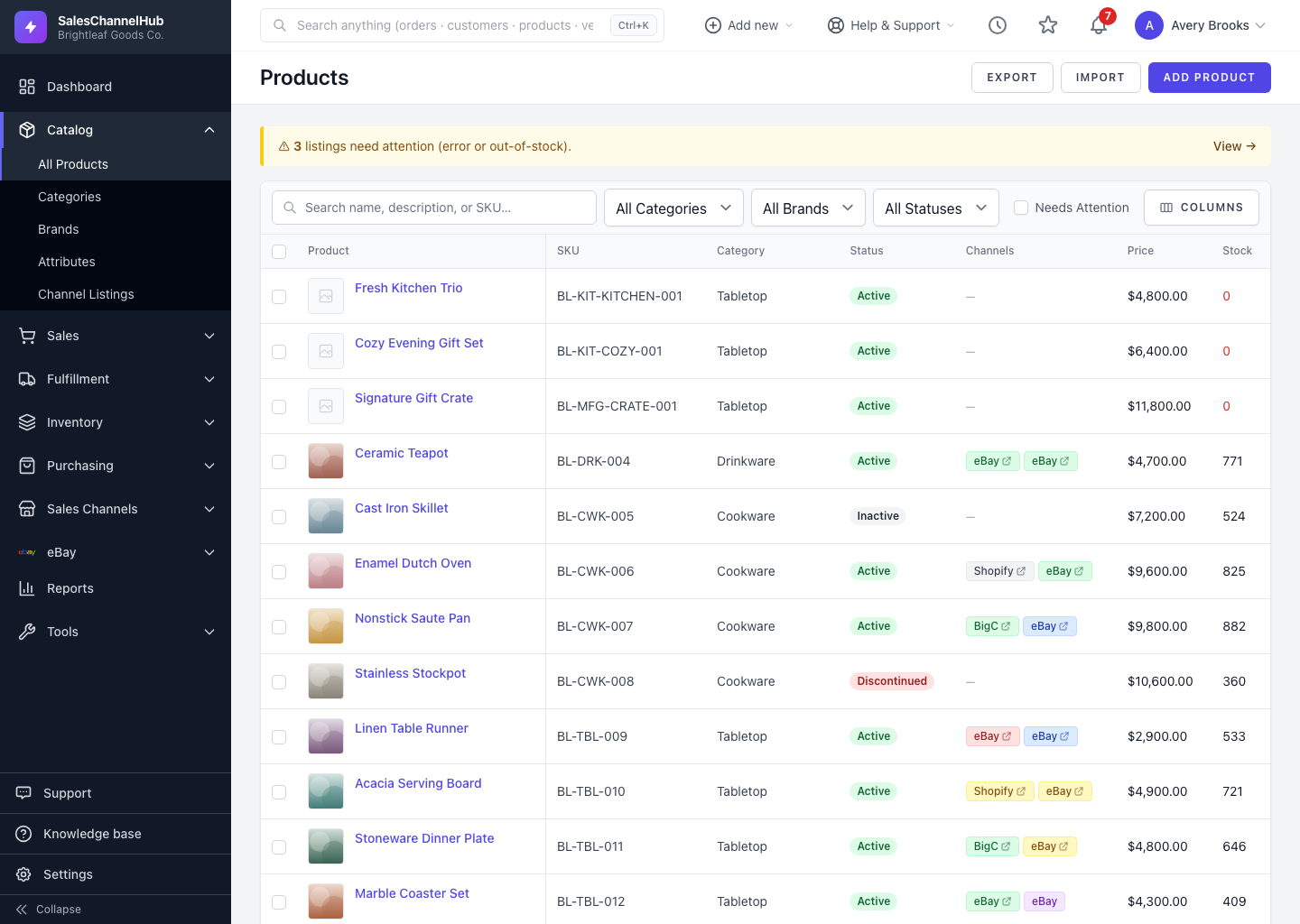
To change the status of a whole batch of products at once, tick them on the list and use the bulk-actions bar. It's faster than opening each product when a seasonal range goes inactive, for instance.
How do I change status for many products?
- Open Products and tick the checkbox on each product you want to change.
- The bulk-actions bar appears at the top of the list.
- Click Activate, Deactivate or Discontinue.
- Confirm the action when prompted. A message reports how many products were updated.
Tip. Filter the list first, for example by a brand or category, so you're only selecting from the exact set you mean to change.
Was this article helpful?