Edit a listing
Open a listing and click Edit to change the title, price, photos, item specifics or shipping. Edits to live items are pushed back to eBay.
You can edit a listing at any stage: tidy a draft before it goes live, or revise an item that's already selling. Saved changes to live items are pushed back to eBay.
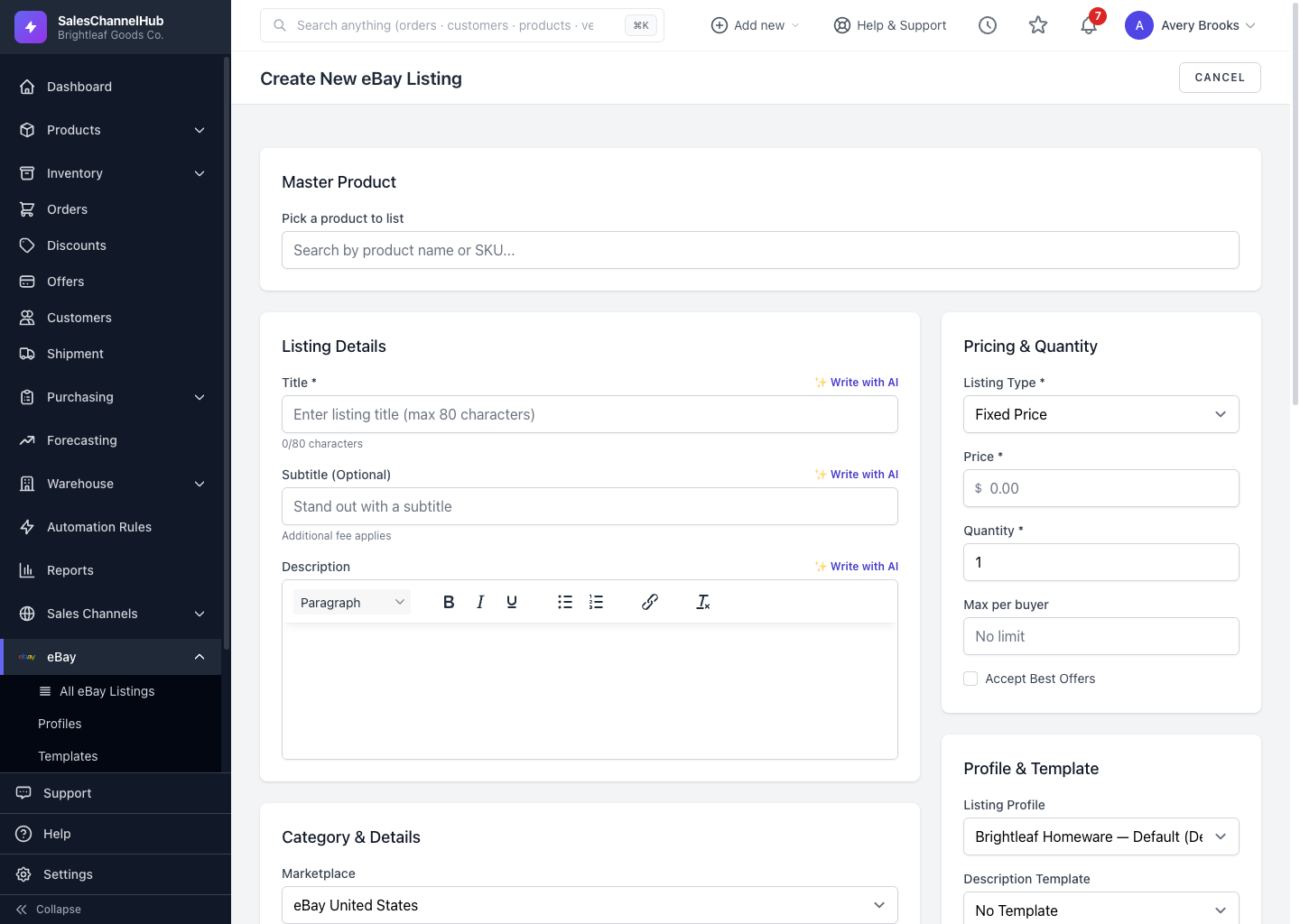
How do I edit a listing?
- Open the listing and click Edit, or click Edit on its row in any listing table.
- Update the title, subtitle, description, photos or item specifics.
- Adjust price, quantity, condition, shipping, returns or package details.
- Click Save Changes to keep your edits, or Save & list to eBay now to save and publish in one step.
Tip. If a listing failed to publish, a red error panel at the top names each problem and gives a Fix this field → shortcut straight to it.
Common questions
Will editing a live listing change it on eBay?
Yes. When you save edits to a live item, SalesChannelHub revises it on eBay. Drafts only update locally until you publish them.
My listing was rejected. How do I fix it?
Open it and read the red error panel. It lists what eBay rejected, usually a missing item specific or detail, with a Fix this field → link. Correct the fields, then click Retry publish.