Brand details and SEO
Set a brand's meta title and description on the SEO tab so brand pages read well when pushed to your sales channels.
Each brand carries SEO fields that travel with it when you push brand pages out to channels like Shopify or BigCommerce. You set them on the brand's SEO tab.
How do I set a brand's SEO?
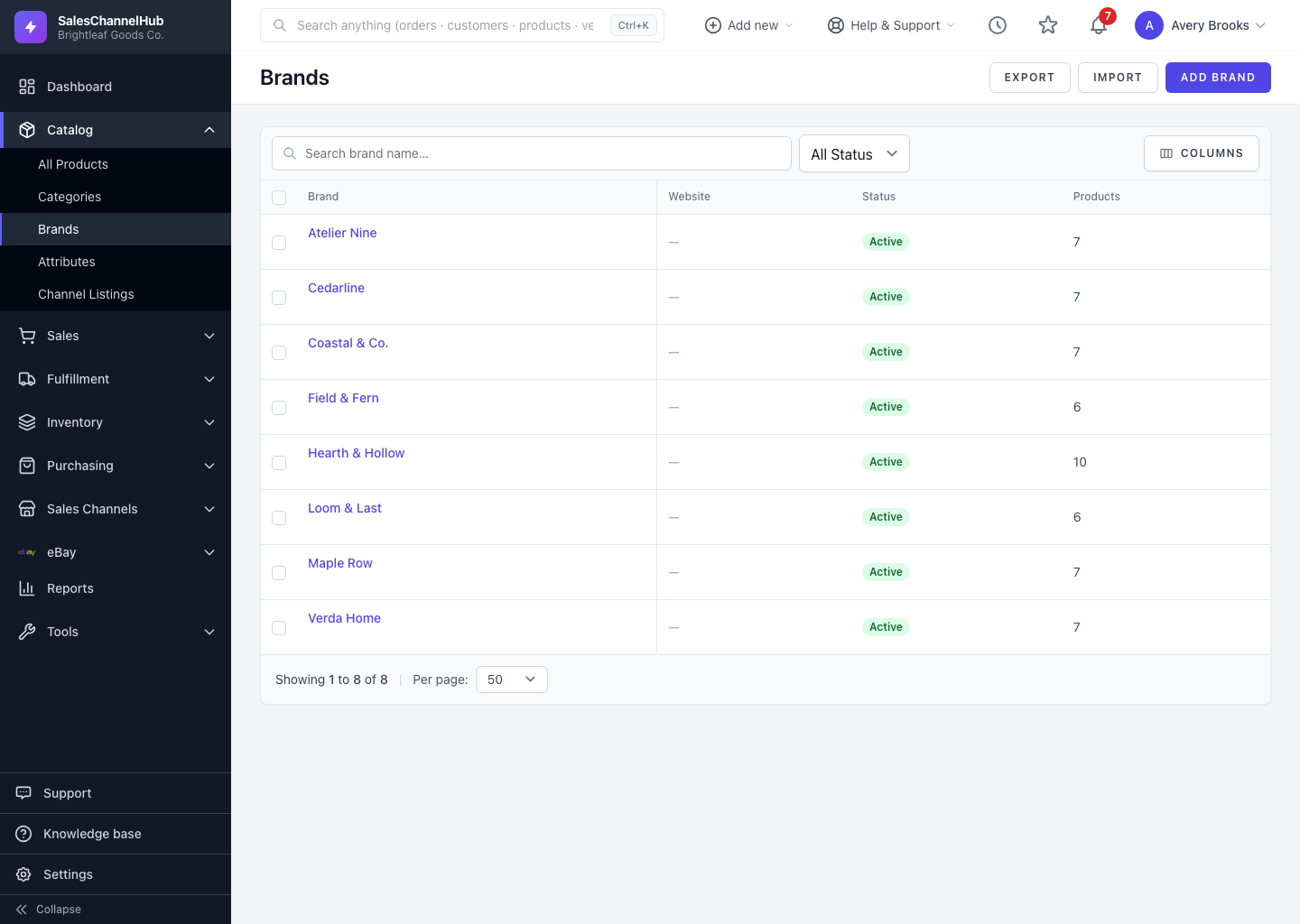
- Open a brand from the Brands list and click the SEO tab.
- Enter a Meta Title, kept under 70 characters. It's the headline used on the brand page.
- Add a Meta Description of up to 160 characters, the short summary shown beneath the title in search results.
- Save the brand.
Tip. Write the meta description as a sentence a shopper would actually read, not a string of keywords. It's what convinces someone to click through.
Was this article helpful?