Match an orphan listing to a product
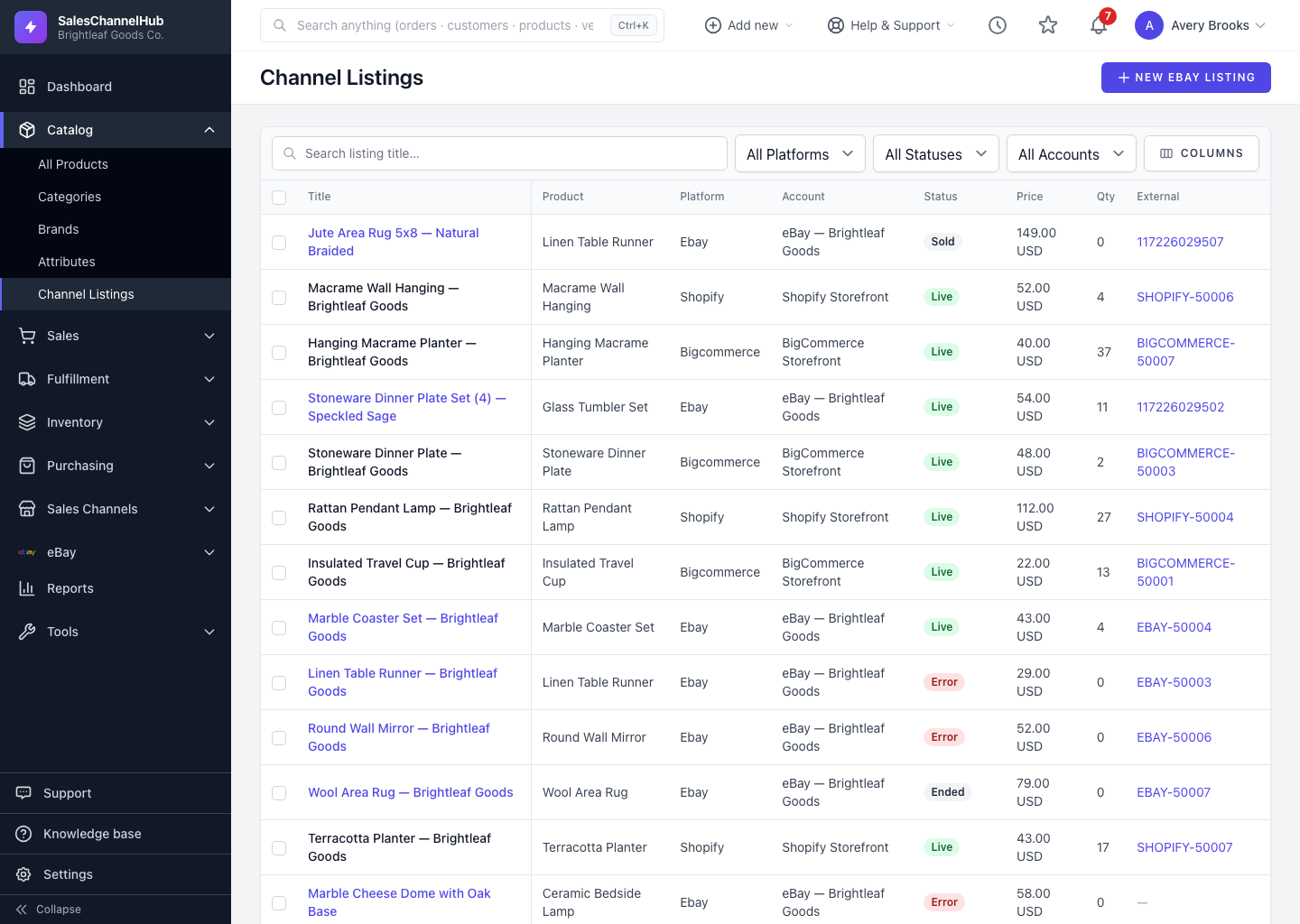
Open Live Listings → View orphans, type a product name in the Match to product column, and pick the match to re-link the listing.
An orphan listing is an eBay item that no longer points to a product in your catalog, usually because the product was deleted, or the listing was imported before its product existed. Re-linking restores stock and order sync.
How do I re-link an orphan listing?
- Open Live Listings and click View orphans →.
- Find the listing in the table, or search by title.
- In the Match to product column, type a product name and pick the right match from the suggestions.
- The listing re-links and drops off the orphan list.
Tip. Each match is recorded in the listing's history, so you can always see when an orphan was re-linked and to what.
Was this article helpful?