Sync one entity on demand
On the Settings page, use the Sync Products, Orders, Customers or Inventory buttons to trigger one entity right now.
When you don't want to wait for the next scheduled run, use Manual Sync to refresh one entity now. Pick just orders, or just inventory, for a single channel.
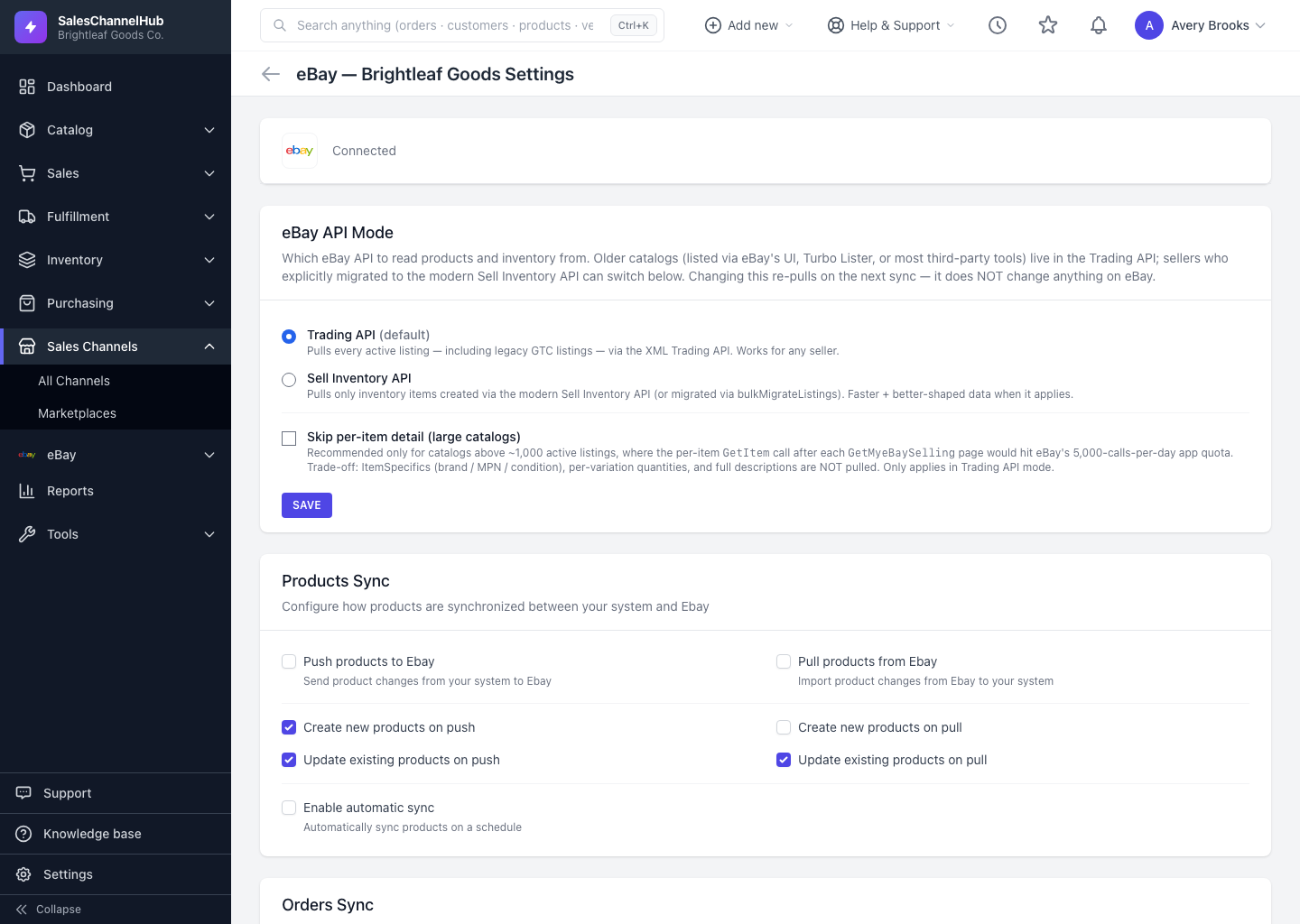
How do I sync a single entity?
- Open the connection's Settings page and scroll to Manual Sync.
- Under Or sync individual entities, click Sync Products, Sync Orders, Sync Customers or Sync Inventory.
- You'll see a confirmation that the sync is queued. Open Logs to follow its progress.
Tip. Not every channel supports every entity. Etsy and TikTok Shop don't sync customers, for instance. If an entity isn't supported, you get a clear message rather than a silent no-op.
Common questions
Why didn't anything happen when I clicked a sync button?
The sync runs in the background, not on the page. You'll see a queued confirmation, then watch it complete on the Logs page.
Can I sync customers on every channel?
No. Some channels, including Etsy and TikTok Shop, don't support customer sync. The app tells you when an entity isn't available for that platform.
Was this article helpful?