Re-sync a discount to its channels
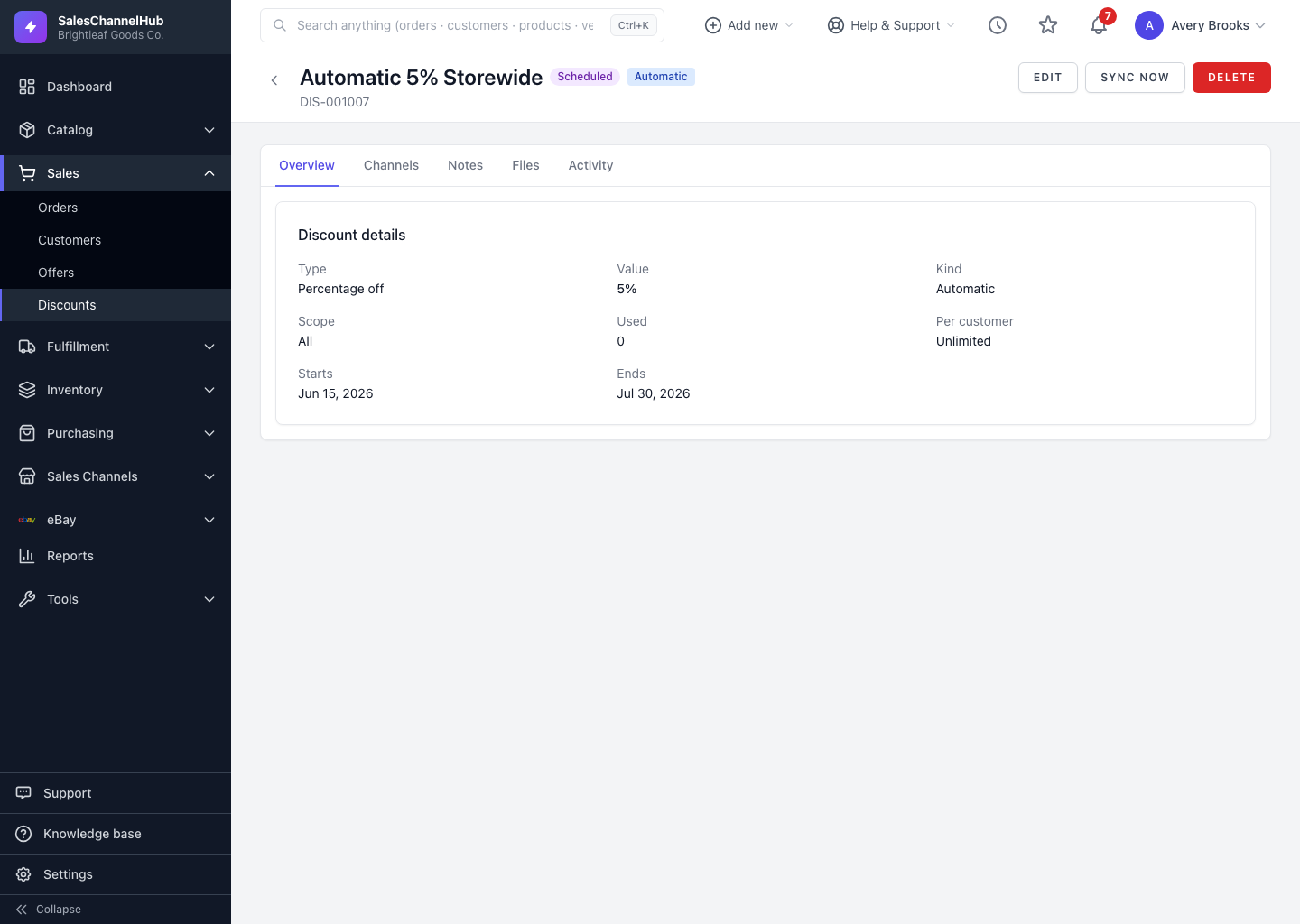
Click Sync now on a discount to re-push it to every channel it's already on, after a change or a sync error.
If a channel link shows an error, or you changed something at the store end, click Sync now to re-push the discount to every channel it's linked to.
How do I re-sync a discount?
- Open the discount from the list.
- Click Sync now in the header.
- The re-push is queued for each linked channel. Refresh the Channels tab to watch the statuses update.
Sync now re-pushes existing links only. It doesn't add new channels; to add one, edit the discount and tick it under Push to channels.
Tip. If a link stays in Error after a re-sync, read the Detail column on the Channels tab. It carries the store's own message about why the push failed.
Was this article helpful?