Your first-week checklist
A short, ordered checklist to get SalesChannelHub set up and your team working in it. You don't have to finish in one sitting.
Work through this checklist in your first week and you'll have the essentials in place. You don't need to do it all in one sitting.
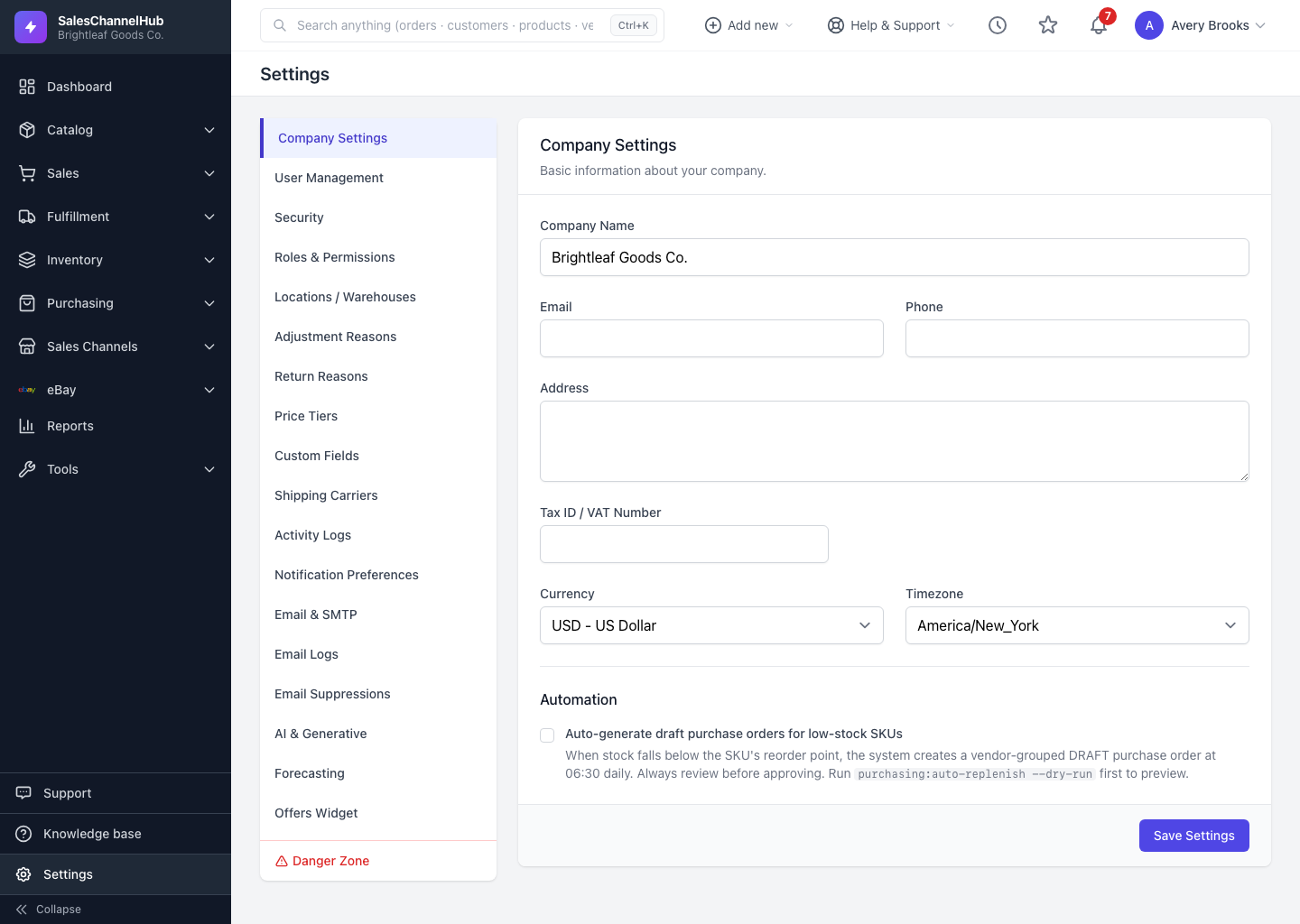
What should I do first?
- Confirm company details under Settings → Company Settings.
- Set up roles so each job has the right access (Settings → Roles & Permissions).
- Invite your team and assign each person a role (Settings → User Management).
- Secure your account with two-factor authentication (Settings → Security).
- Bring in your data by adding or importing products and opening stock.
- Connect a sales channel from Sales Channels so orders and listings flow in.
- Tailor your dashboard with a default period and only the widgets you need.
Tip. Bookmark the pages you'll live in using the star control in the top bar, and lean on global search and Add new to move quickly from day one.
Was this article helpful?