Why reports use the order date, not the import date
The Date column shows when an order was actually placed, so a batch of back-dated orders doesn't pile onto one day.
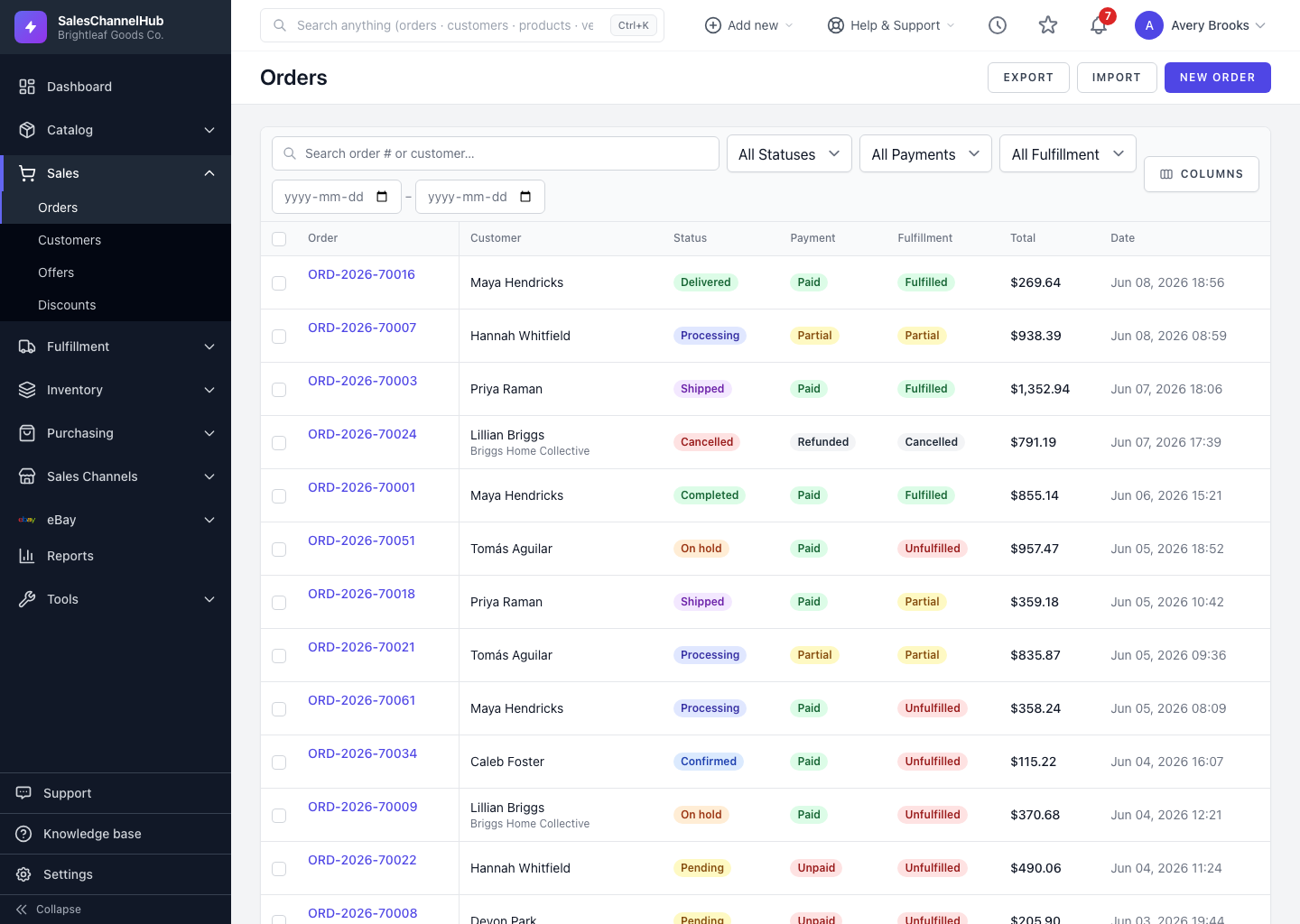
Reports and dashboards count orders by when they were placed, not when they were imported. That placed date is what the Date column shows: the customer-side date from the channel, or the moment you created the order manually.
Why does this matter?
- The order date is the real business date the sale happened.
- The date an order was imported or synced is a separate, system-side date.
- If reports counted the import date, a batch of back-dated orders pulled in on one day would all pile onto that single day and distort your trends.
- By using the placed date, a Tuesday's sales land on Tuesday no matter when they reached the system.
Tip. When a sales total looks off after a fresh import or channel sync, check that you're reading the order date, not the day the import ran.
Was this article helpful?