Bulk mark orders as paid
Tick several orders, click Mark Paid in the bulk action bar, and confirm to flip them all at once.
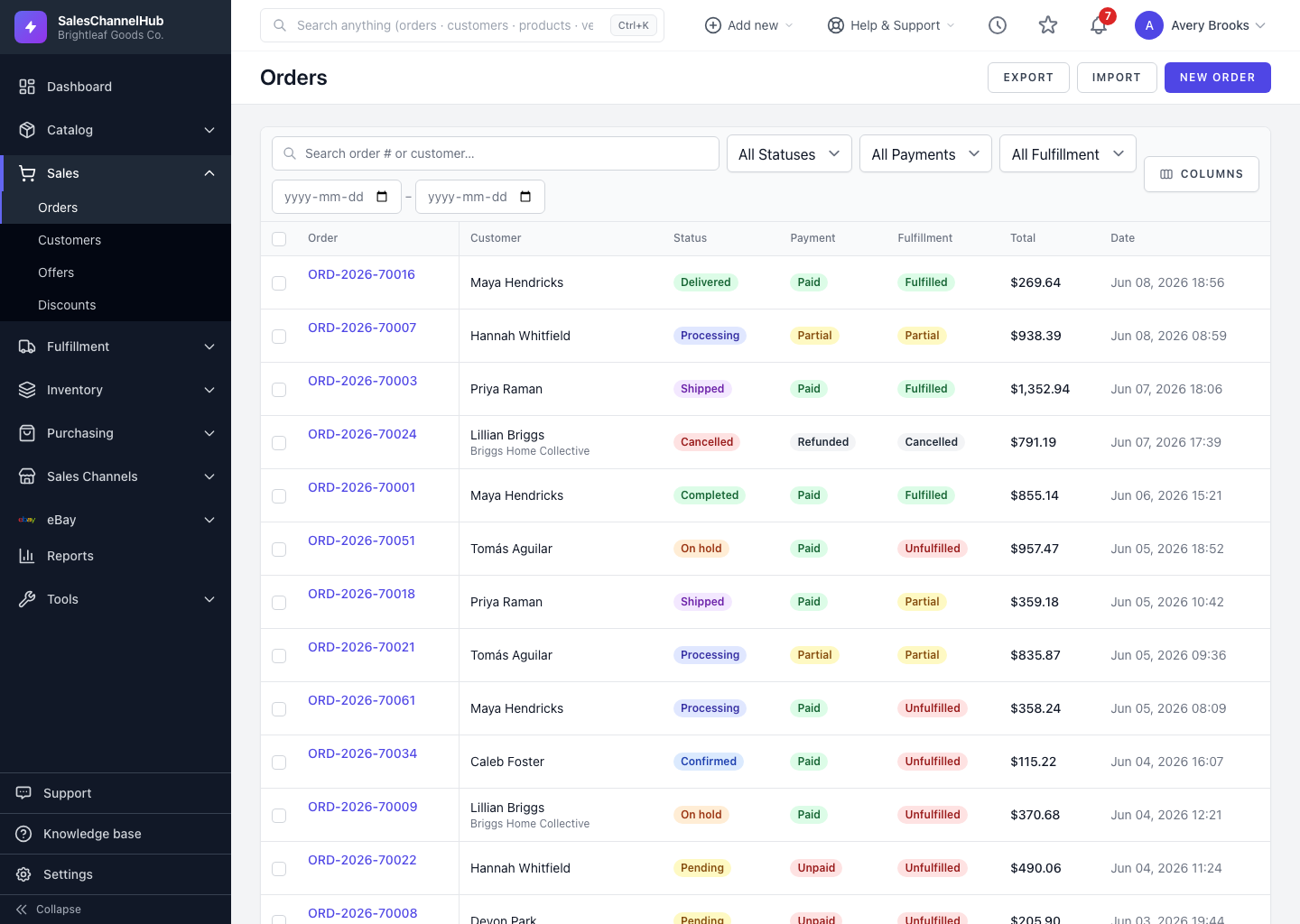
When payment lands for a batch of orders, you don't have to open each one. Tick them on the list and update their payment state together.
How do I mark several orders paid?
- On the orders list, tick the checkbox on each order you want to update.
- The bulk action bar replaces the filters. Click Mark Paid.
- Confirm the prompt asking to mark the selected orders as paid.
- Each order's Payment badge changes to Paid and the change is recorded.
The neighbouring Mark Unpaid button does the reverse for the same selection.
Tip. Filter to Payment: Unpaid first, then select all, so you only flip the orders that need it.
Was this article helpful?