


Products are your catalog. Each product holds its descriptions, images, pricing and shipping details, plus one or more SKUs that carry the actual stock you sell and push to your sales channels.
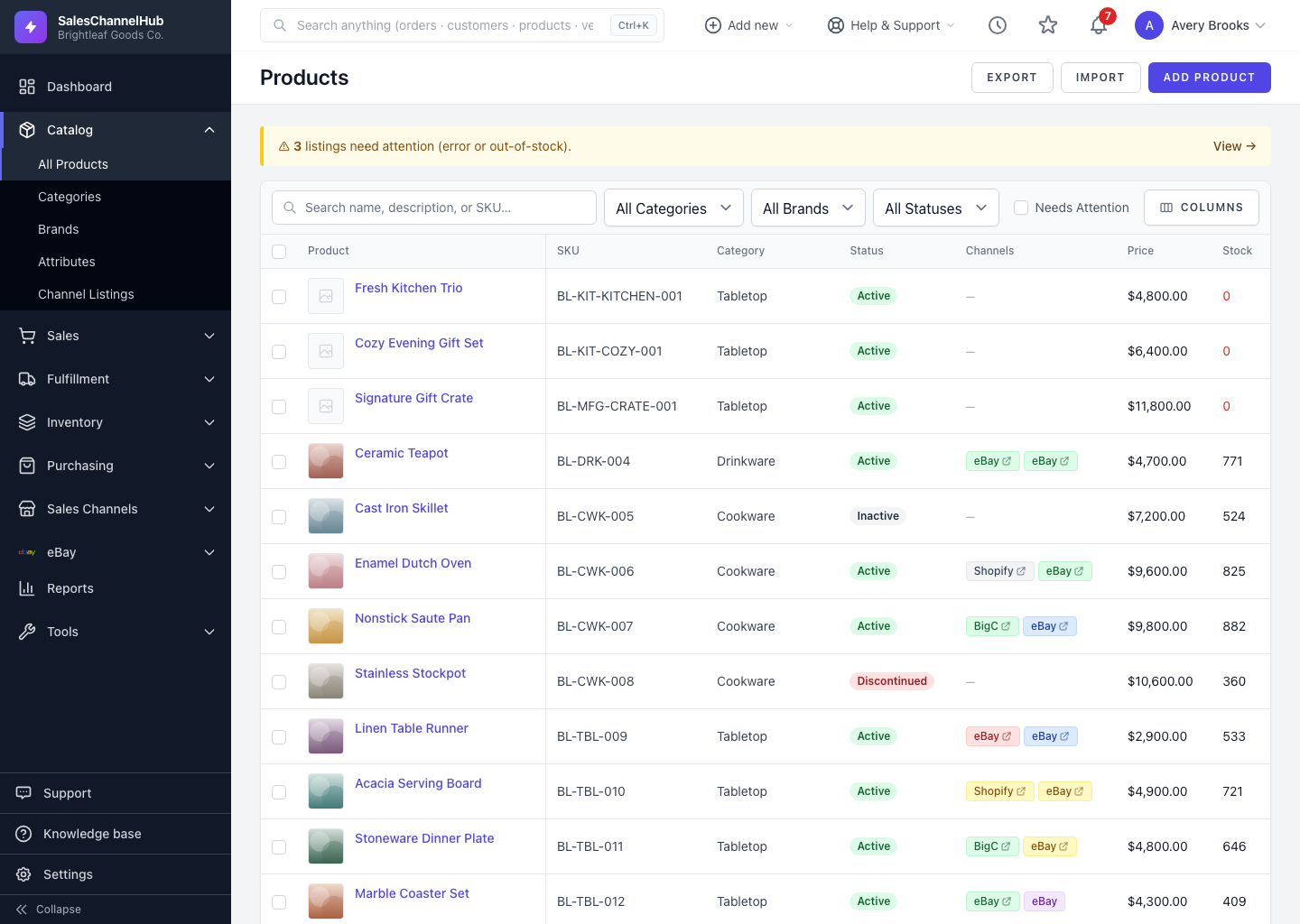
What can I do in Products?
- Browse and filter the full catalog, then open any product to view or edit it.
- Create products of four types: simple, variant, bundle and bill of materials.
- Edit details across tabs on the edit page: General, Images, Pricing, Stock & Variants, Shipping, SEO and more.
- Import and export in bulk with CSV files.
- List on sales channels like eBay straight from a product.
Tip. Every product needs at least one SKU. The SKU carries the price, barcode and stock; the product is the container around it.
Was this article helpful?