Customers: common questions
Quick answers to the questions sellers ask most about deleting, importing, price tiers, credit holds and addresses.
Quick answers to the things people ask most about customers. For step-by-step guides, see the articles above.
Tip. If a button or field you read about here isn't visible, it's almost always your role hiding it. Ask an owner or admin to adjust your permissions under Settings → Roles & Permissions.
Common questions
Why can't I delete a customer?
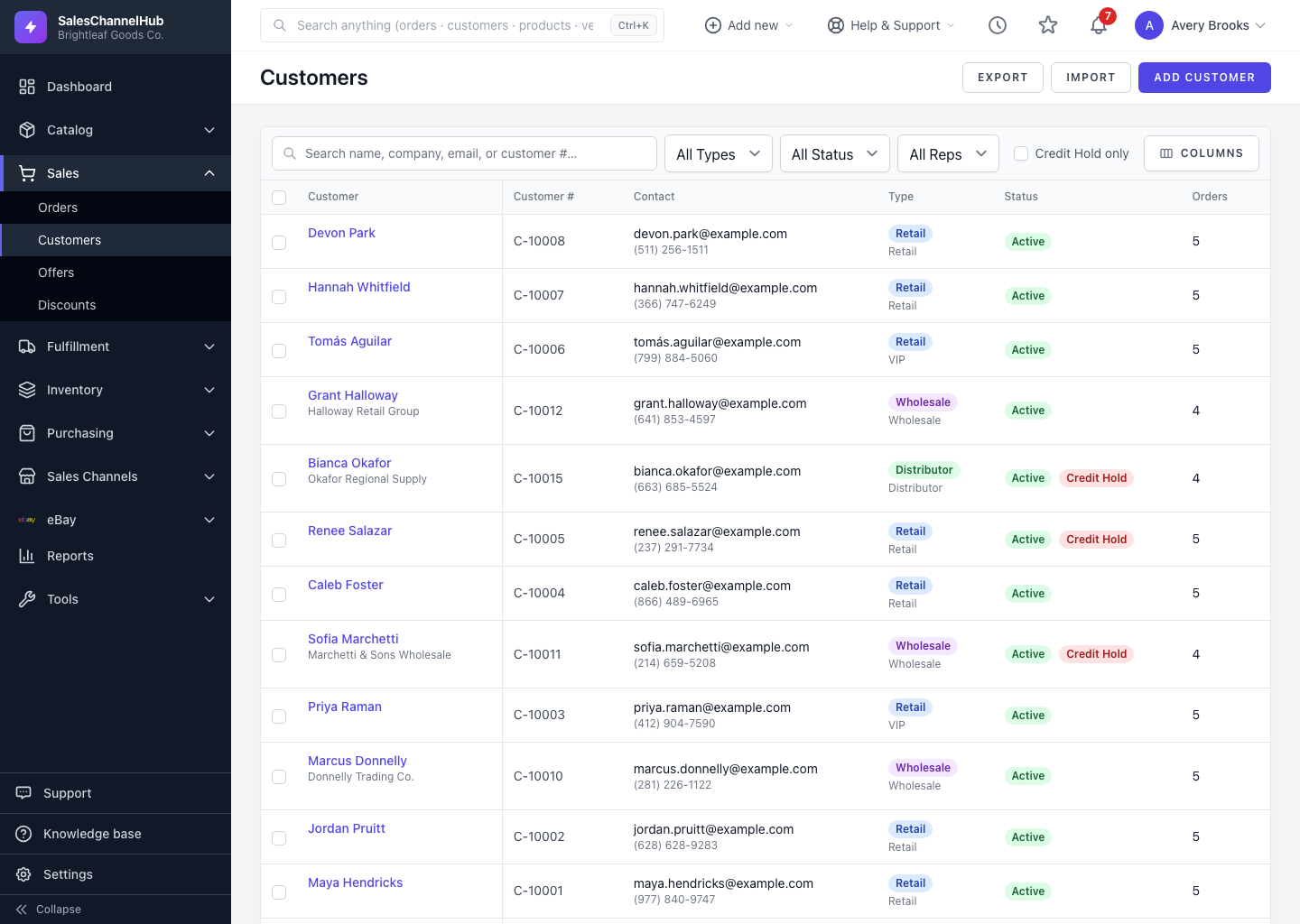
Customers with order history can't be deleted, to protect your records — you'll see "Cannot delete customer with existing orders." Deactivate them instead: edit the customer and untick Active.
The Delete button is missing. Why?
It only shows for users with delete permission, and only on customers that have no orders. If either isn't true, the button doesn't appear.
A price tier won't delete. What's blocking it?
Tiers only delete once no customers are assigned. Reassign those customers to another tier first, or mark the tier inactive in Settings → Price Tiers.
My imported customers have no price tier. Why?
The tier name in your CSV has to match an existing tier exactly. Fix the spelling, create the tier first, or assign it after import.
The import skipped my rows. What happened?
With Update existing customers unticked, rows matching an existing customer number or email are skipped. Tick it to update them instead.
I can't place a credit hold. What's wrong?
Credit holds and limits need the credit-management permission. If the button or fields are hidden, ask an administrator to grant it on your role.
My new address didn't become the default. Why?
You have to tick Set as default address when adding it. Otherwise the previous default of that type stays in place.