Edit or deactivate a location
Click Edit on a location row to update its details and flags, or untick Active to retire it without losing stock history.
Open a location to rename it, change its address, adjust its flags, or take it out of use.
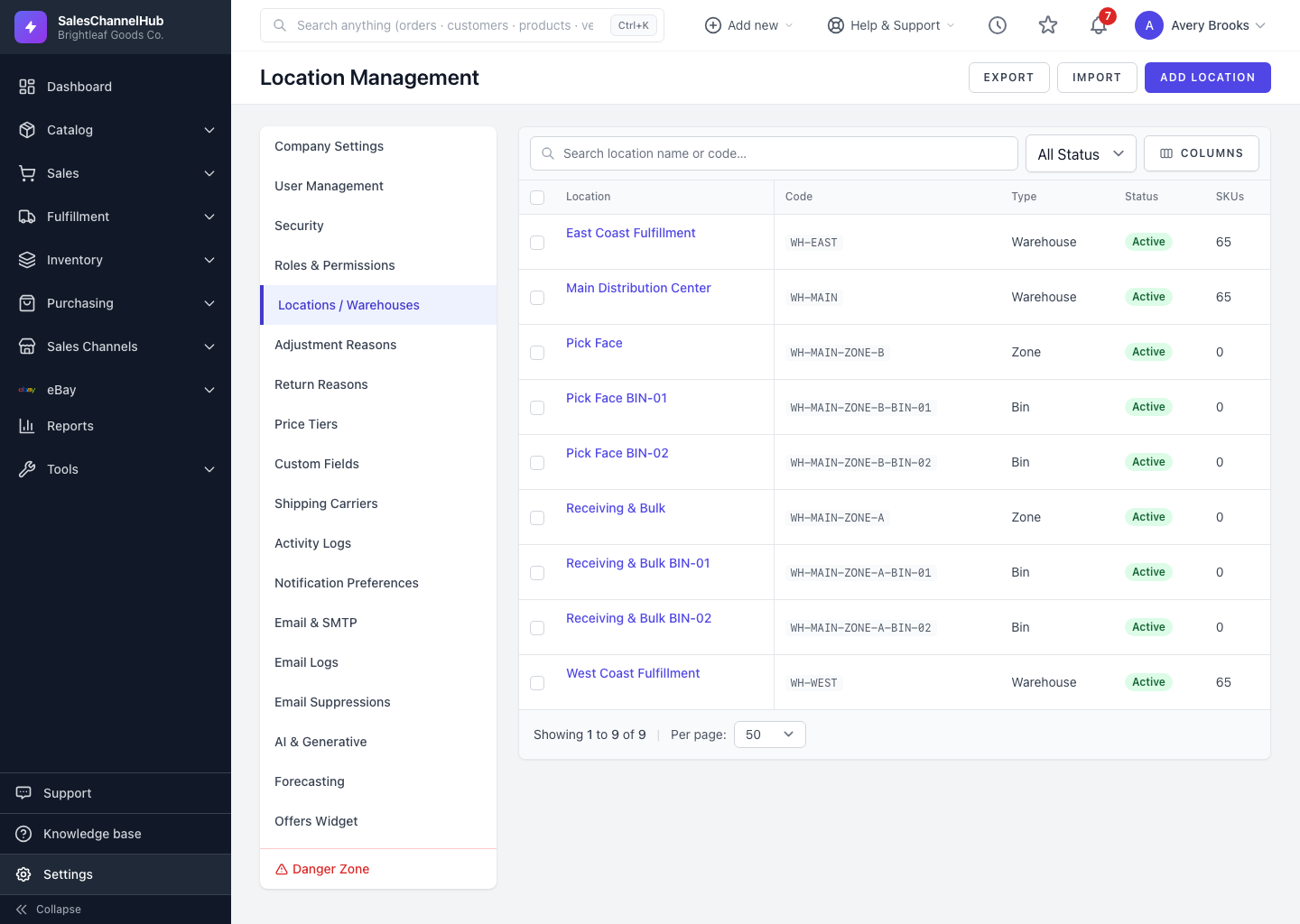
How do I edit a location?
- Go to Settings → Locations / Warehouses and click Edit on the row.
- Change the Name, Code, Type, Parent Location or address as needed.
- Use the Active, Sellable and Receivable checkboxes to control how the place is used.
- Click Update Location.
What are the platform mappings on the edit page?
The edit page lists Platform mappings: the external warehouse IDs a connected channel such as Shopify or eBay creates once its sync runs. These are read-only.
Tip. To retire a site, untick Active rather than deleting it. That keeps the location attached to past movements and orders.
Was this article helpful?