Create records fast with Add new
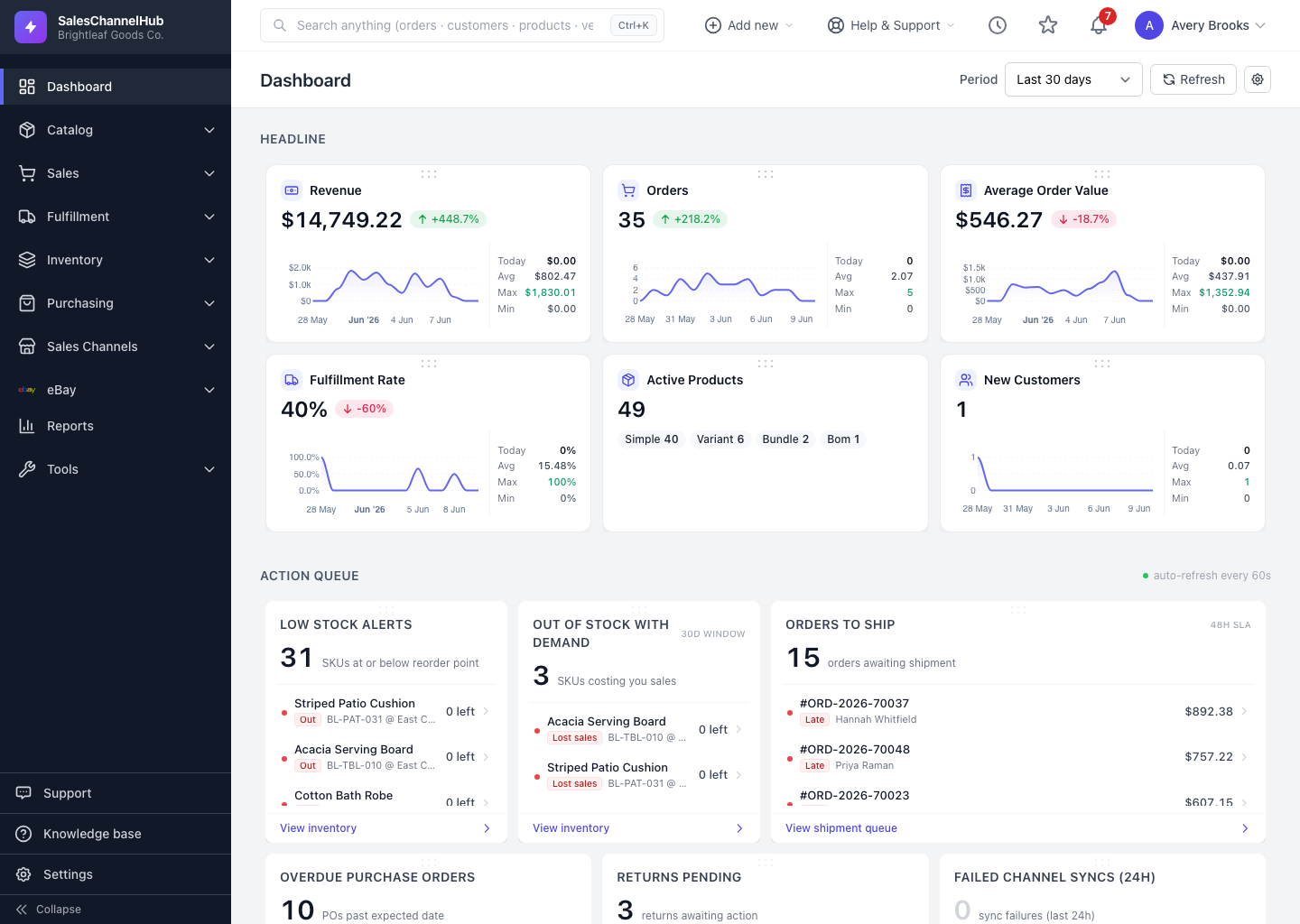
The Add new menu in the top bar starts a new order, product, PO and more from anywhere in the app.
To create something from anywhere, click Add new in the top bar instead of hunting through menus first.
What can I create from it?
- Click Add new (the circled plus) in the top bar.
- Pick what to create. Items are grouped under Sales, Products, Purchasing, Warehouse and Automation & Reports.
- You land straight on the new-record form, ready to fill in.
Tip. The menu shows only what your role can create. Settings records like users, roles and locations aren't here; create those from their own pages in Settings.
Was this article helpful?