Getting started: the big picture
The handful of things every user needs on day one: the dashboard, finding records, creating them, and your team.
You don't have to set everything up at once. Start with the five things every user touches daily, then add the rest as you go.
What should I learn first?
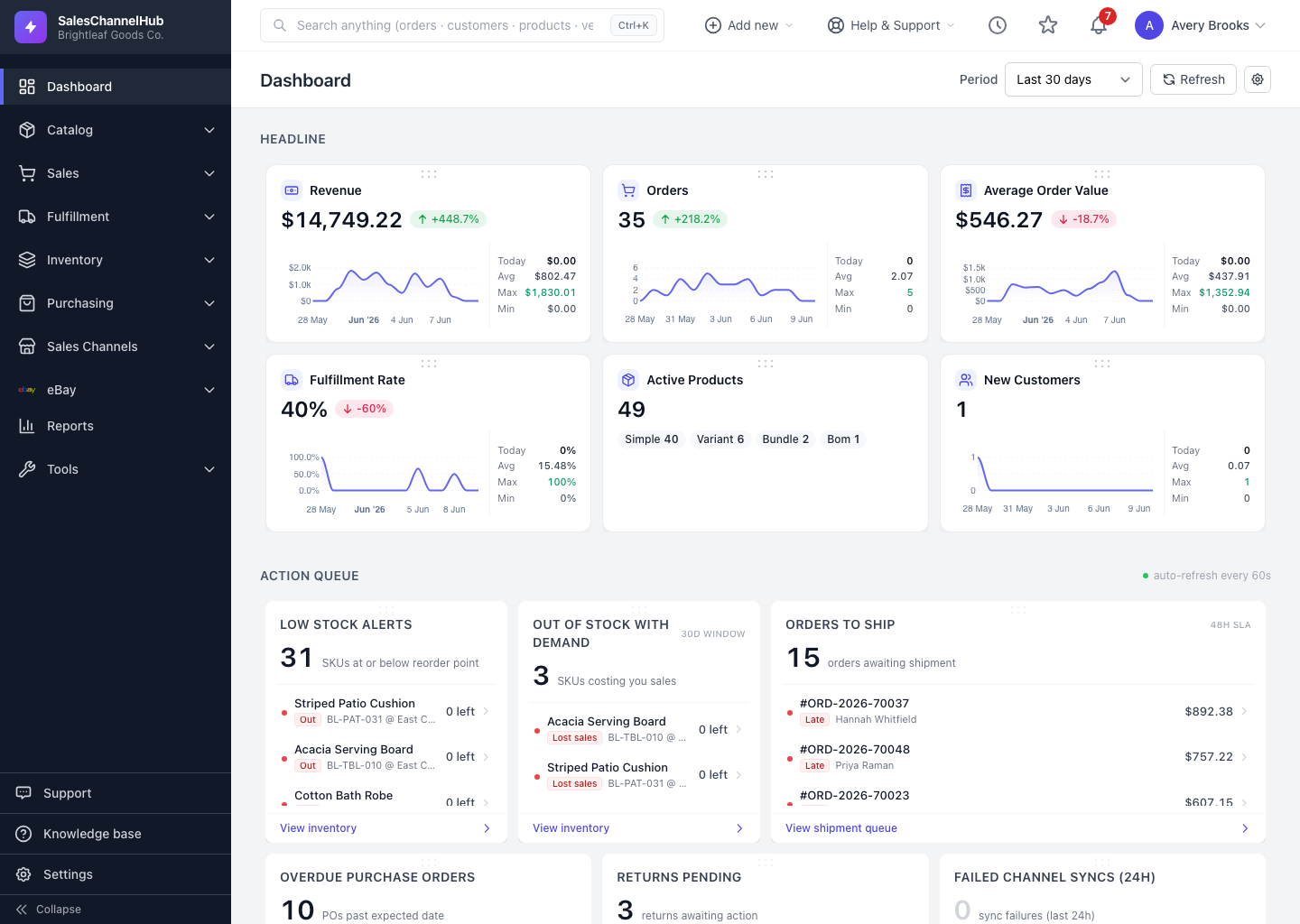
- Read the dashboard — its headline cards, action queue and charts.
- Find records fast — global search and the Add new menu.
- Get around — the left sidebar.
- Set up your team — invite users and assign roles.
- Make it yours — pick a default dashboard period and hide widgets you don't use.
Tip. Global search at the top of every page is usually faster than clicking through menus to reach an order, customer, product, vendor or PO.
Was this article helpful?