Quick actions on an order row
Hover an order number on the list to reveal View, Edit and Delete without opening the order.
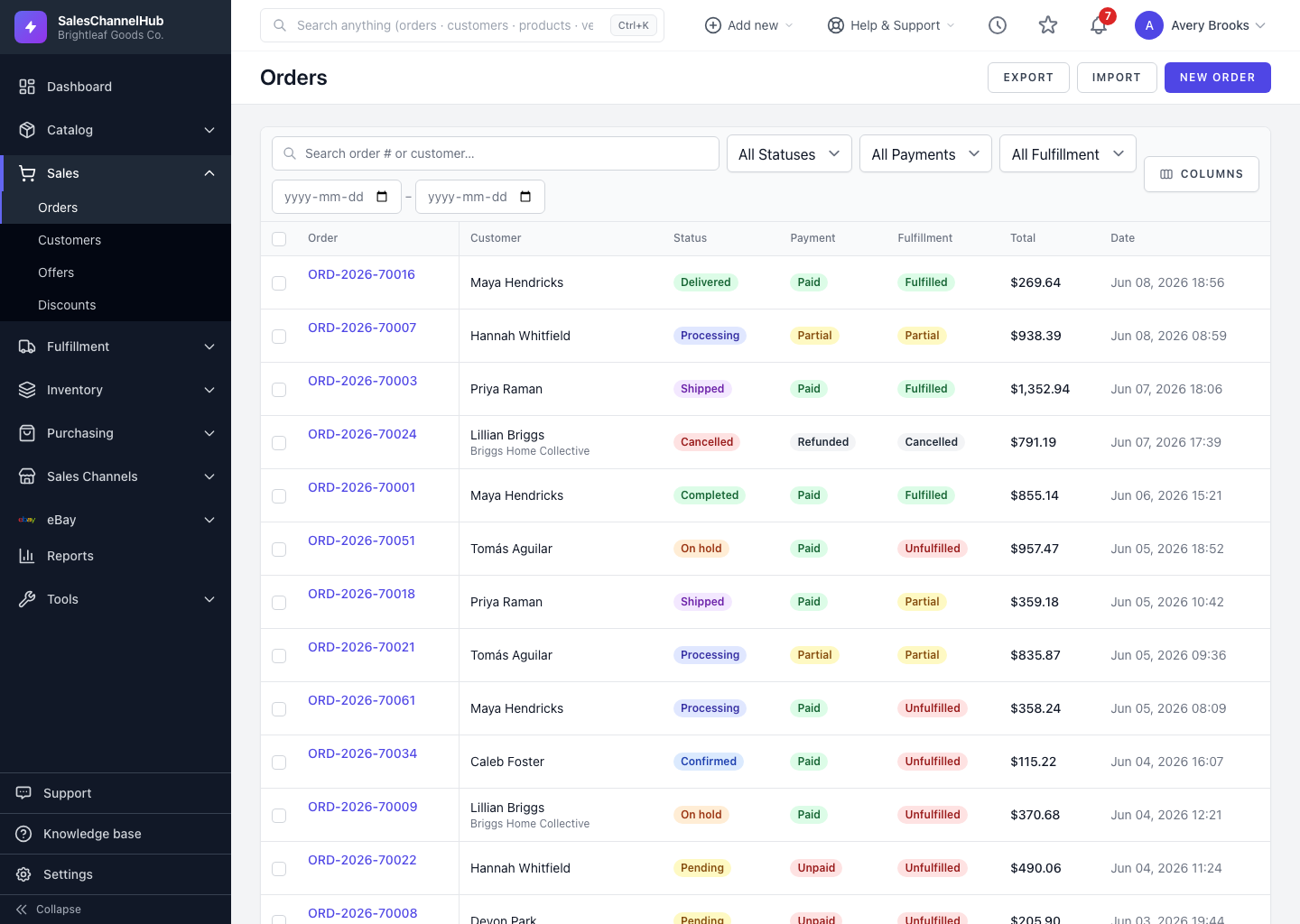
To act on an order without opening it, hover its row. View, Edit and Delete links appear under the order number, and they only show when the action is allowed for that order.
How do I use the row actions?
- Hover over (or focus) a row in the orders list.
- Below the order number, the available actions reveal themselves:
- View: open the order detail page.
- Edit: shown when the order can still be edited.
- Delete: shown when the order can be deleted (draft or cancelled, with no shipments).
- Click the action you want.
Tip. Edit and Delete only appear when those actions are allowed, so if you can't see Edit on a row, the order has moved past the editable stage.
Was this article helpful?