Add custom fields to a brand
Capture extra brand data the built-in fields don't cover, like a GS1 prefix or trademark number, using custom fields.
Custom fields let you record brand information the built-in fields don't cover: a GS1 company prefix, a trademark number, a support contact, and so on. You define a field once, then fill it in on each brand.
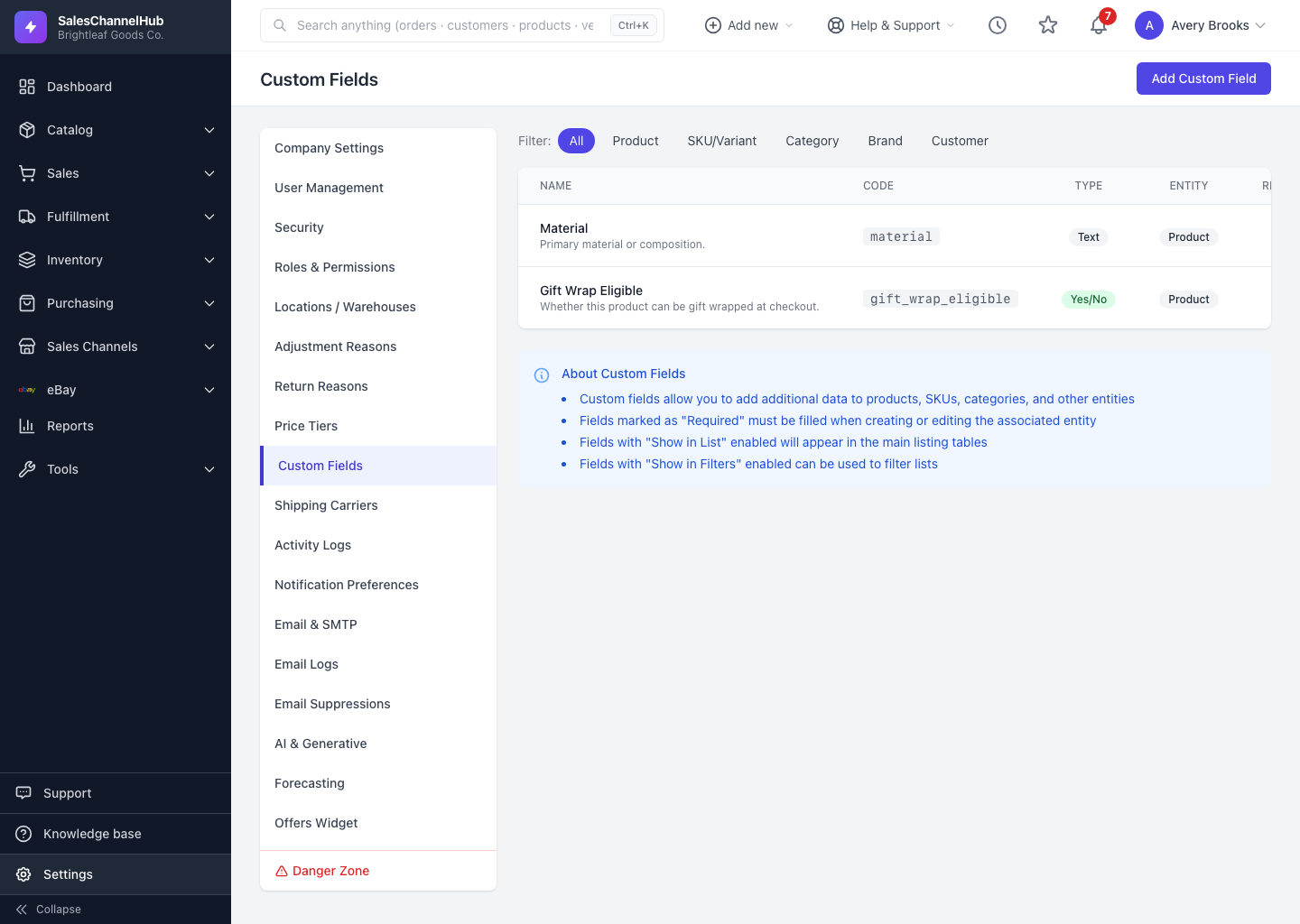
How do I add a custom field to brands?
- From a brand's Custom Fields tab, click Manage Custom Fields, or create one scoped to brand from settings.
- Choose a field type. Options include text, number, dropdown, date, color, file and more, and you can mark a field required.
- Return to a brand's Custom Fields tab, fill in the values, and save.
Can I keep a long custom-field form readable?
Yes. Group related fields together when you define them. The brand page shows each group under its own heading, which keeps a long form easy to scan.
Tip. A custom field you define for brands applies to every brand, so use them for data you'd record on most brands rather than one-offs.
Was this article helpful?