Getting help: an overview
Two ways to get unstuck: search the help center for an instant answer, or open a ticket and talk to our team. Both start from Support.
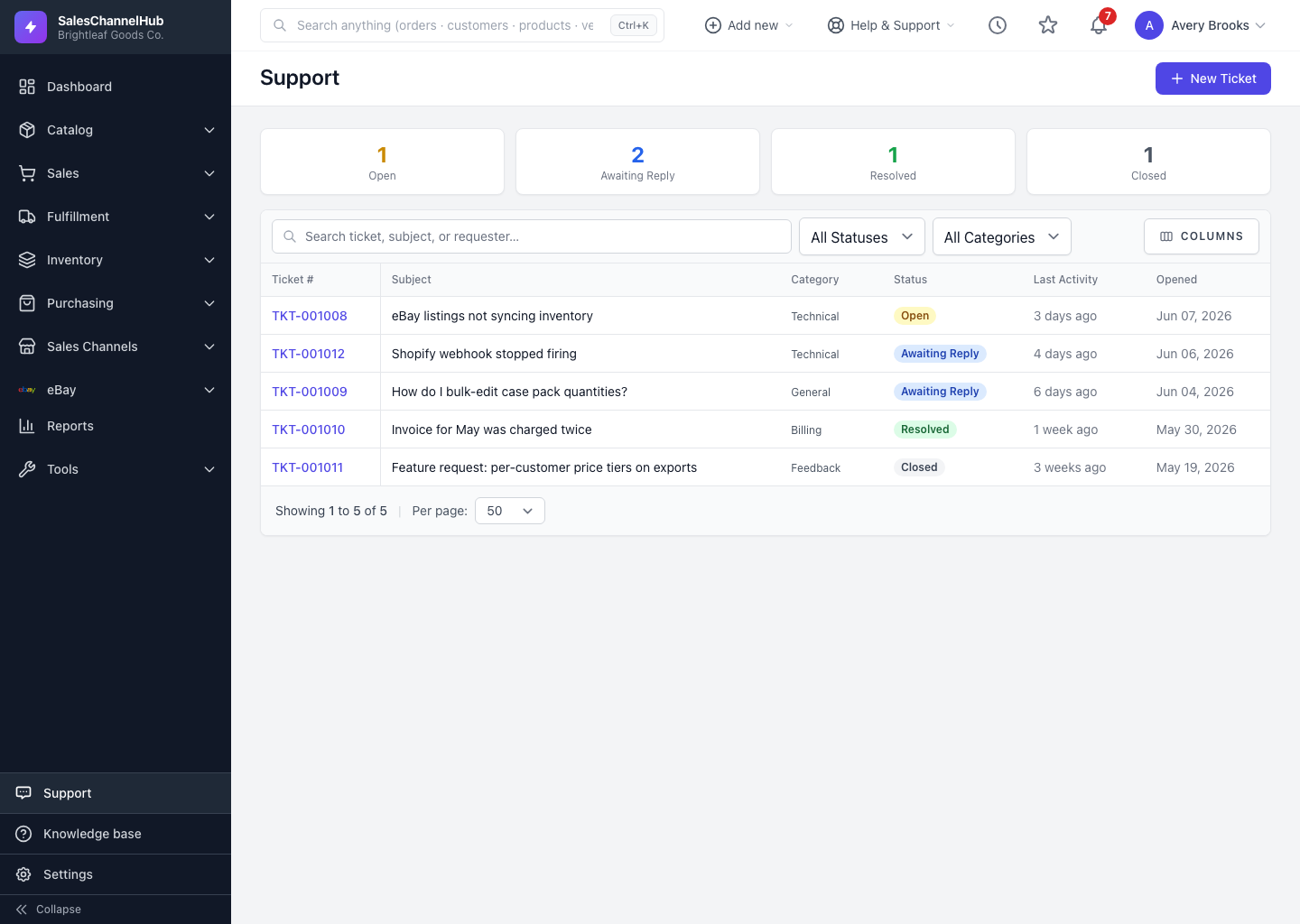
There are two ways to get unstuck: search the help center for an instant answer, or open a support ticket and talk to our team. Both start from the Support link near the bottom of the sidebar.
What are my options?
- Browse the help center — the fastest fix is usually an article. The ticket form suggests articles as you type, and links to the full help center at the bottom.
- Open a ticket — use New Ticket for anything an article can't solve: a bug, an account question, or something specific to your data.
- Track your tickets — the Support list shows every ticket you've opened, grouped by status, so you always know what's waiting on whom.
- Reply by email — every reply we send can be answered straight from your inbox, and your reply lands back on the ticket automatically.
Where do I reach the team?
From Support in the sidebar, click New Ticket. The Help & Support menu in the top bar links to the knowledge base for self-serve answers.
Tip. Include a screenshot, and say what you expected versus what happened. That one detail gets you a faster, more accurate answer.
Common questions
How do I reach a real person?
Open Support in the sidebar and click New Ticket. Your message reaches our team and we email you when we reply.
Is there live chat or a phone number?
Support runs through tickets. They keep the full history in one place, and you can reply by email, so nothing gets lost in a chat window.
What's the difference between Support and the knowledge base?
The knowledge base is self-serve articles you read yourself. Support is where you open a ticket when an article doesn't cover your case.