View a product's sales channels
The Channels tab on a product shows where it's listed, its channel price, quantity, units sold and last sync time.
The Channels tab on a product shows every sales channel it's listed on and how that listing is performing, all in one place.
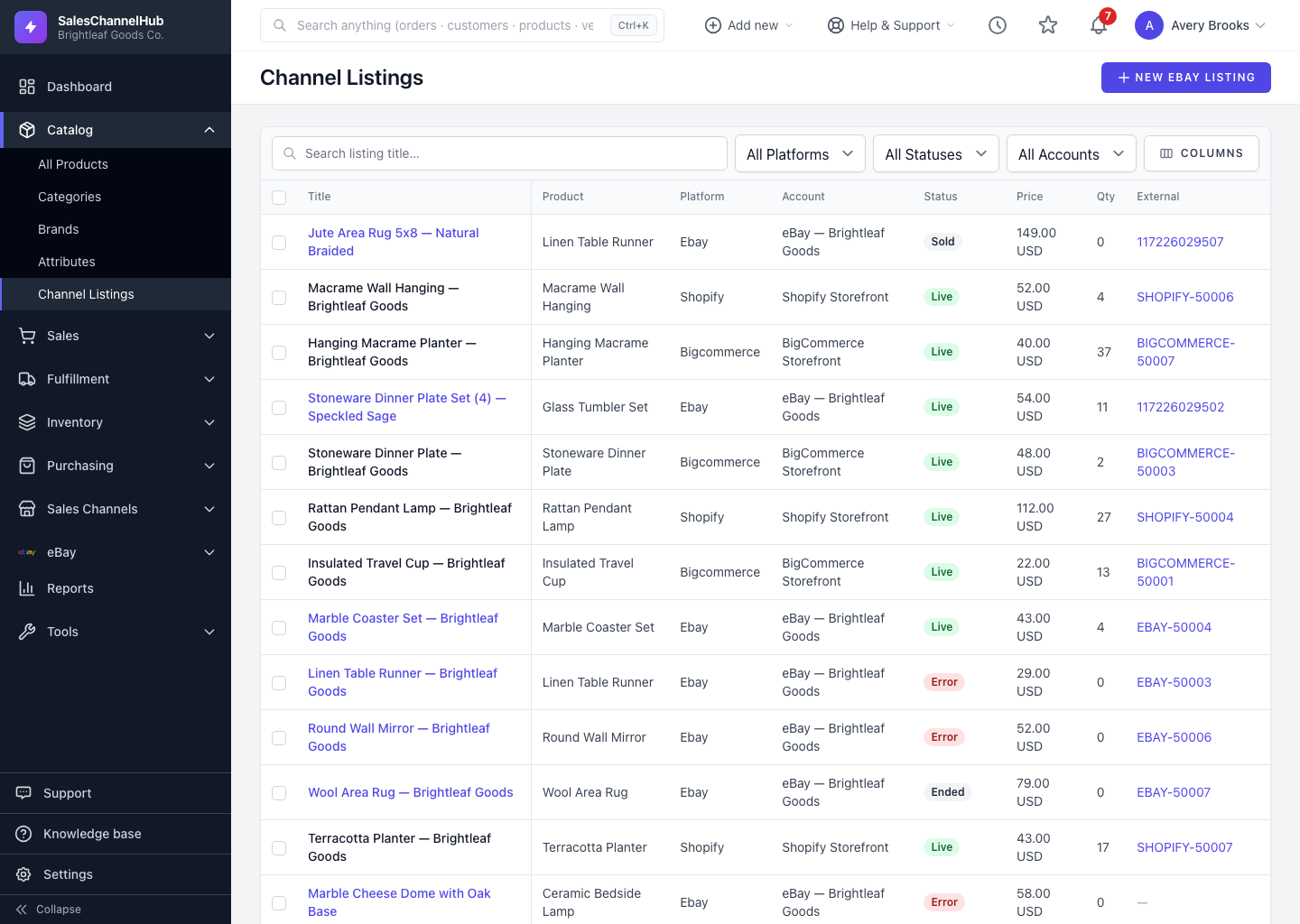
What does the Channels tab show?
- The Channel and its current Status (live, scheduled, error and so on).
- The channel Price, listed Qty and total units Sold.
- When the listing was Last synced.
How do I open it?
- Open a product and click the Channels tab.
- Review the table. If the product isn't listed anywhere yet, you'll see a prompt to list it.
- Click List on eBay to start a new listing where available.
What does an error status mean?
A red error status usually means a sync problem on that listing. Check the integration's logs to see what blocked it.
Tip. A product that's not listed anywhere shows “Not listed on any channel” in the hero panel, so you can spot un-listed stock at a glance.
Was this article helpful?