Organize your catalog
Categories, brands and attributes are the three building blocks that keep your product catalog tidy. You manage all three under Catalog.
Categories, brands and attributes are the three building blocks that keep a growing catalog organized. You manage all three from the Catalog group in the sidebar.
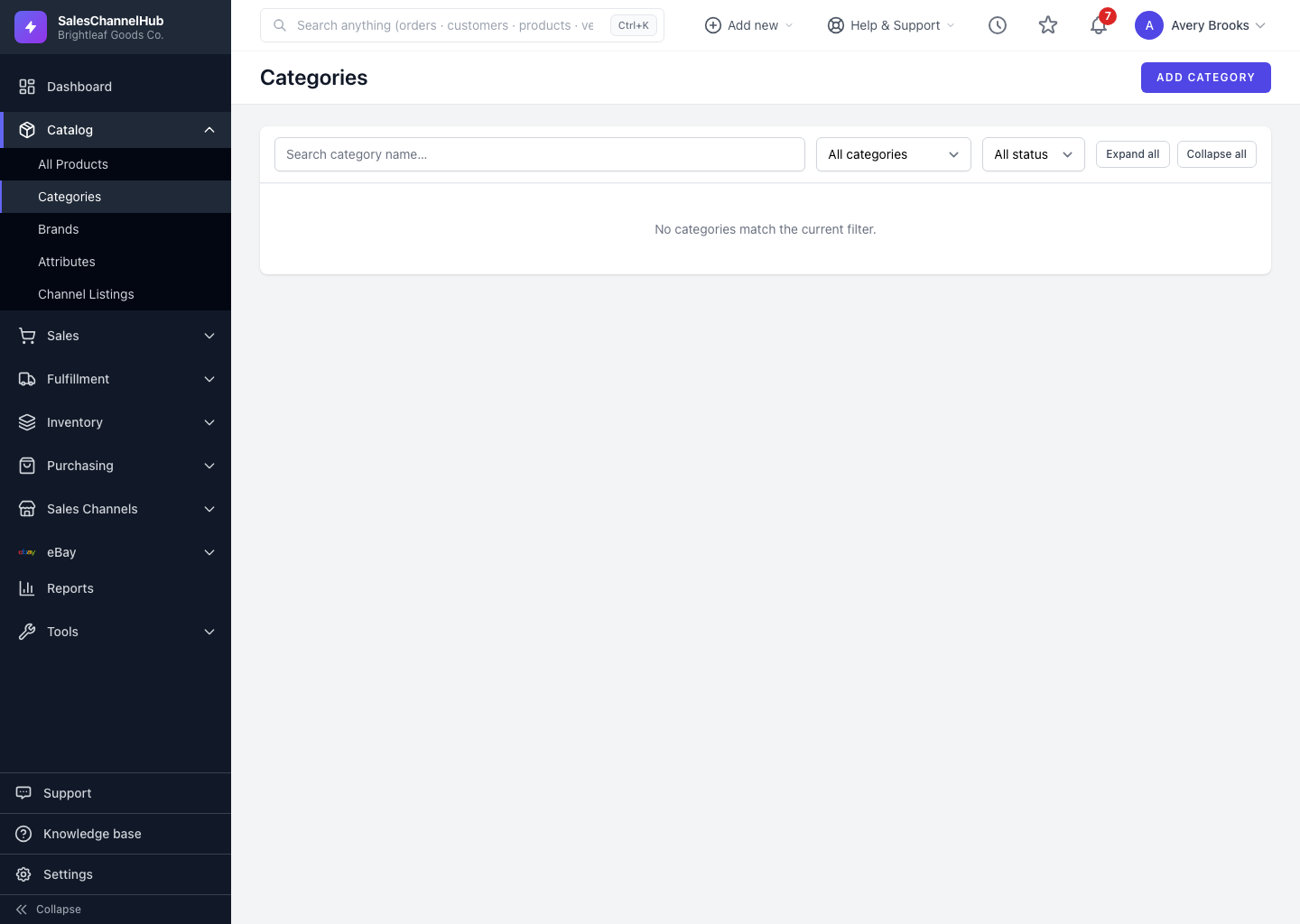
What does each one do?
- Categories group products into a browsable tree, such as Home & Garden > Planters > Ceramic. A product belongs to one category.
- Brands record who makes a product, with a logo, website, country of origin and SEO fields that can push out to your sales channels.
- Attributes are named characteristics like Color, Size and Material, whose values you combine to build product variants.
What order should I set them up in?
Set up a handful of broad categories and your core attributes first, then bulk-import products into that structure. Brands you can add as you go. Getting the skeleton right early saves a lot of clean-up later.
Tip. Reuse the same attribute everywhere it fits. One shared Color attribute keeps reporting and channel listings consistent across your whole catalog.
Was this article helpful?