Schedule a listing
In the Publishing panel, choose Schedule and pick a future date and time so the listing goes live on its own.
Scheduling lets you prepare a listing now and have it go live later, which is handy for timing a launch with a sale, a restock or peak buying hours.
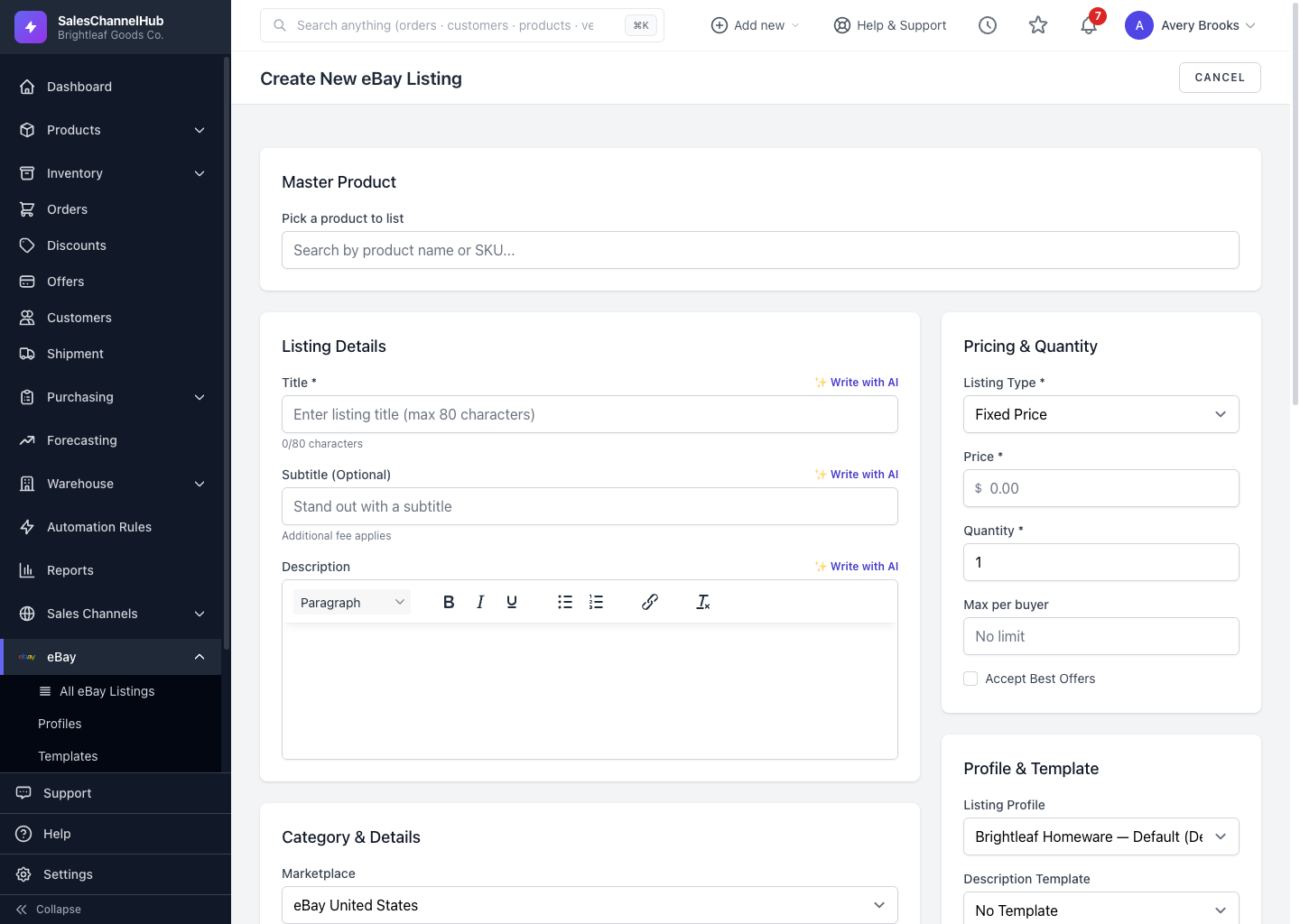
How do I schedule a listing?
- Create or edit a listing as normal.
- In the Publishing panel, choose Schedule.
- Pick a Schedule Date in the future.
- Save the listing. It now appears under Scheduled Listings.
How do I manage scheduled items?
Open Scheduled Listings to see everything queued by go-live time. Publish one early or edit its date from there.
Tip. The schedule date has to be in the future. A date in the past won't be accepted.
Was this article helpful?