Set usage limits and minimums
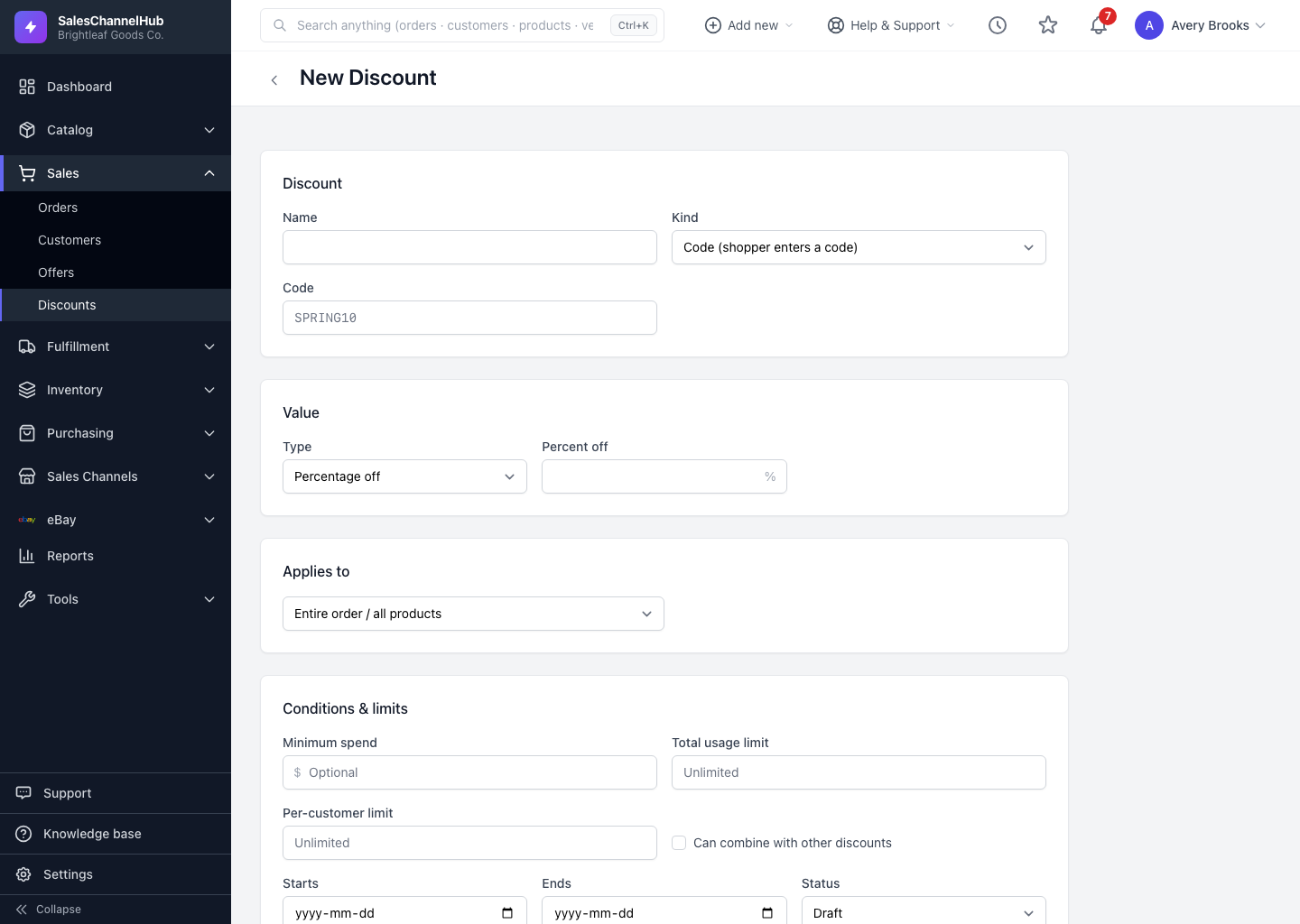
The Conditions & limits section caps redemptions and requires a minimum spend before a discount applies. Every field is optional.
The Conditions & limits section keeps a discount from being over-used or applied to tiny orders. Every field here is optional.
What can I set?
- Minimum spend — the order subtotal must reach this before the discount applies.
- Total usage limit — the maximum redemptions overall. Leave blank for unlimited.
- Per-customer limit — how many times a single shopper can use it.
- Can combine with other discounts — tick to let it stack with other active discounts; leave it off to keep it exclusive.
On the detail page, the Used figure shows redemptions so far, and Per customer shows the limit you set or Unlimited.
Tip. A per-customer limit of 1 turns any code into a one-time-per-shopper coupon, useful for welcome or win-back offers.
Common questions
What happens if I leave a limit blank?
It's unlimited. A blank Total usage limit means the discount never caps out, and a blank Per-customer limit lets each shopper use it as often as the store allows.
Will my discount stack with other coupons?
Only if you tick Can combine with other discounts. Left off, the discount is exclusive. How stacking actually behaves still depends on each store's own checkout rules.