Discount statuses explained
A discount's status controls whether it's live: Draft, Scheduled, Active, Disabled or Expired.
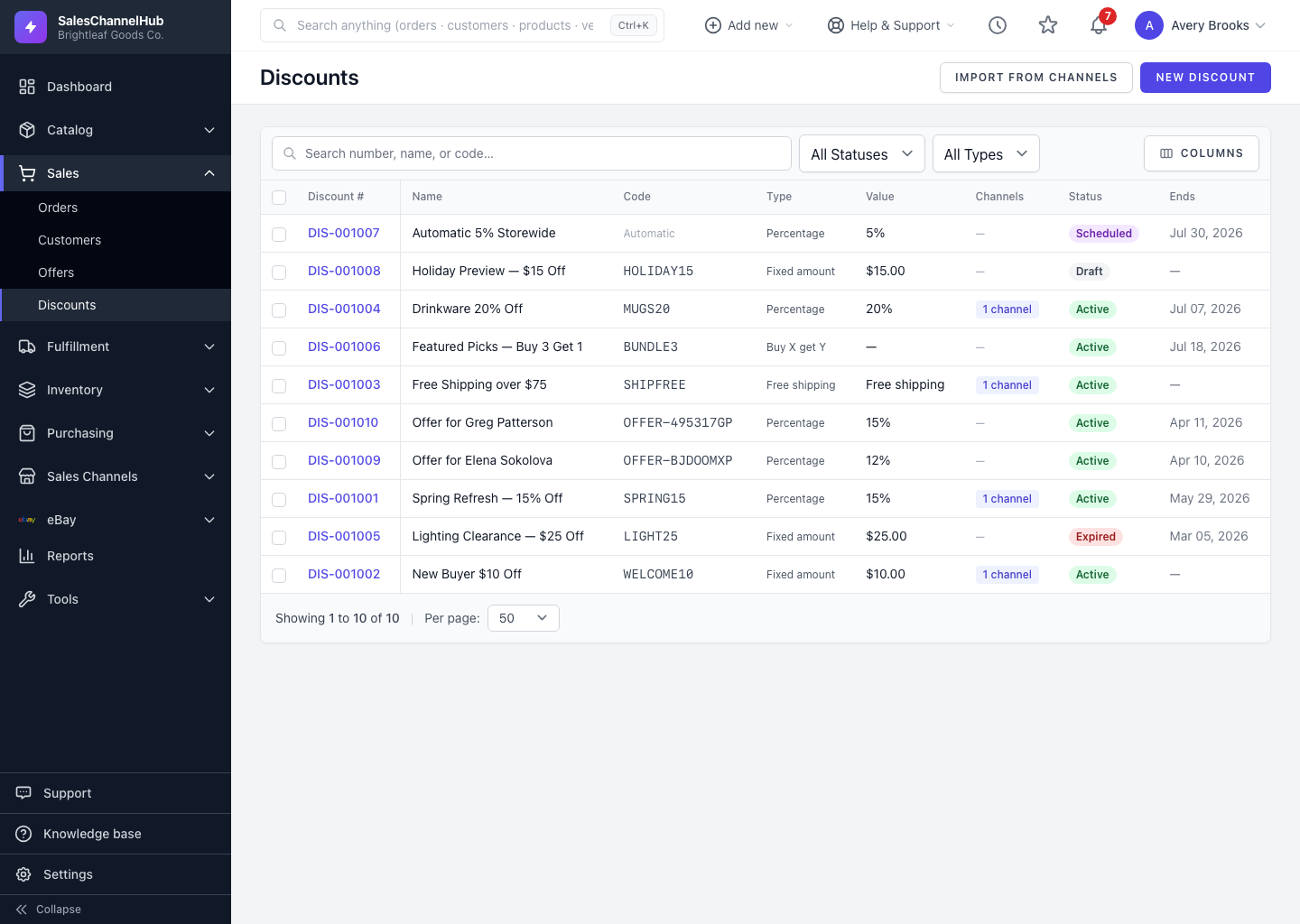
Every discount carries a status that controls whether it's live. You set it on the form and can see it in the list and on the detail page.
What does each status mean?
- Draft — a work in progress, not live anywhere yet. New discounts start here.
- Scheduled — set up and waiting for its start date to arrive.
- Active — live and redeemable on its channels.
- Disabled — manually paused. It stays configured and on its channels but won't redeem. Use this to pause without deleting.
- Expired — past its end date. This status is applied automatically; you can't set it yourself on the form.
Tip. To temporarily stop a coupon, switch it to Disabled rather than deleting. You keep its history and can switch it back to Active later.
Was this article helpful?