Sales channels: common questions
Quick answers to the questions sellers ask most about connecting channels, sync direction, errors, logs and reconnecting.
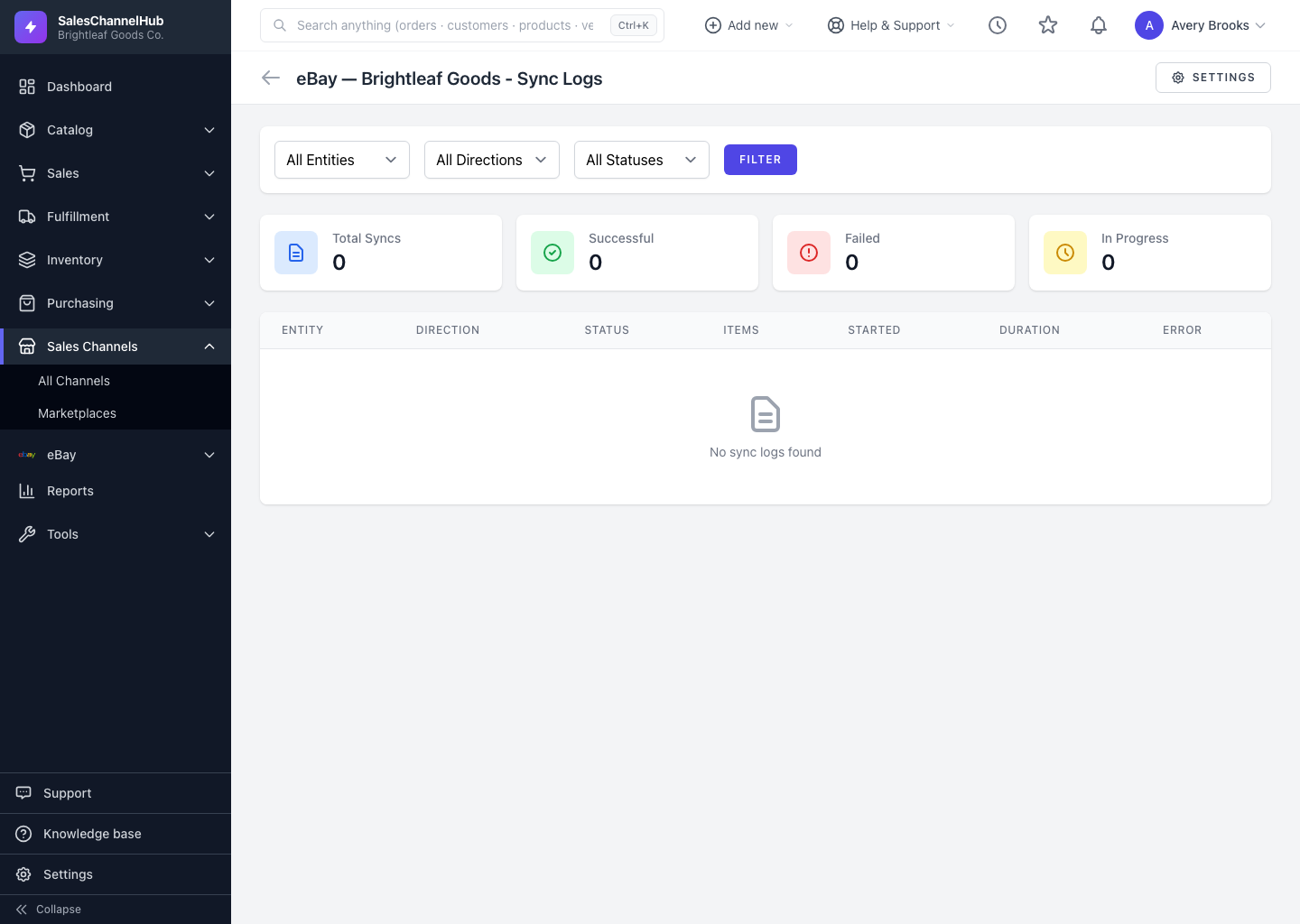
Quick answers to the things people ask most about sales channels and syncing. For step-by-step guides, see the articles above. When something isn't syncing, the connection's Logs page is the fastest first place to look.
Tip. Most integration hiccups come down to a paused connection, a setting that's switched off, or a record the channel rejected. The logs usually point straight at which one.
Common questions
A connection shows "Reconnect required." What do I do?
The channel rejected its access, often after a password or login change. Click Reconnect on the integrations page and re-run the authorise flow. Your data is kept.
A sync says it's "not supported" for this platform. Why?
Not every channel handles every entity. Etsy and TikTok Shop don't sync customers, for example. Sync a supported entity instead.
Nothing is importing. What should I check?
On the connection's Settings page, the matching Pull (and Create on pull) boxes need to be ticked. Save, then run a manual sync.
Stock isn't updating on the channel. Why?
Check that Push inventory is on for that connection. Without it, stock changes here aren't sent out.
Some records failed to sync. How do I fix them?
Open the connection's Sync Errors page to see why each failed. Fix the source record, then Retry it or Mark as Resolved.
A sync looks stuck. Is it broken?
Probably not. Syncs run in the background and the Logs page auto-refreshes while a run is In Progress. Large catalogues simply take longer.
QuickBooks invoices aren't pushing. Why?
Every required chart-of-accounts mapping must have an account selected, and the master Enable Invoice Push toggle must be on.