Create a fixed-amount discount
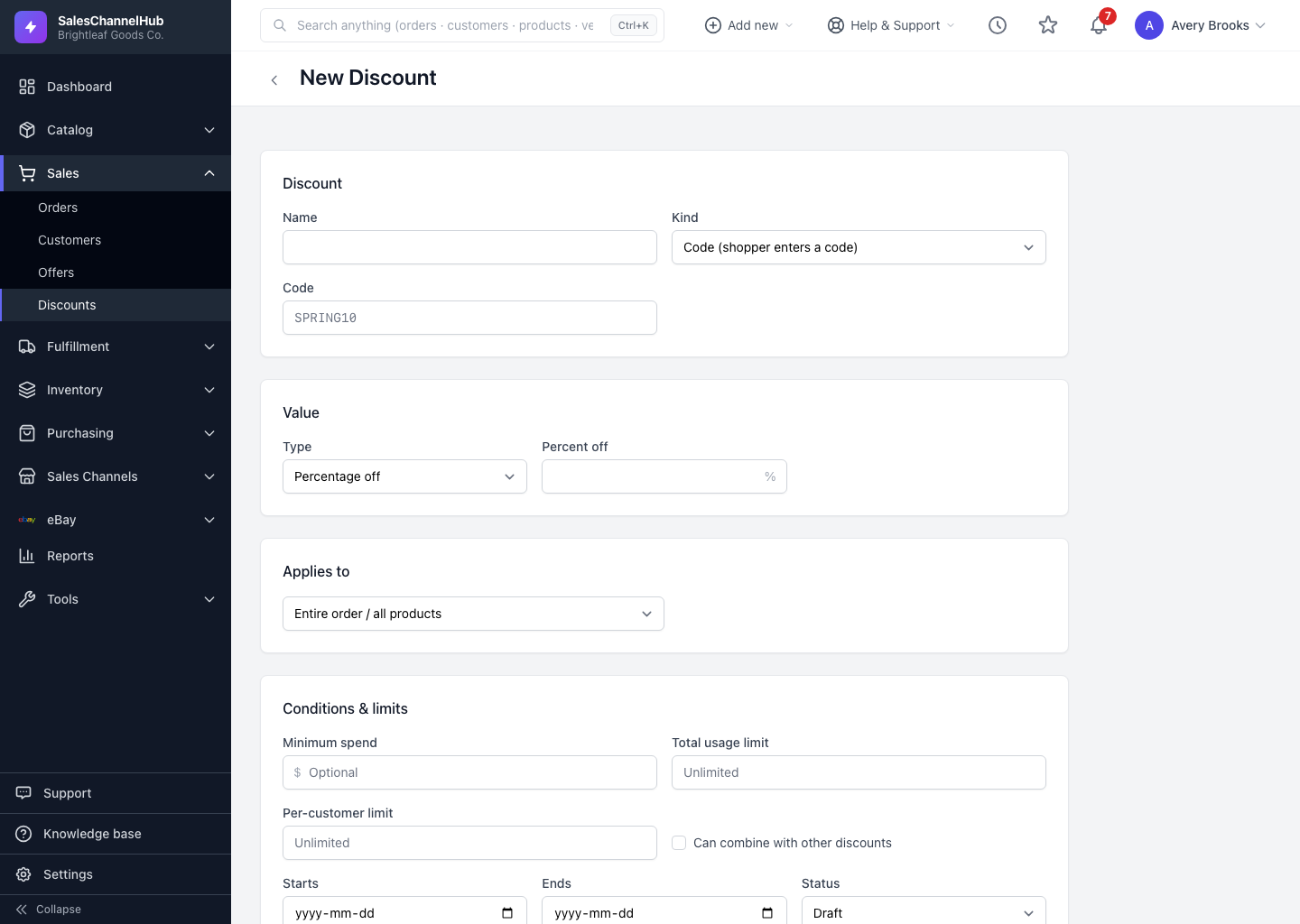
Set the value Type to Fixed amount off and enter a dollar figure, like $20 off an order or a specific product.
A fixed-amount discount knocks a set dollar value off the price, for example $20 off. Use it when you want the saving to be a predictable number rather than a percentage.
How do I set up a fixed-amount discount?
- On a new discount, set Type to Fixed amount off under Value.
- Enter the dollar figure in Amount off. The field shows a $ symbol and accepts cents.
- Set the scope if the amount should apply to specific products or categories rather than the whole order.
- Add a Minimum spend so the saving can't exceed the basket value.
- Choose channels and save.
Tip. Always set a minimum spend on a fixed-amount discount. A $20-off coupon on a $15 order can otherwise zero out the total on some channels.
Was this article helpful?