


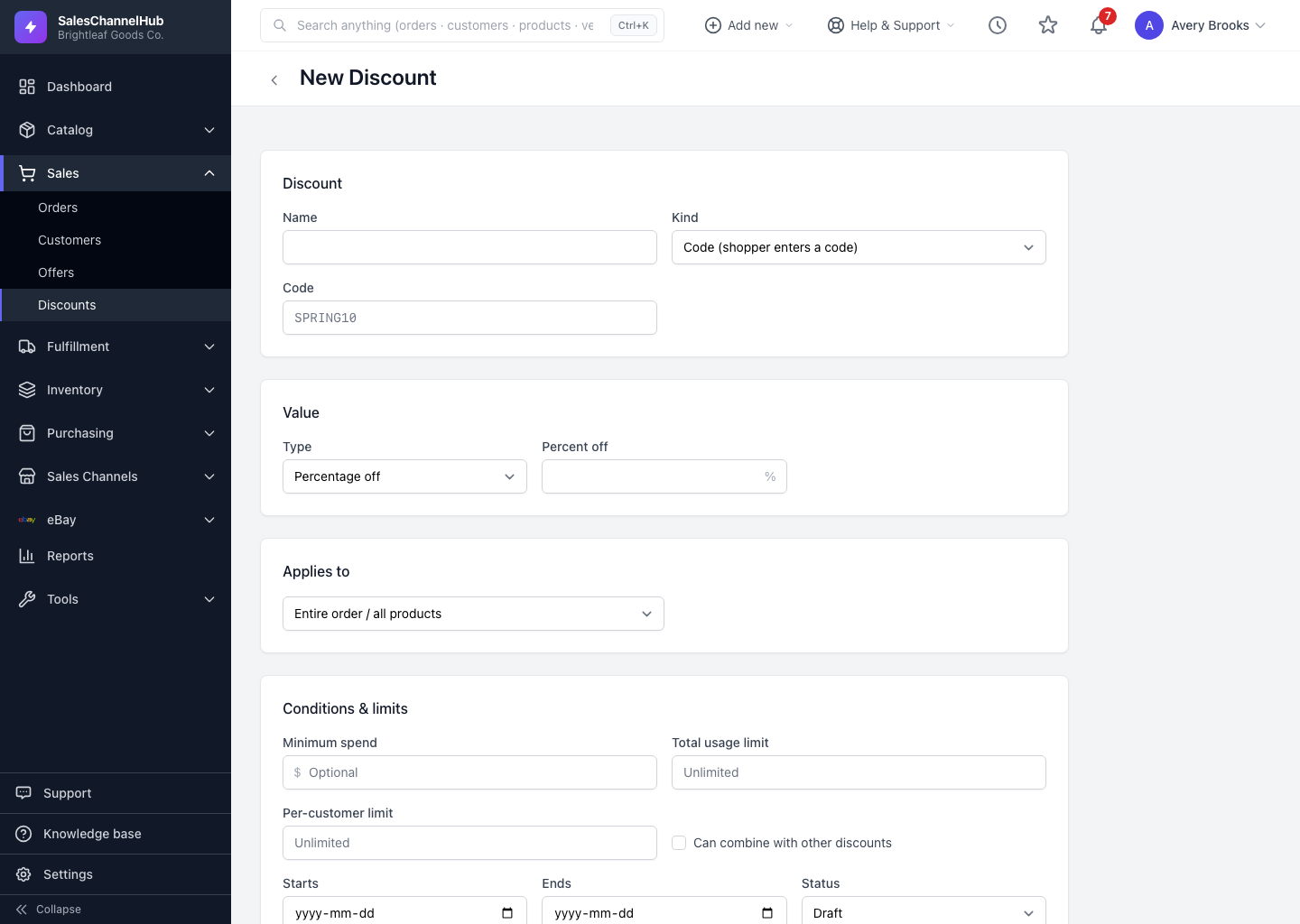
Every discount is one of two kinds, set near the top of the form. The choice changes how a shopper receives the saving.
What are the two kinds?
- Code (shopper enters a code) — the shopper types a code like SPRING10 at checkout. Use this to share a specific code in an email, on social, or with one customer. The code field appears once you pick this kind.
- Automatic (applied at checkout) — the saving applies on its own when the cart meets the conditions, with nothing to type. Use this for a store-wide sale.
In the list and on the detail page, code discounts show their code; automatic ones are labelled Automatic.
Tip. Codes are easier to attribute per campaign because the code shows on each order. Automatic discounts are smoother for the shopper but harder to track.
Was this article helpful?