Manage email suppressions
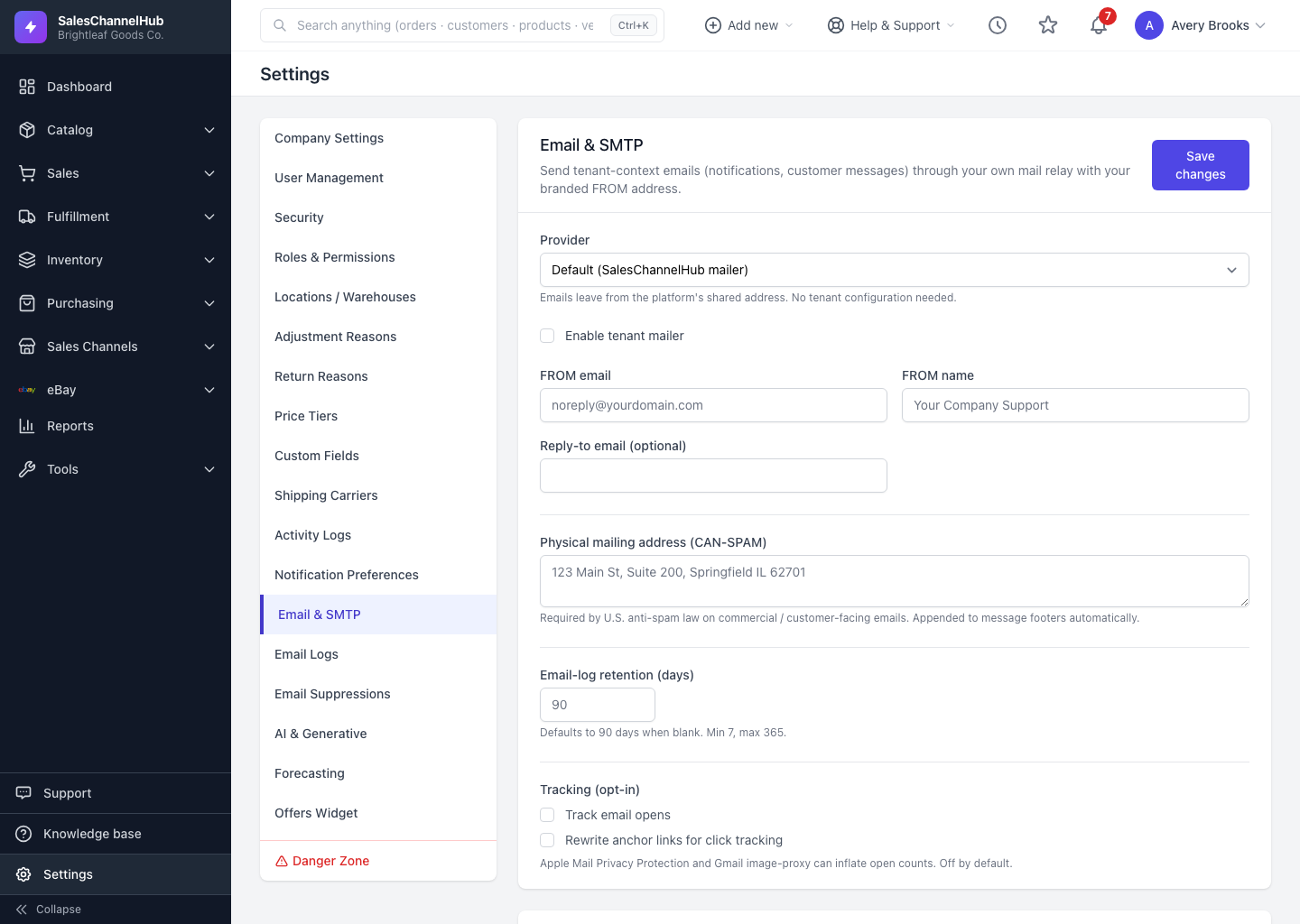
Settings → Email Suppressions lists addresses your account won't email. Filter by reason, release an address, or add a suppression manually.
The suppression list holds addresses your account won't email: people who unsubscribed, hard bounces, and spam complaints. Sending to them is skipped automatically to protect your sender reputation.
What can I do on the suppression list?
- Open Settings → Email Suppressions to browse the list.
- Filter by Reason (Unsubscribe, Hard bounce, Soft bounce, Spam complaint, Manual, Invalid address) or search by email.
- Click Release on a row to let that address receive email again.
- Use Add a suppression manually to block an address yourself, optionally limited to one notification class.
Tip. Only release an address if you're confident the bounce or complaint was a one-off. Repeatedly emailing complainers can get your domain blocked.
Common questions
A customer says they're not getting our emails. What do I check?
Search their address on Email Suppressions. If it's listed, the Reason shows why (bounce, complaint or unsubscribe). Release it only if the cause is resolved.
Is releasing an address safe?
Only if the original problem is fixed. Releasing a hard bounce or a complainer and emailing them again can damage your domain's reputation.