Choose the dashboard date range
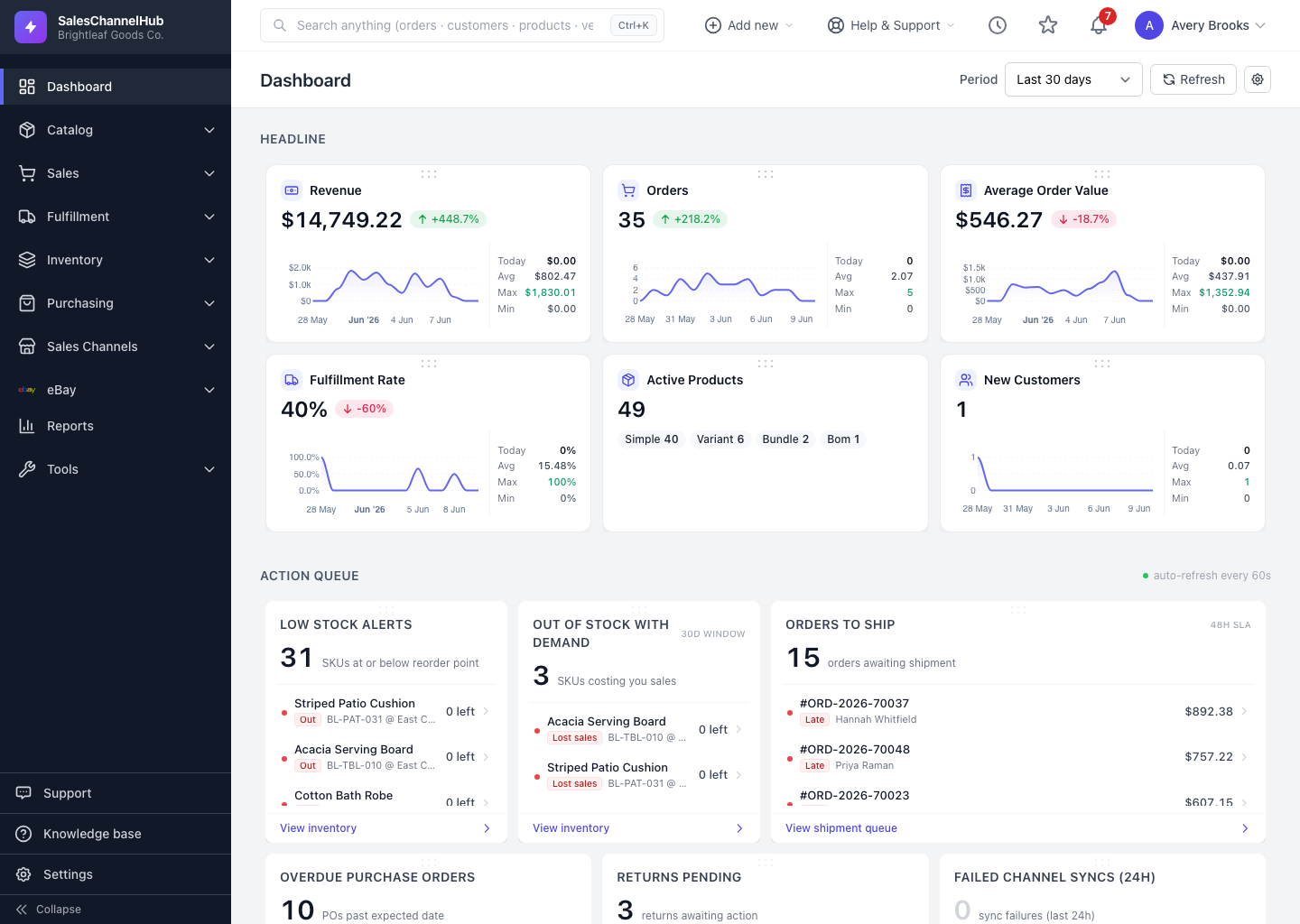
Use the Period dropdown at the top right to switch the dashboard between Today, Last 7 days, Month to date and more.
To change the period the dashboard reflects, use the Period dropdown at the top right. It stays visible as you scroll.
How do I change the date range?
- Open the Period dropdown at the top of the dashboard.
- Pick a range: Today, Last 7 days, Last 30 days, Month to date, Quarter to date or Year to date.
- The headline cards, charts and list widgets recalculate for that range.
- Click Refresh beside the selector to pull the latest figures without reloading the page.
Tip. Set a Default period in dashboard settings (the gear icon) so the dashboard always opens on the range you check most.
Was this article helpful?